✨ New Arrivals Just Dropped!Explore
11-in-1 Docking Station
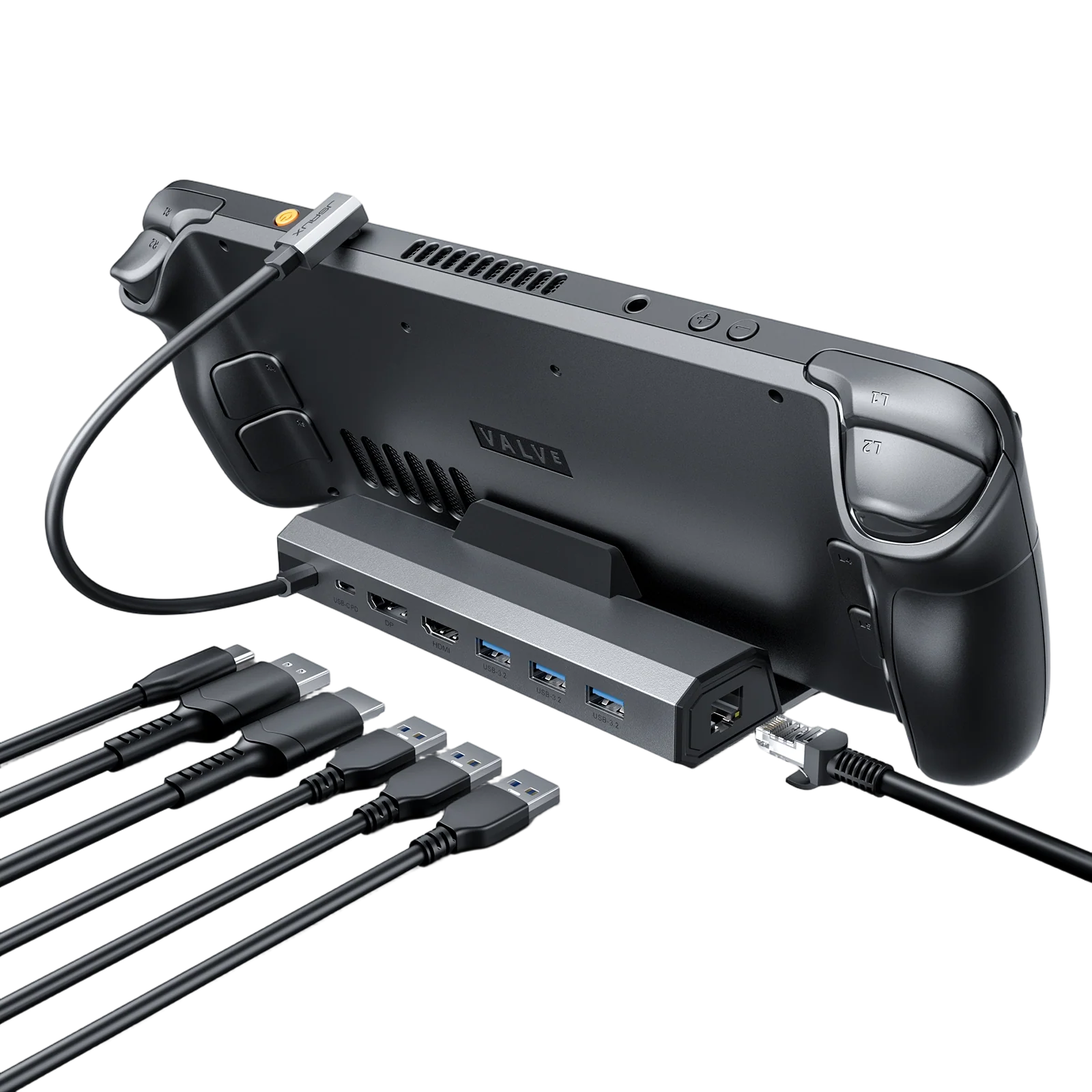
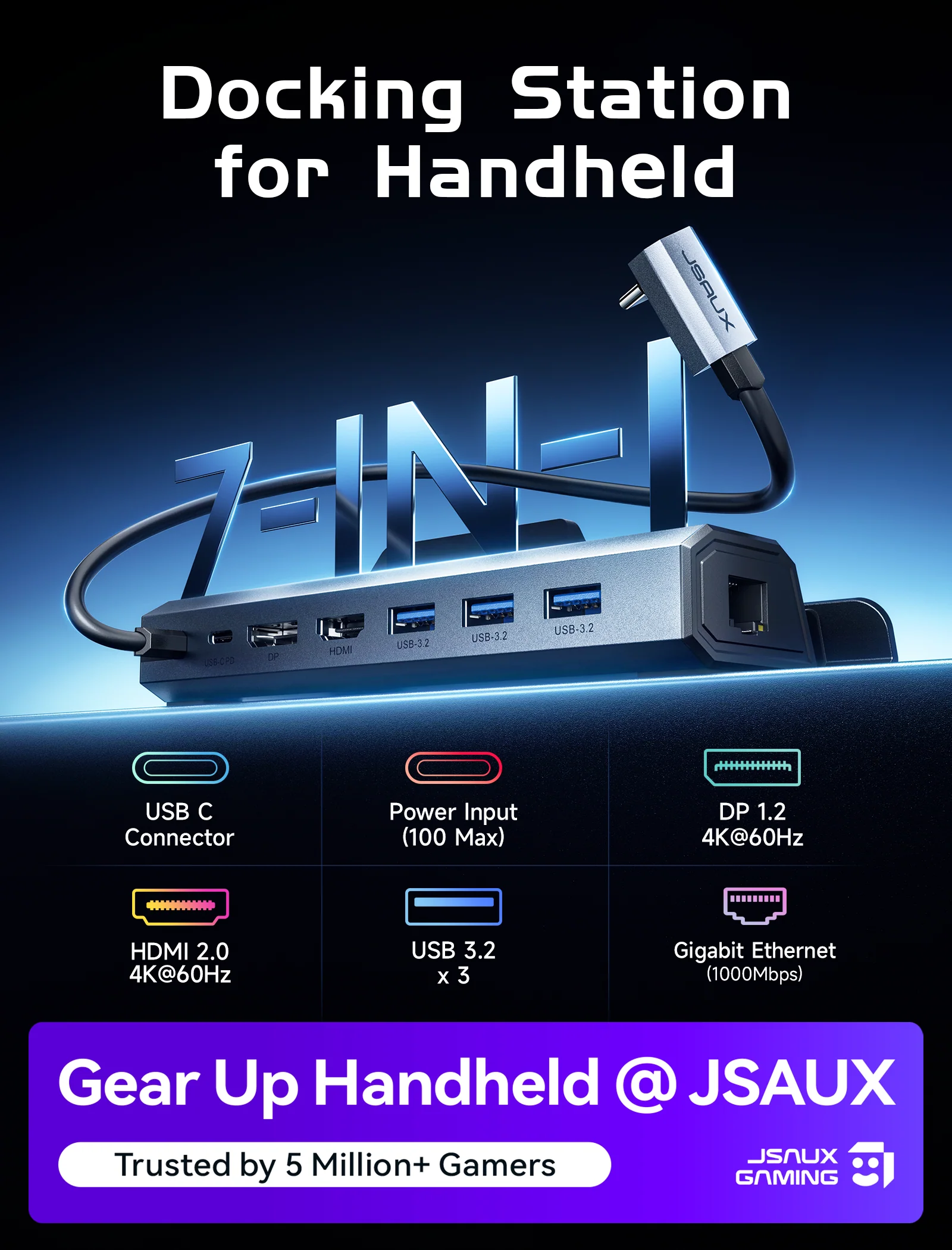
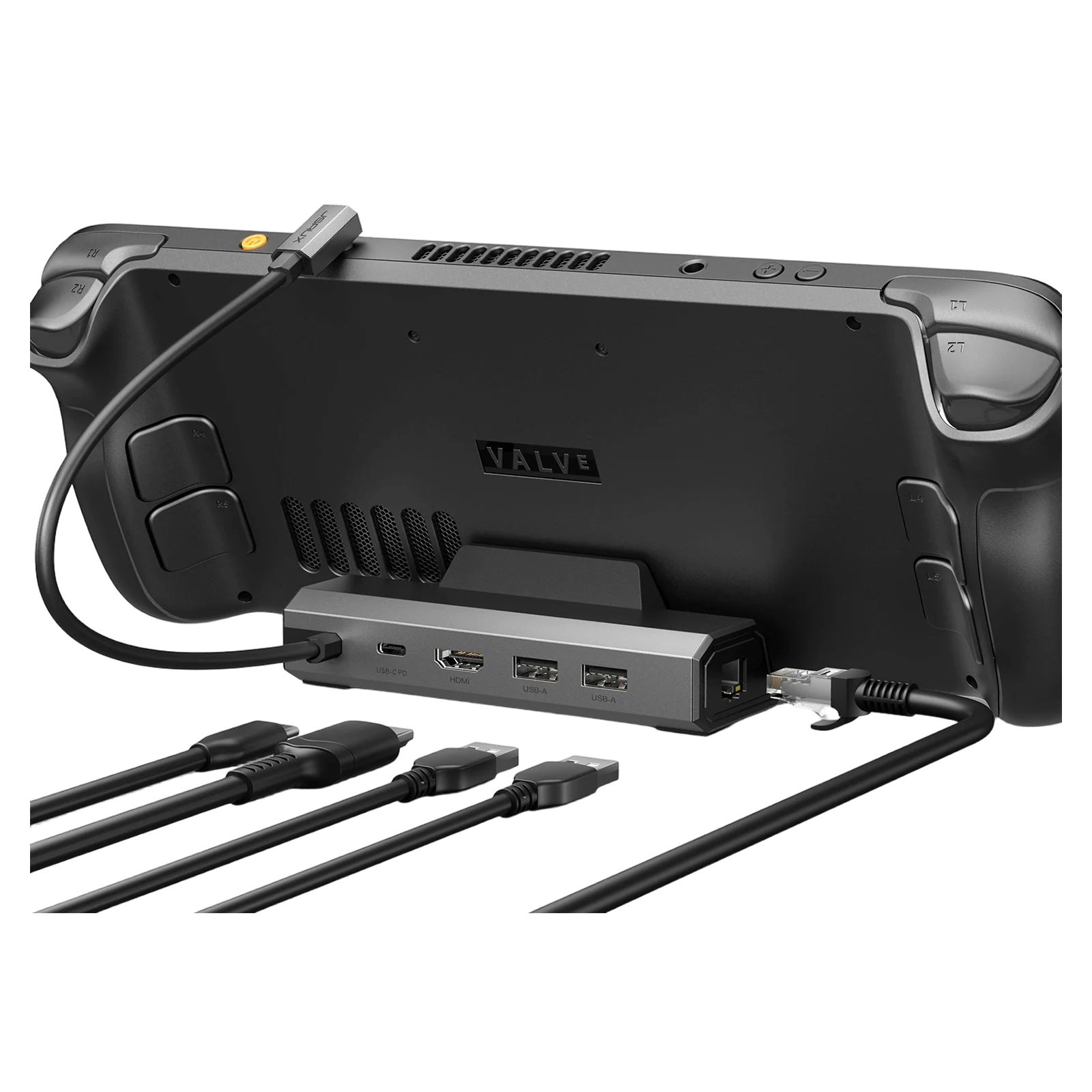
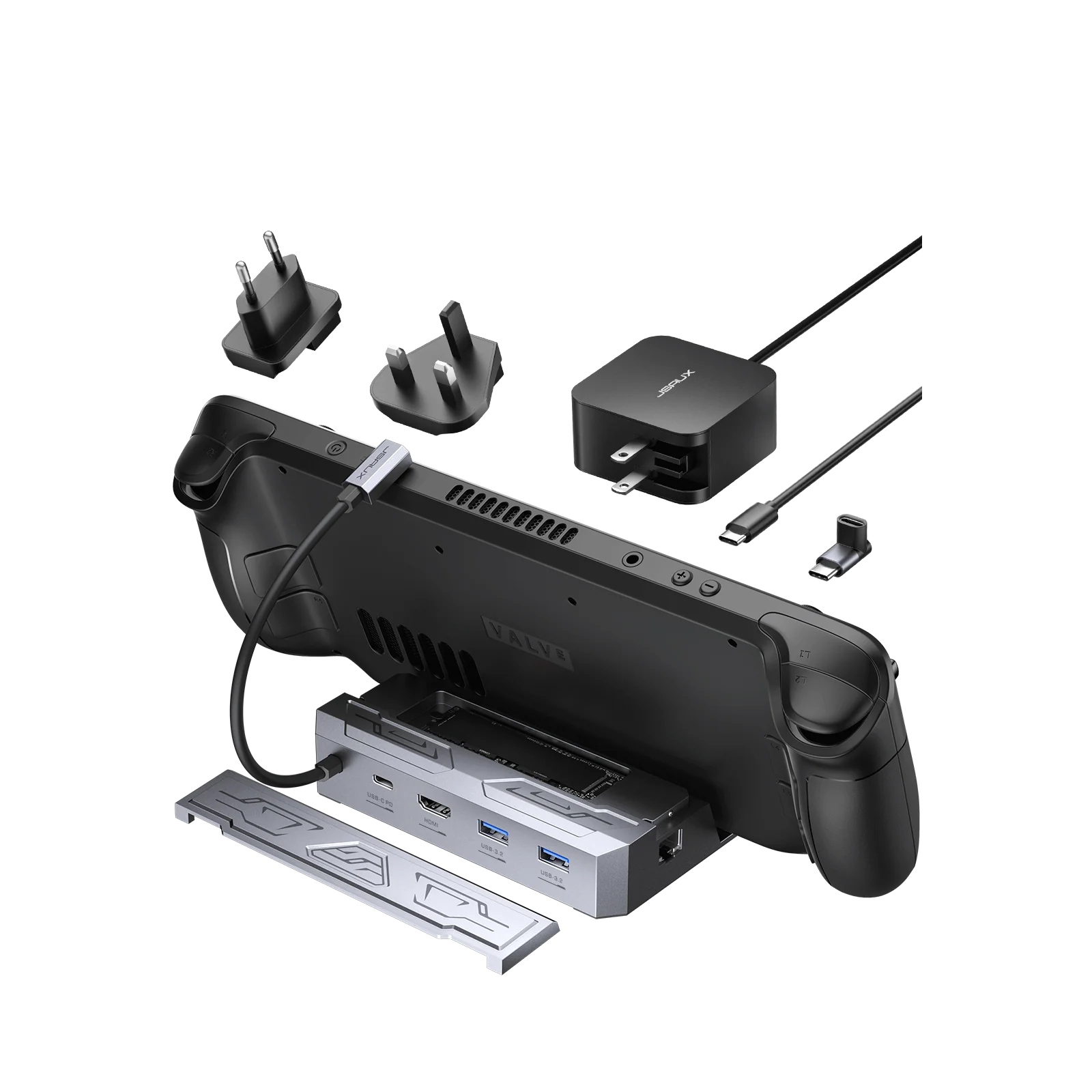
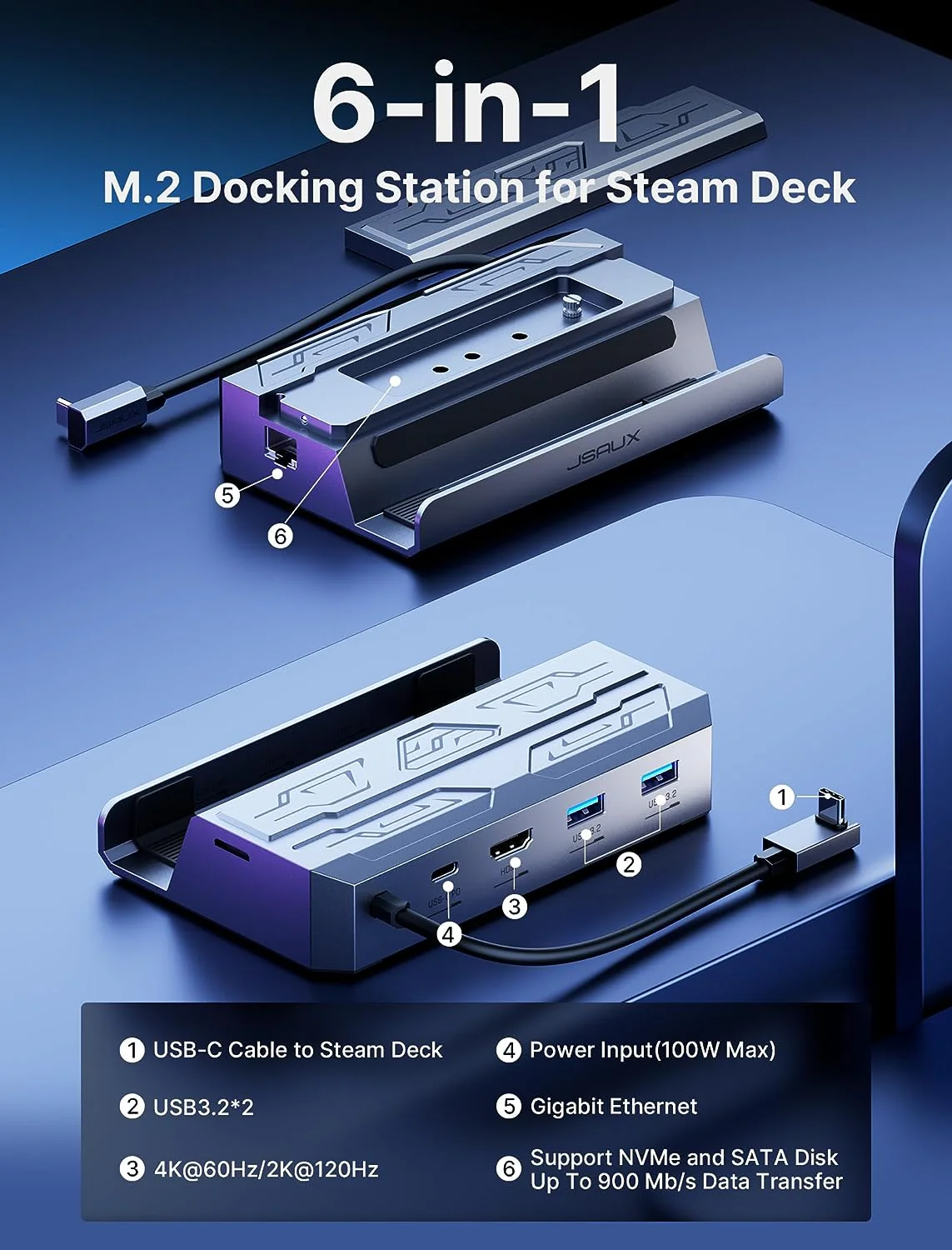
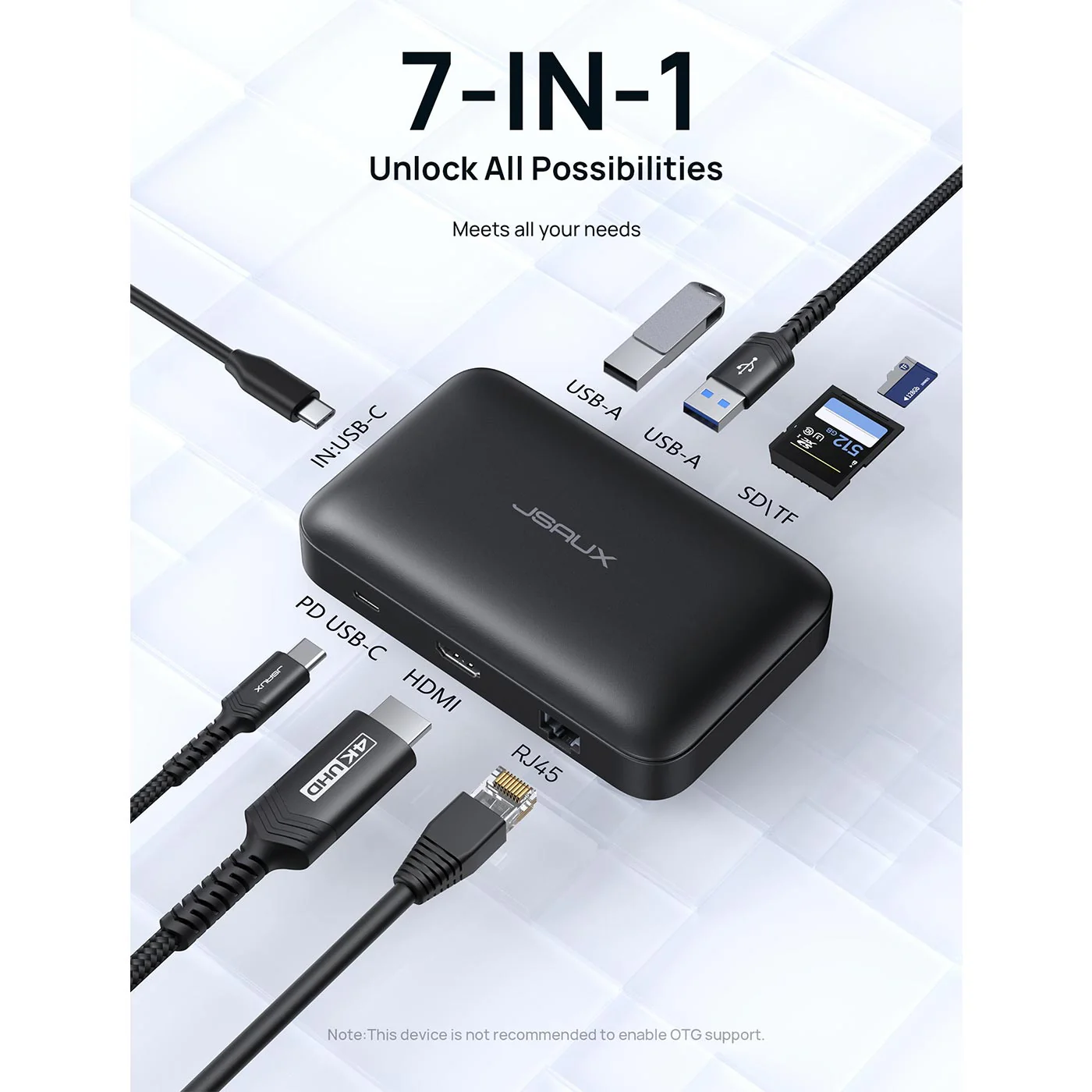
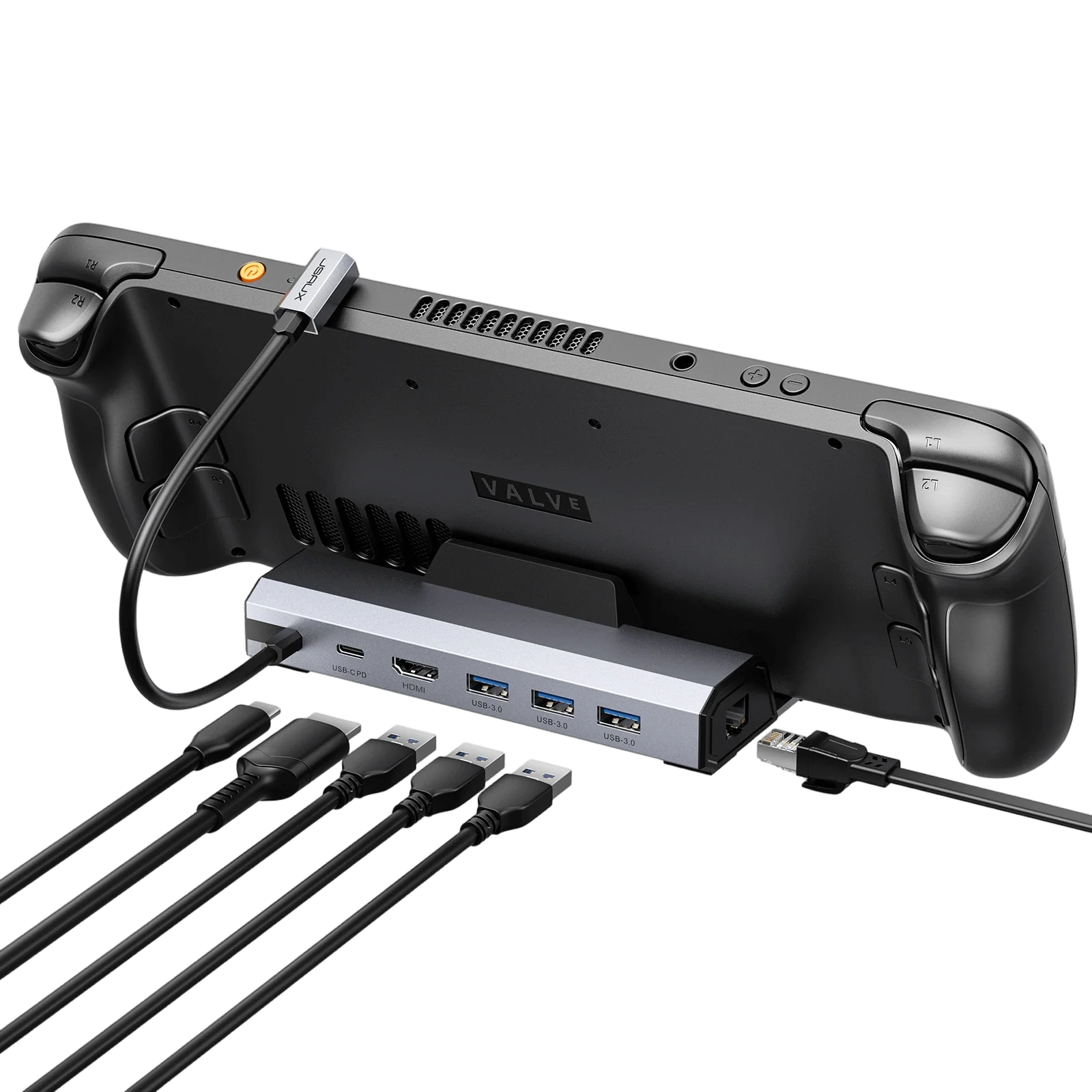
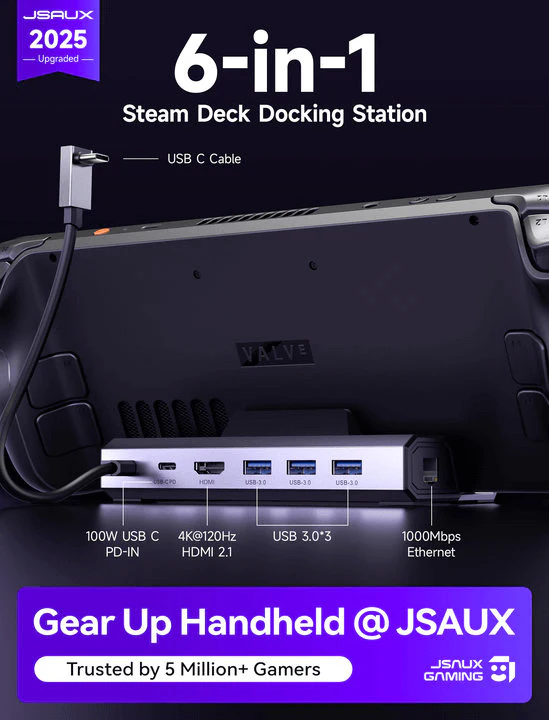
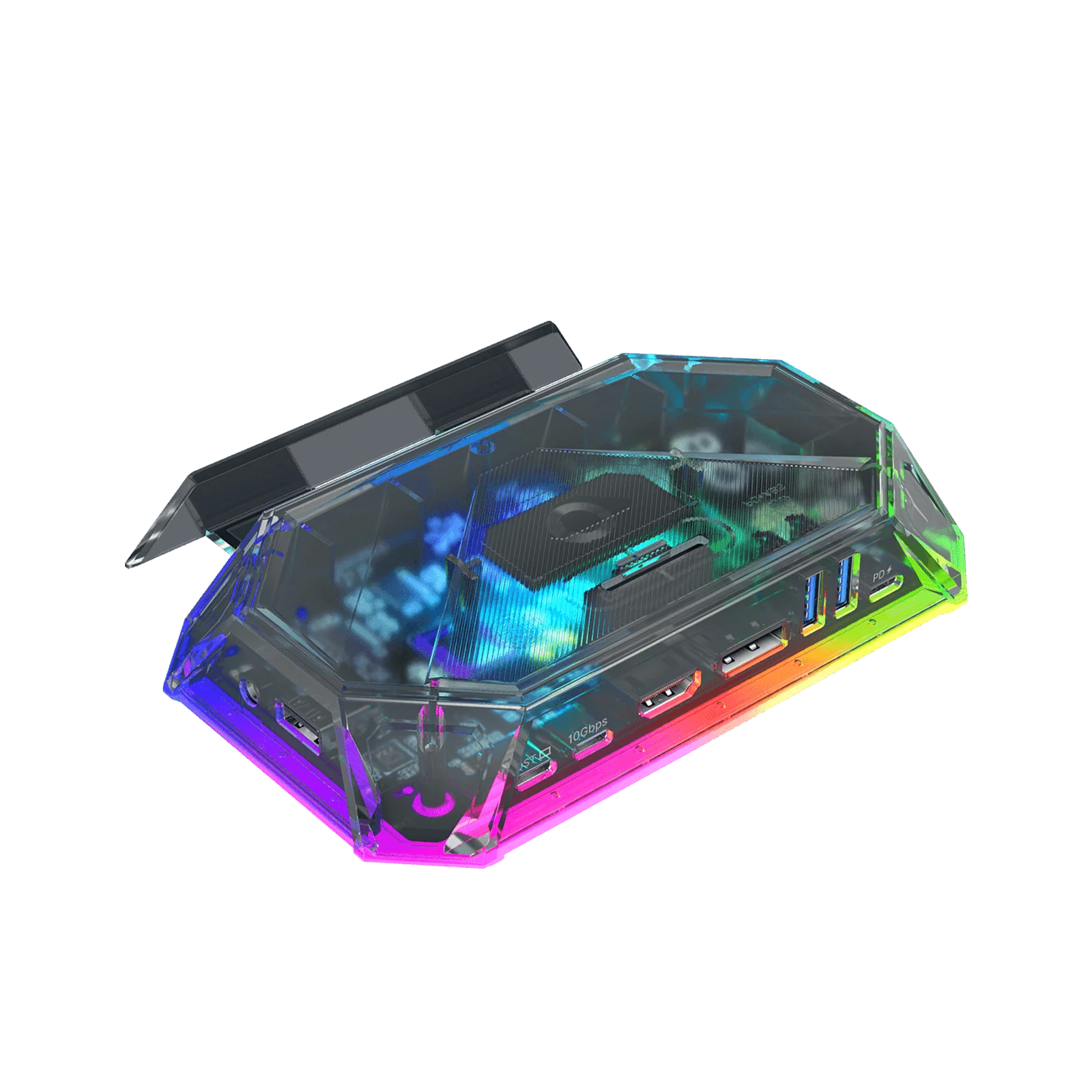
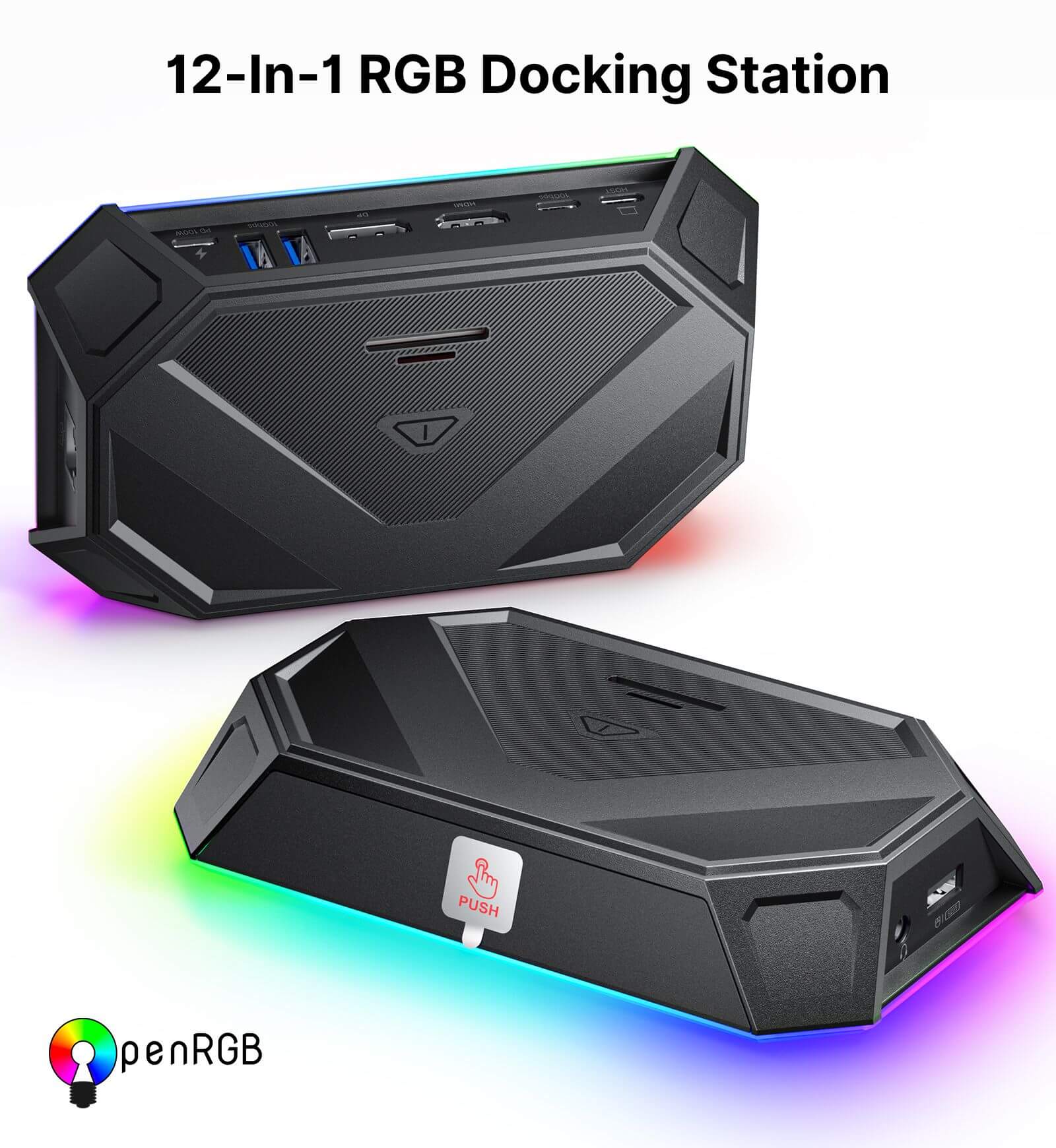
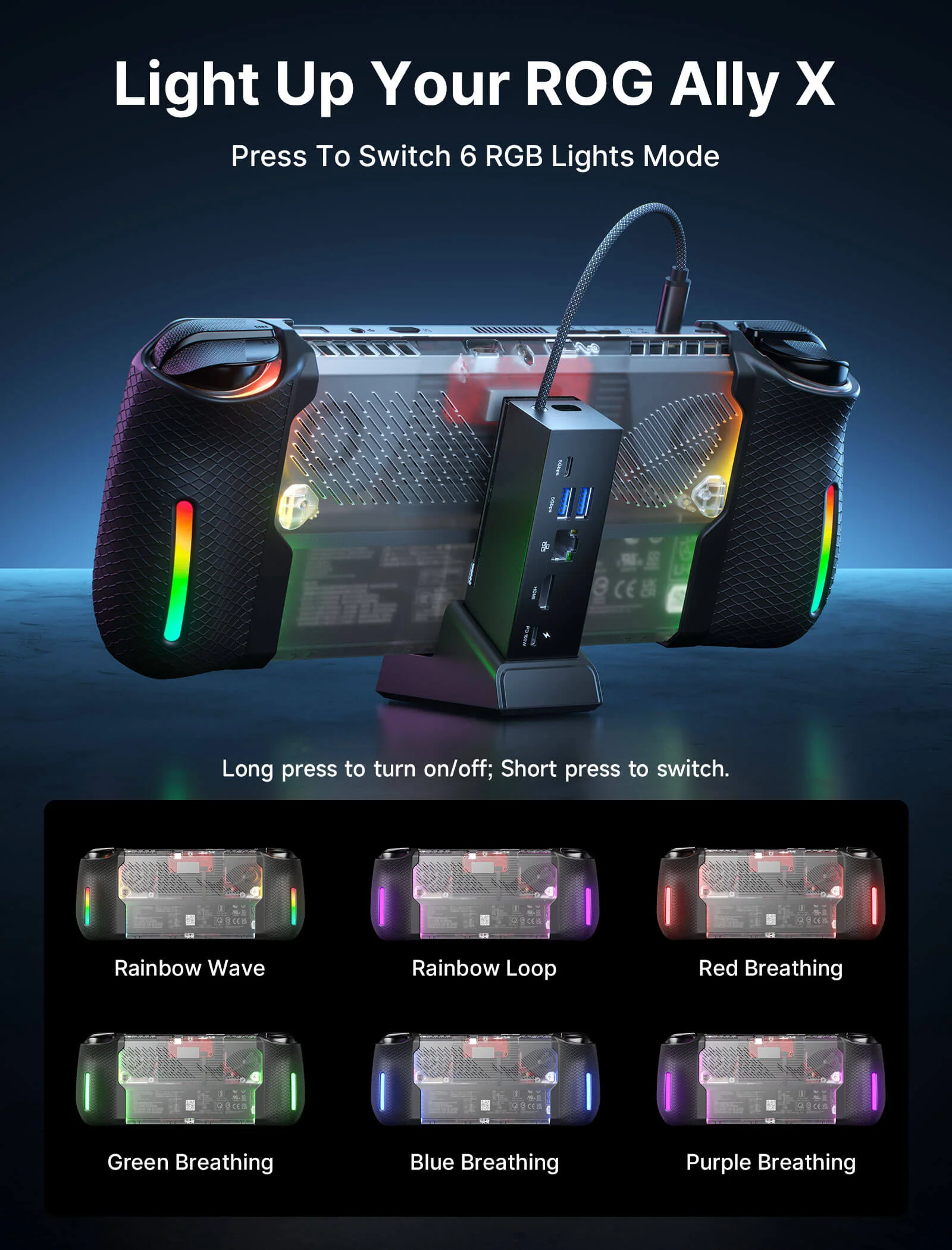
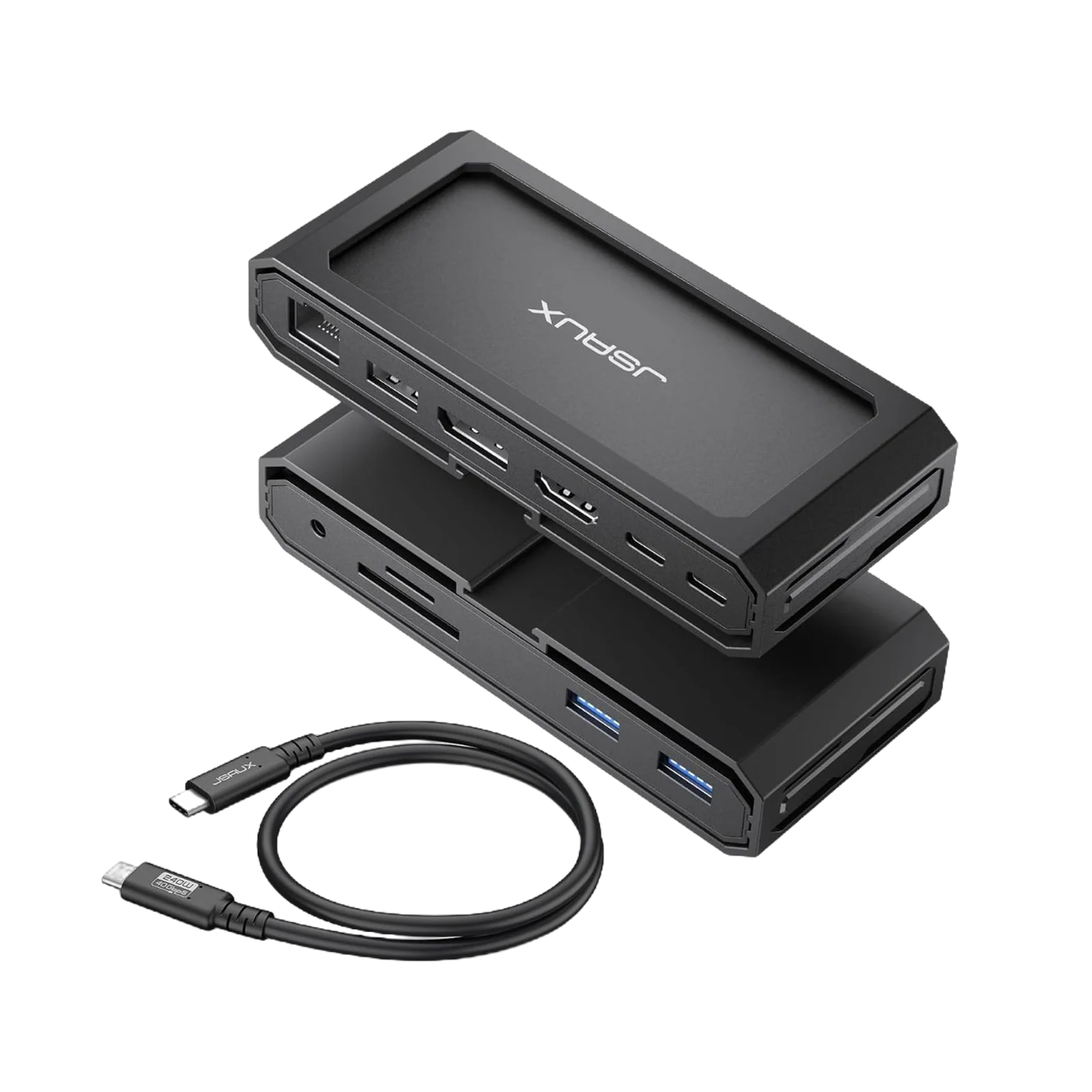
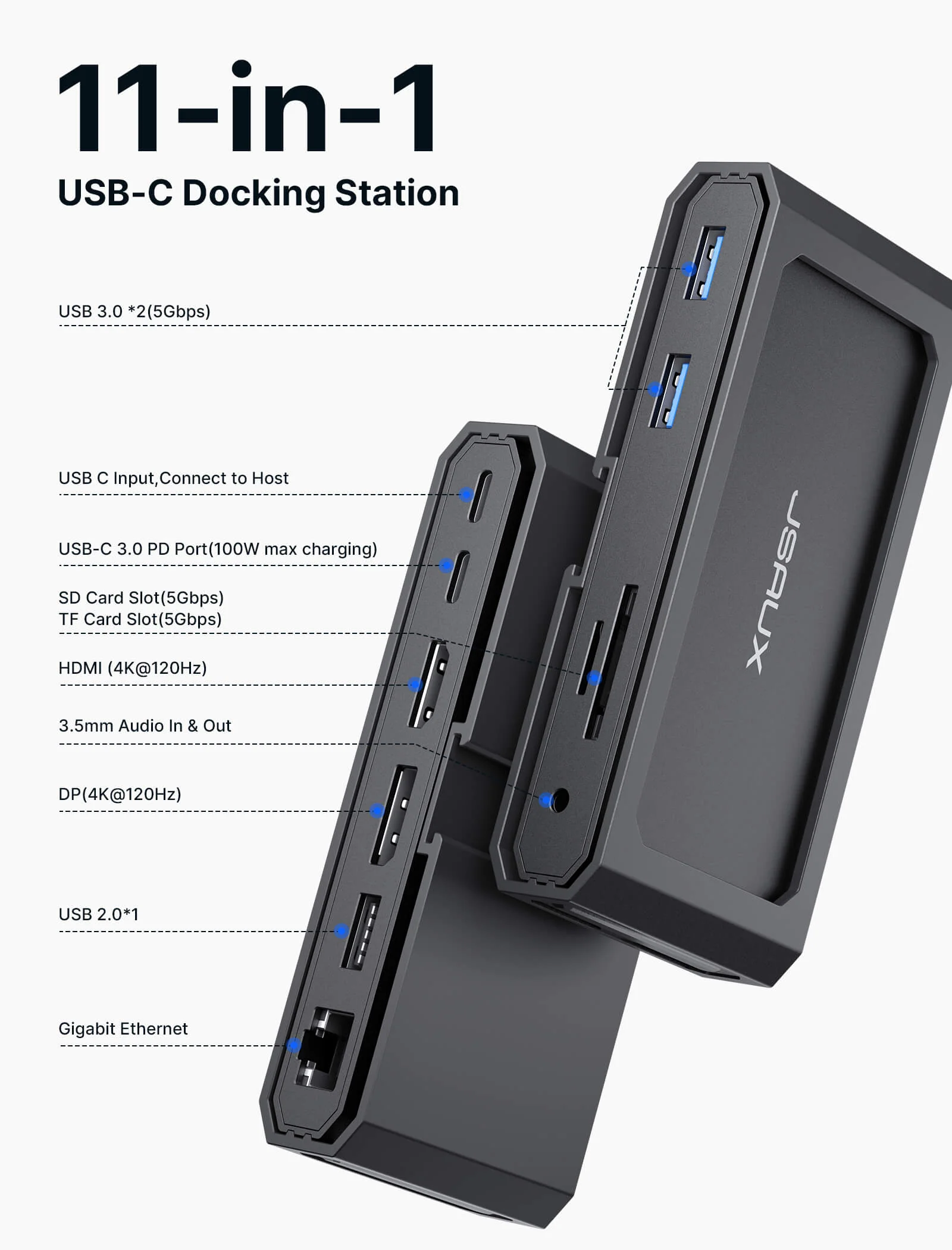
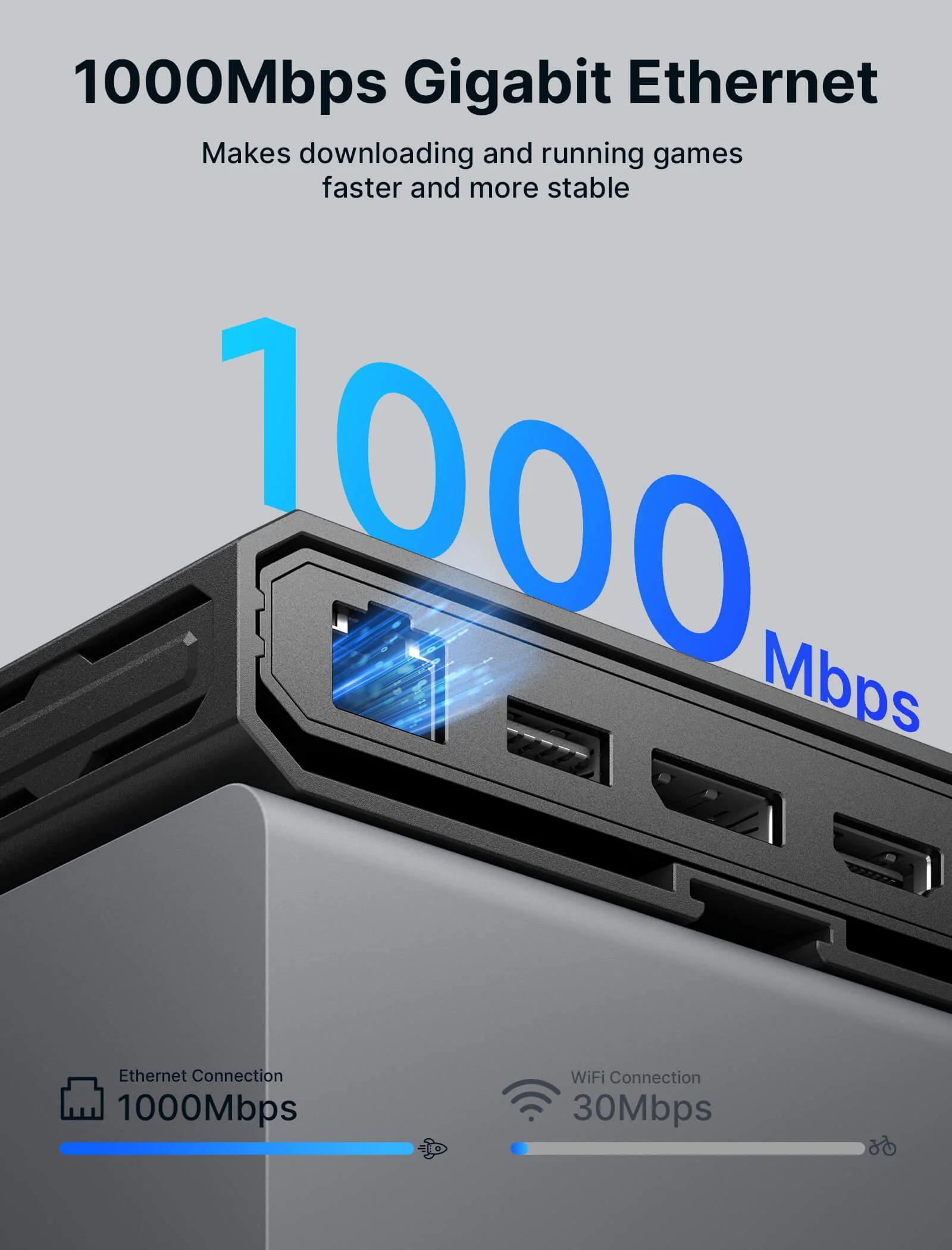
- 【11-in-1 USB C Docking Station 】Built for handheld gaming and laptop setups: connect one dock to add big screen display, wired internet, and your favorite peripherals in one place. Includes a USB C to USB C 3.2 cable, Gigabit Ethernet, HDMI and DisplayPort, USB C data, two USB A 3.0 ports up to 5 Gbps, one USB A 2.0 port for keyboard, mouse, or controller receiver, SD and TF reader up to 104 MB per second, and a 3.5 mm Mic and Audio jack for headset and voice chat
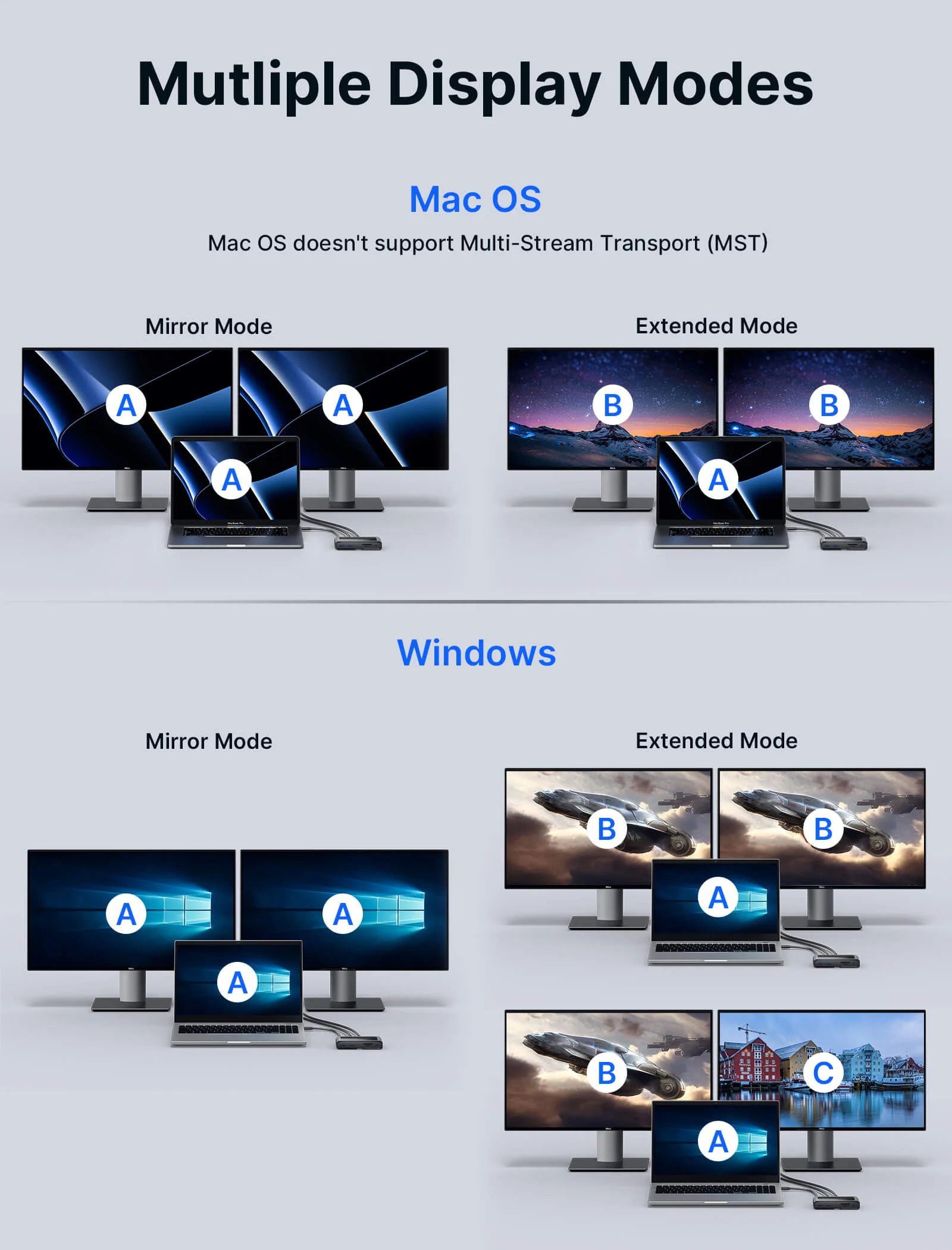
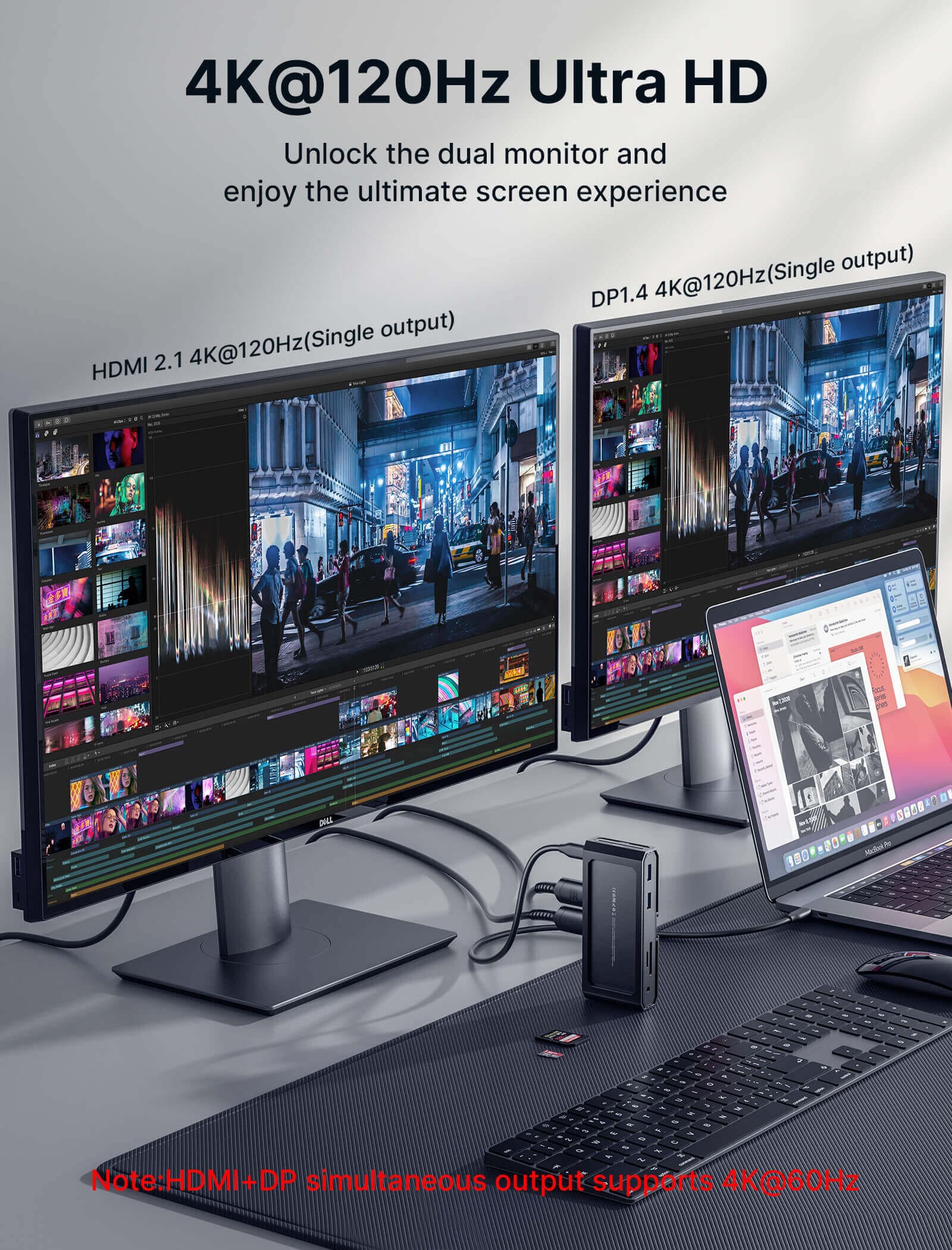
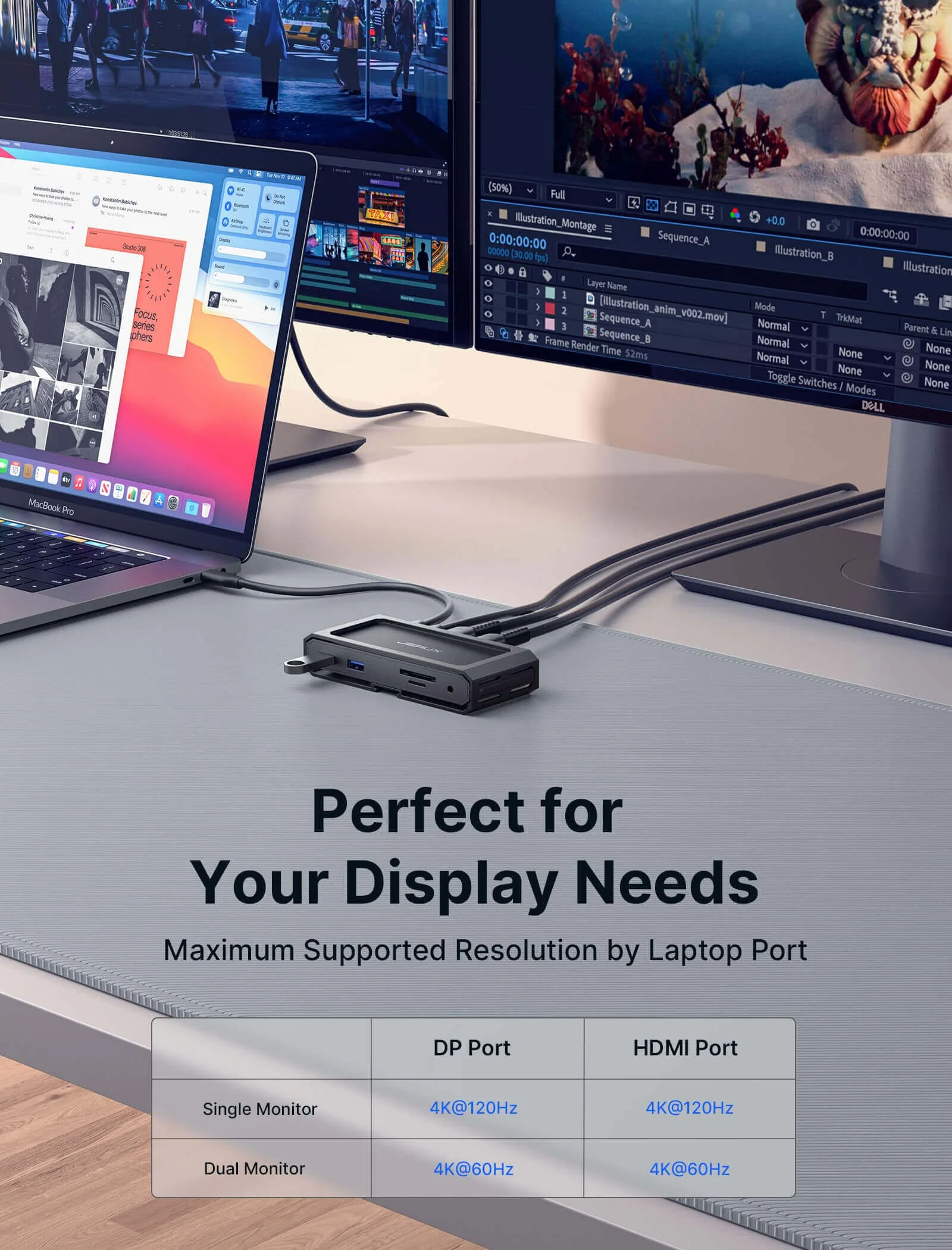
- 【8K Single or 4K Dual Display Docking Station】Clear display rules for smoother setup: use HDMI or DisplayPort for single display up to 8K at 30Hz, or use HDMI plus DisplayPort for dual displays up to 4K. For video output, the host device must support USB C video output and DP Alt Mode. Actual resolution depends on your device, cable, and monitor support
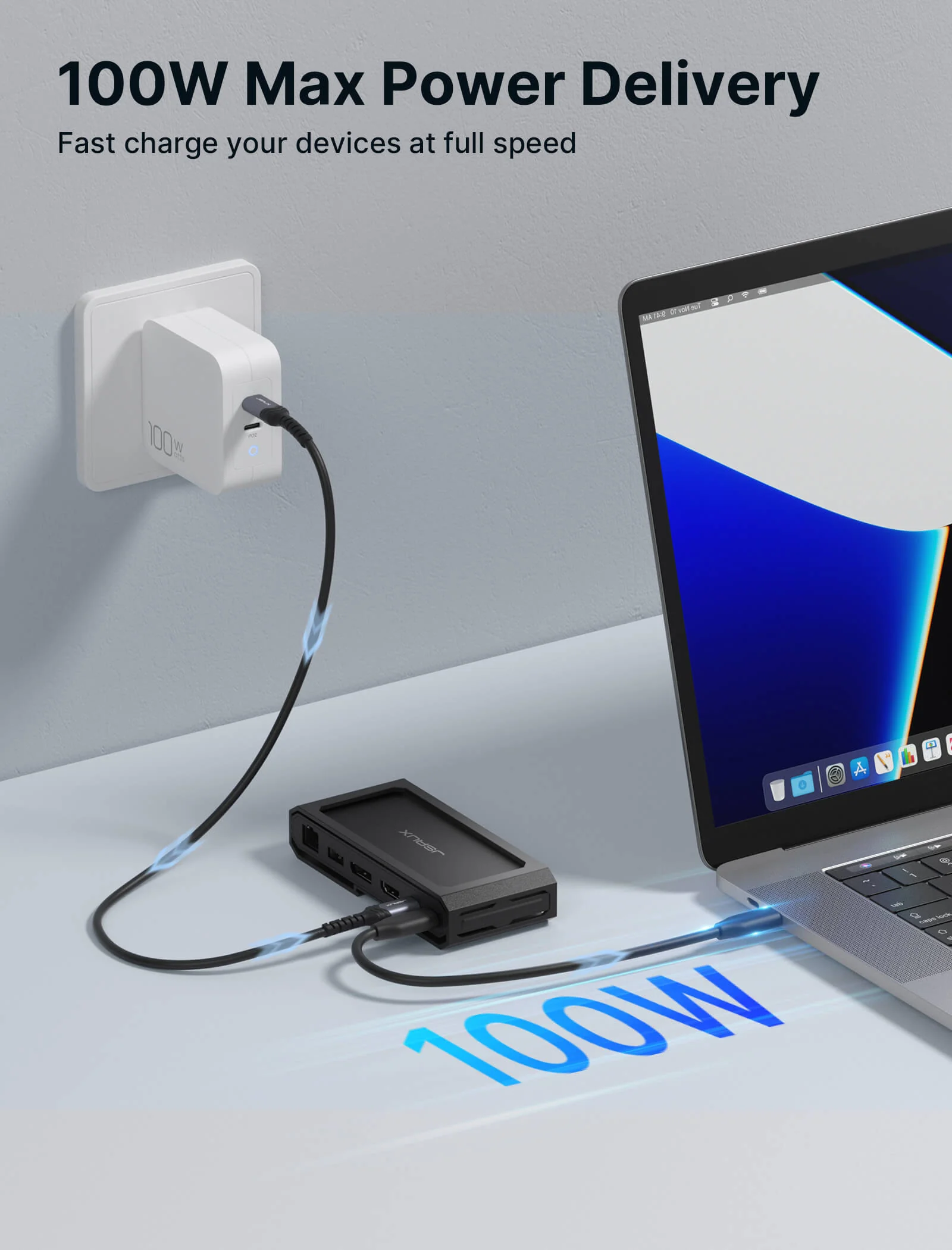
- 【100W Max Power Delivery】PD pass through input up to 100W to power your device while running display and peripherals. Charging power depends on the device. Note for Steam Deck: maximum charging speed is 45W. Note for ROG Ally: 30W Turbo Mode is not guaranteed, it may require a 65W or higher PD charger, and activation depends on your charger and connection setup
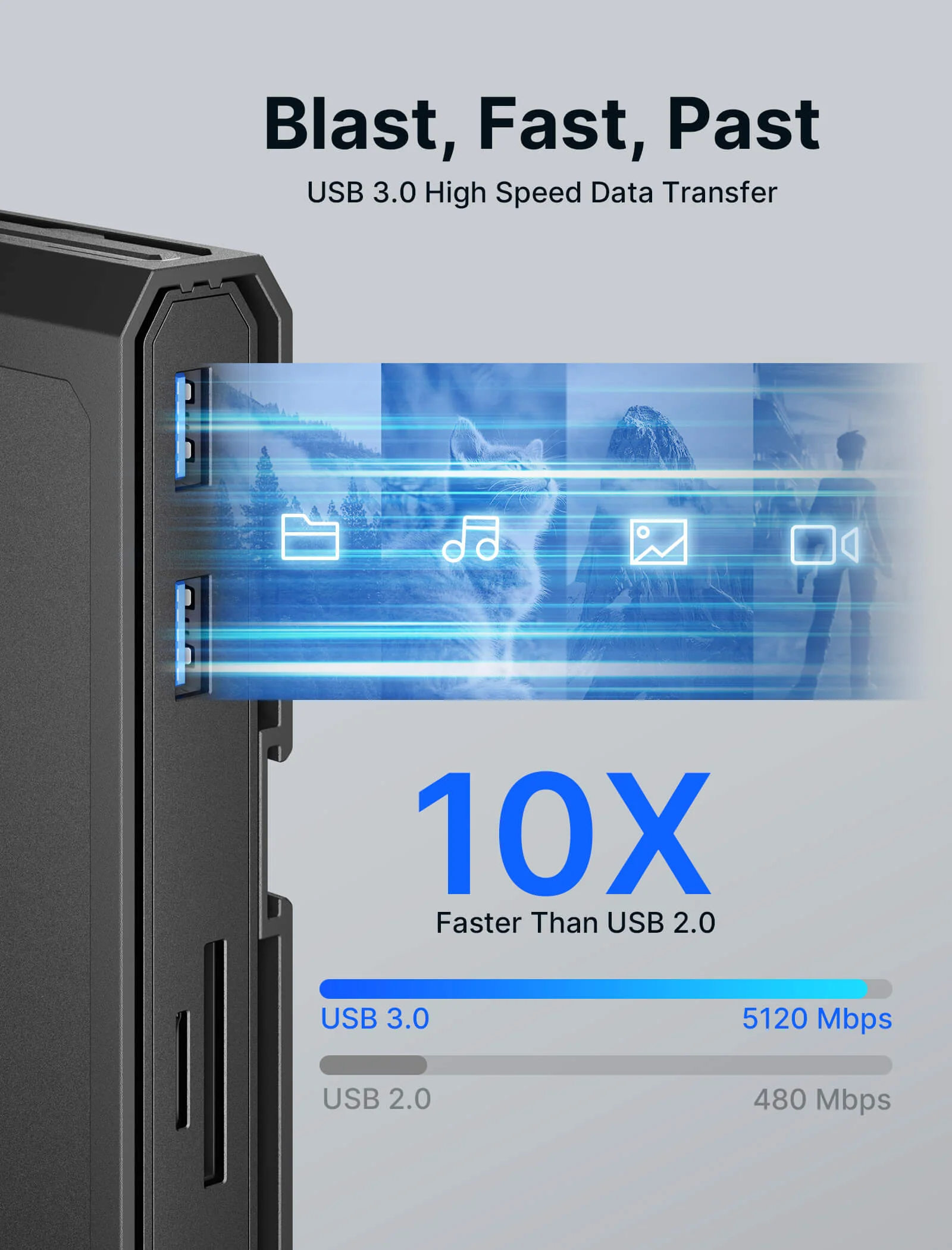
- 【Transfer Files in Seconds】USB C data port and USB A 3.0 ports support up to 5 Gbps transfers for SSDs, drives, and capture libraries, so you can move game clips, screenshots, and large files quickly. SD and TF reader supports up to 104 MB per second for fast media import
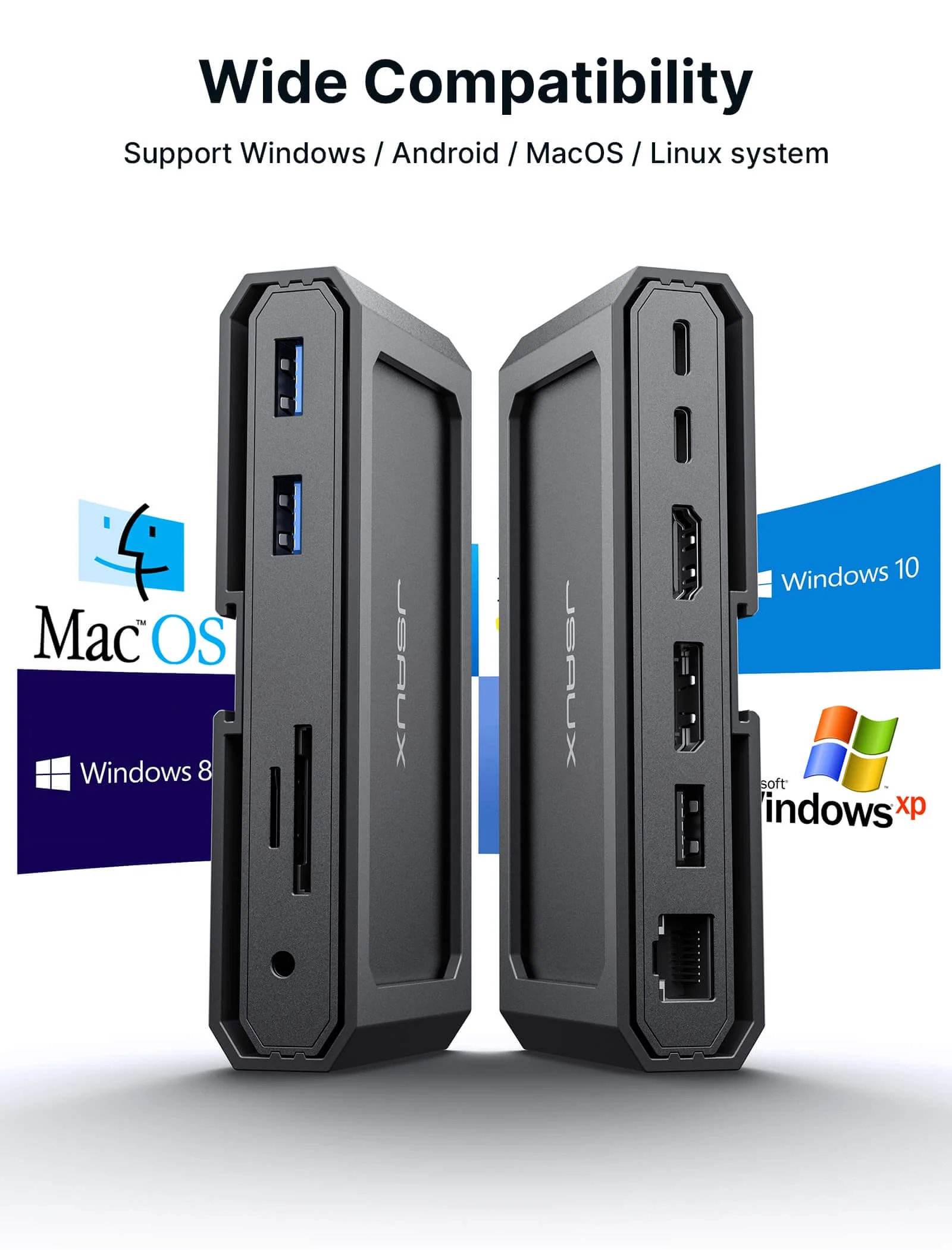
- 【Wide Compatibility】Works with Windows, Android, macOS, and Linux systems, compatible with devices such as Steam Deck, MacBook, and ROG Ally. For display output, the host device must support USB C video output, making it a reliable dock for gaming, work, and travel setups
Note📢:
- If you face operational issues, ensure your USB-C cable is correctly connected to the 'IN-USB-C' port. We recommend using the provided USB-C cable for best results. If you choose to use an alternative USB-C cable, please ensure that it adheres to the USB-C 3.2 standard.
- The included USB-C cable may vary from the one shown in the picture, but it won't affect its normal functionality.
- It is recommended to use a 100W charger to better experience ROG Ally’s high-performance 30W mode.
Product Information
Product Information
Shipping & Returns
Shipping & Returns
11-in-1 Docking Station
11-in-1 Docking Station
- 【11-in-1 USB C Docking Station 】Built for handheld gaming and laptop setups: connect one dock to add big screen display, wired internet, and your favorite peripherals in one place. Includes a USB C to USB C 3.2 cable, Gigabit Ethernet, HDMI and DisplayPort, USB C data, two USB A 3.0 ports up to 5 Gbps, one USB A 2.0 port for keyboard, mouse, or controller receiver, SD and TF reader up to 104 MB per second, and a 3.5 mm Mic and Audio jack for headset and voice chat
- 【8K Single or 4K Dual Display Docking Station】Clear display rules for smoother setup: use HDMI or DisplayPort for single display up to 8K at 30Hz, or use HDMI plus DisplayPort for dual displays up to 4K. For video output, the host device must support USB C video output and DP Alt Mode. Actual resolution depends on your device, cable, and monitor support
- 【100W Max Power Delivery】PD pass through input up to 100W to power your device while running display and peripherals. Charging power depends on the device. Note for Steam Deck: maximum charging speed is 45W. Note for ROG Ally: 30W Turbo Mode is not guaranteed, it may require a 65W or higher PD charger, and activation depends on your charger and connection setup
- 【Transfer Files in Seconds】USB C data port and USB A 3.0 ports support up to 5 Gbps transfers for SSDs, drives, and capture libraries, so you can move game clips, screenshots, and large files quickly. SD and TF reader supports up to 104 MB per second for fast media import
- 【Wide Compatibility】Works with Windows, Android, macOS, and Linux systems, compatible with devices such as Steam Deck, MacBook, and ROG Ally. For display output, the host device must support USB C video output, making it a reliable dock for gaming, work, and travel setups
Note📢:
- If you face operational issues, ensure your USB-C cable is correctly connected to the 'IN-USB-C' port. We recommend using the provided USB-C cable for best results. If you choose to use an alternative USB-C cable, please ensure that it adheres to the USB-C 3.2 standard.
- The included USB-C cable may vary from the one shown in the picture, but it won't affect its normal functionality.
- It is recommended to use a 100W charger to better experience ROG Ally’s high-performance 30W mode.
$19.60
Original: $55.99
-65%11-in-1 Docking Station—
$55.99
$19.60Product Information
Product Information
Shipping & Returns
Shipping & Returns
Description
- 【11-in-1 USB C Docking Station 】Built for handheld gaming and laptop setups: connect one dock to add big screen display, wired internet, and your favorite peripherals in one place. Includes a USB C to USB C 3.2 cable, Gigabit Ethernet, HDMI and DisplayPort, USB C data, two USB A 3.0 ports up to 5 Gbps, one USB A 2.0 port for keyboard, mouse, or controller receiver, SD and TF reader up to 104 MB per second, and a 3.5 mm Mic and Audio jack for headset and voice chat
- 【8K Single or 4K Dual Display Docking Station】Clear display rules for smoother setup: use HDMI or DisplayPort for single display up to 8K at 30Hz, or use HDMI plus DisplayPort for dual displays up to 4K. For video output, the host device must support USB C video output and DP Alt Mode. Actual resolution depends on your device, cable, and monitor support
- 【100W Max Power Delivery】PD pass through input up to 100W to power your device while running display and peripherals. Charging power depends on the device. Note for Steam Deck: maximum charging speed is 45W. Note for ROG Ally: 30W Turbo Mode is not guaranteed, it may require a 65W or higher PD charger, and activation depends on your charger and connection setup
- 【Transfer Files in Seconds】USB C data port and USB A 3.0 ports support up to 5 Gbps transfers for SSDs, drives, and capture libraries, so you can move game clips, screenshots, and large files quickly. SD and TF reader supports up to 104 MB per second for fast media import
- 【Wide Compatibility】Works with Windows, Android, macOS, and Linux systems, compatible with devices such as Steam Deck, MacBook, and ROG Ally. For display output, the host device must support USB C video output, making it a reliable dock for gaming, work, and travel setups
Note📢:
- If you face operational issues, ensure your USB-C cable is correctly connected to the 'IN-USB-C' port. We recommend using the provided USB-C cable for best results. If you choose to use an alternative USB-C cable, please ensure that it adheres to the USB-C 3.2 standard.
- The included USB-C cable may vary from the one shown in the picture, but it won't affect its normal functionality.
- It is recommended to use a 100W charger to better experience ROG Ally’s high-performance 30W mode.