✨ New Arrivals Just Dropped!Explore
RGB Docking Station
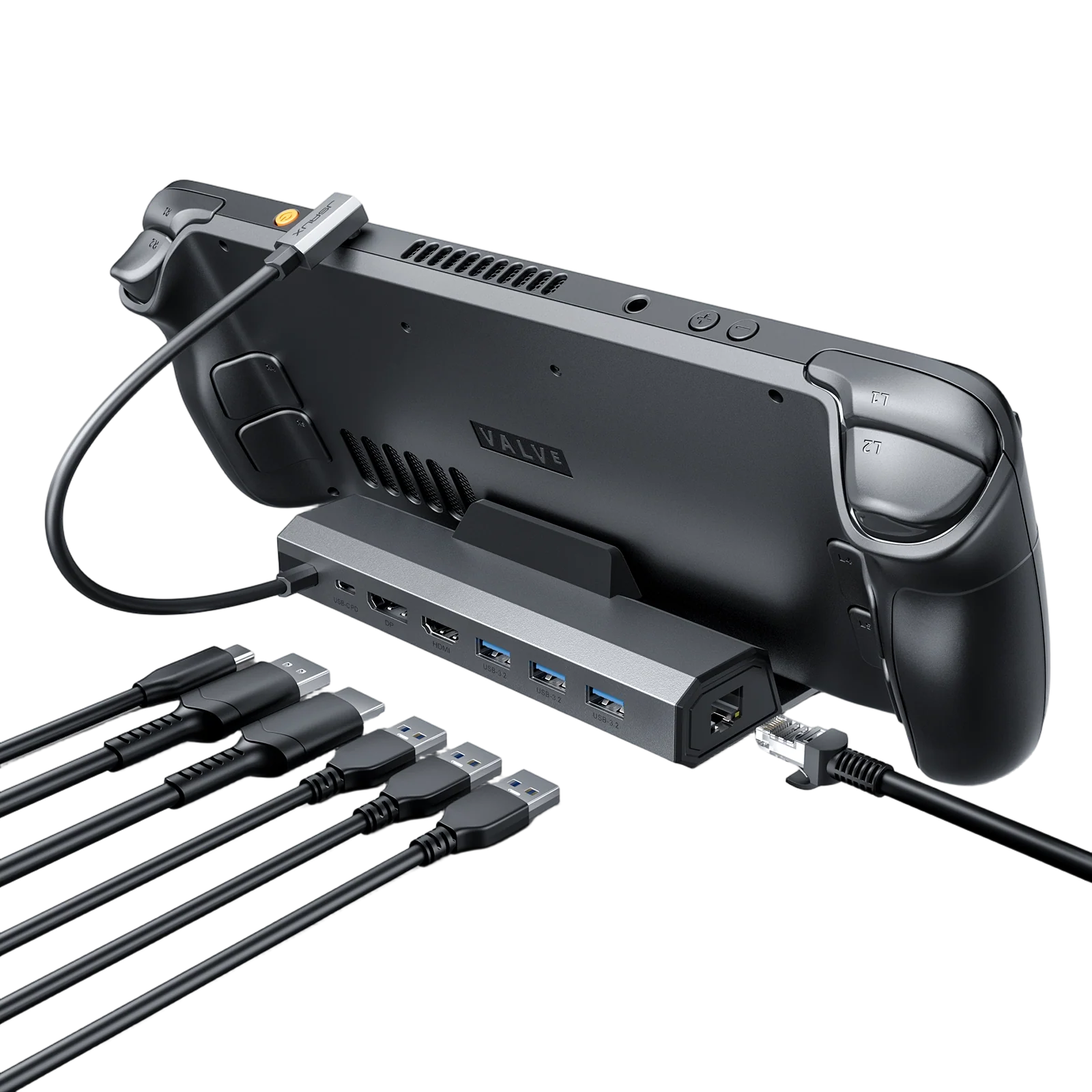
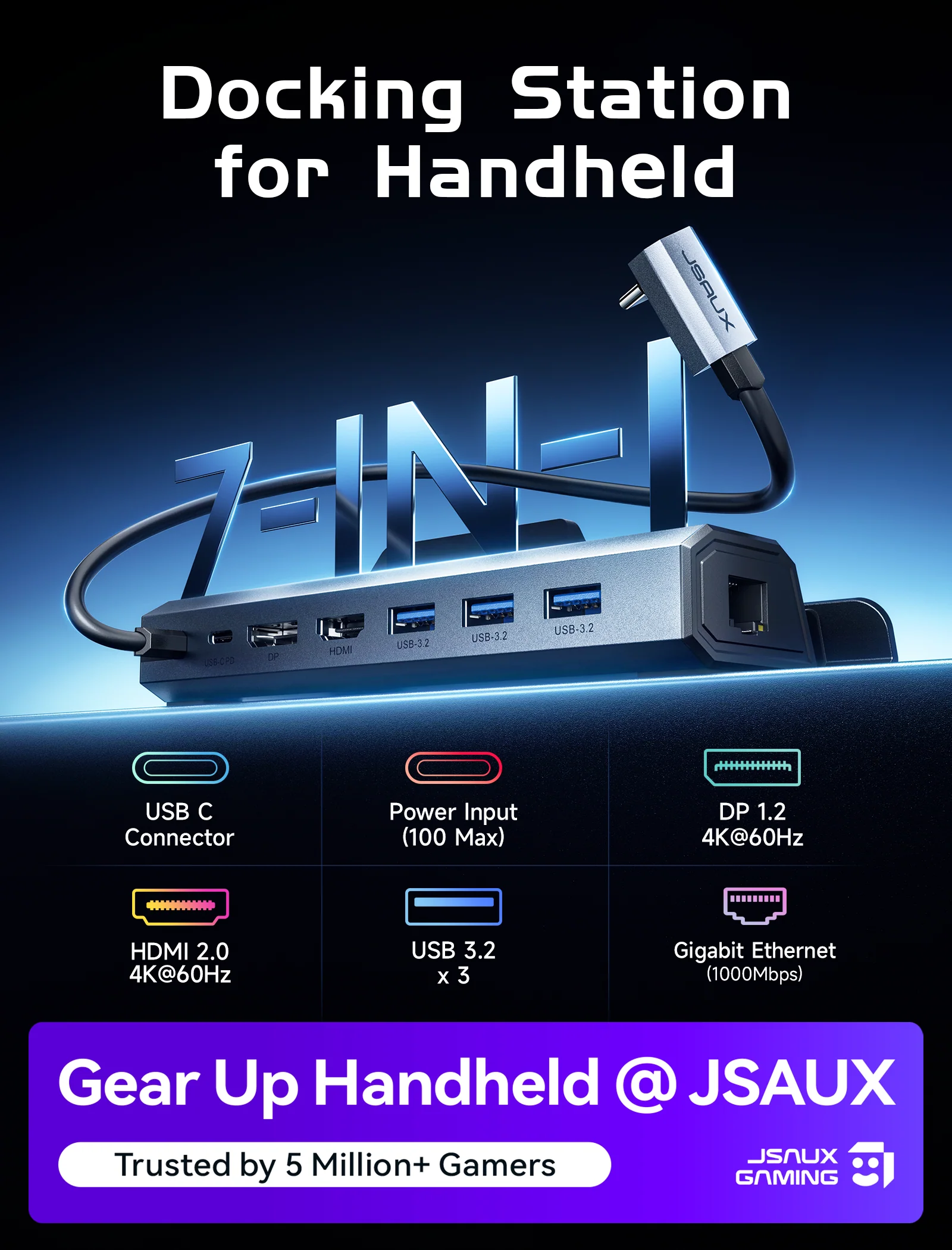
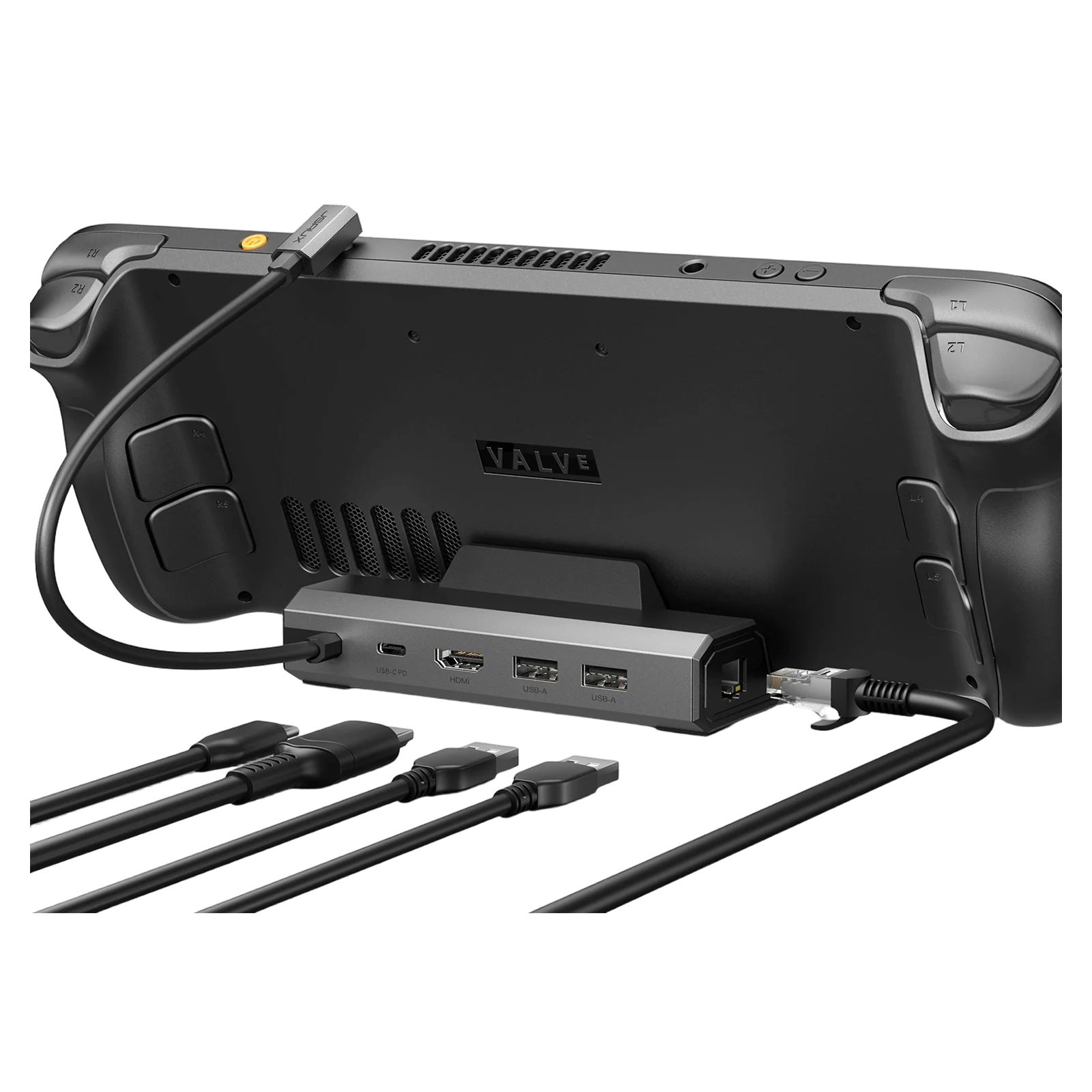
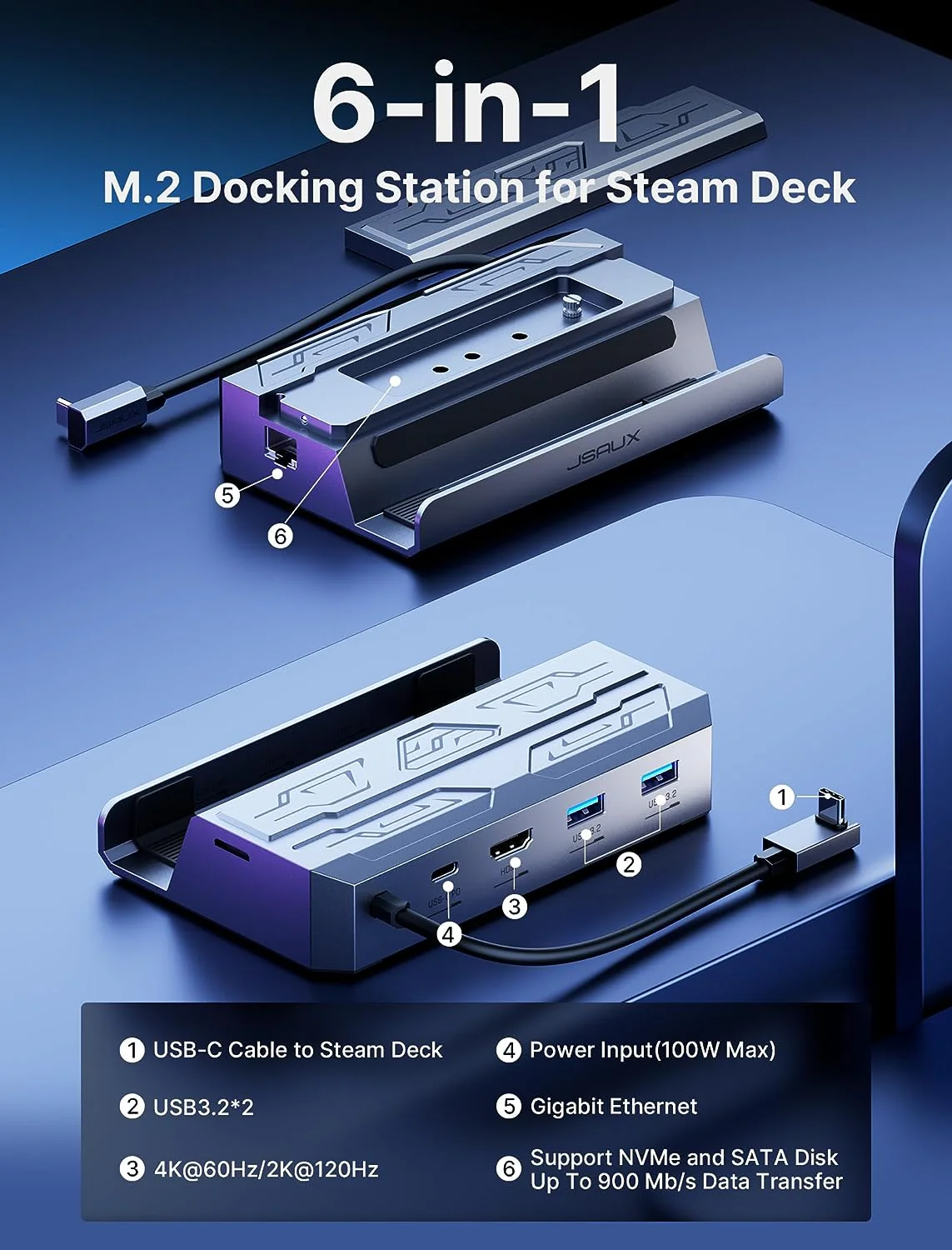
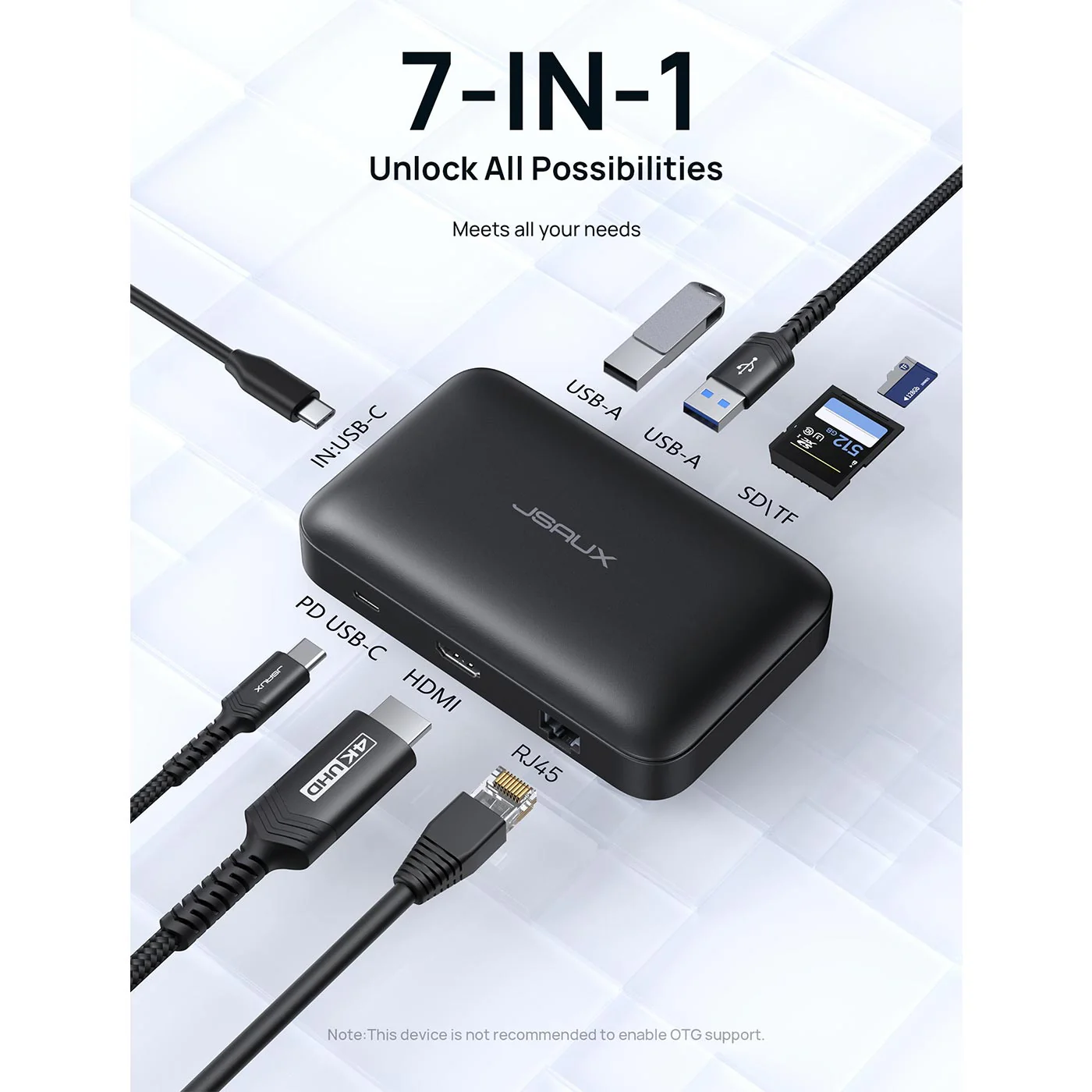
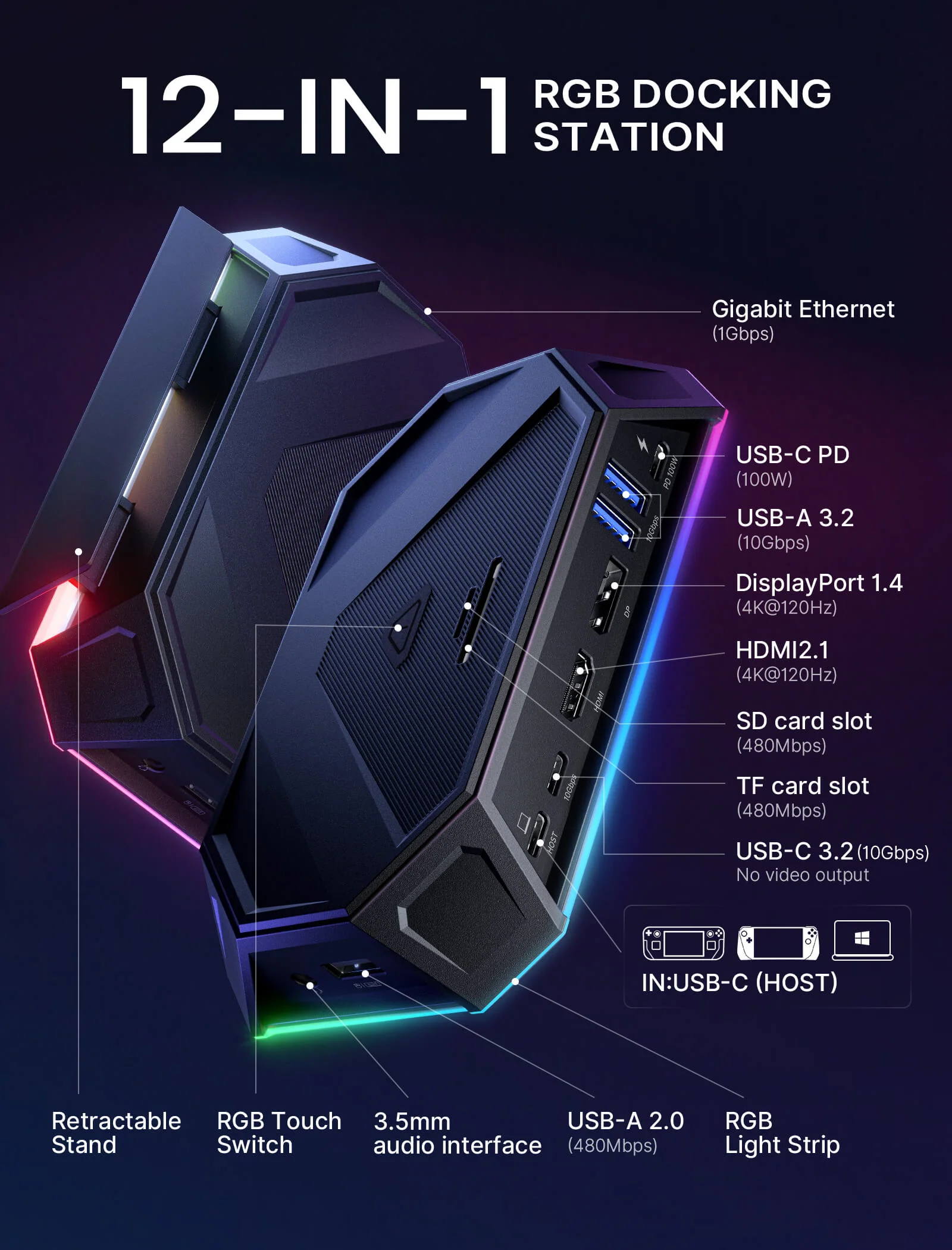
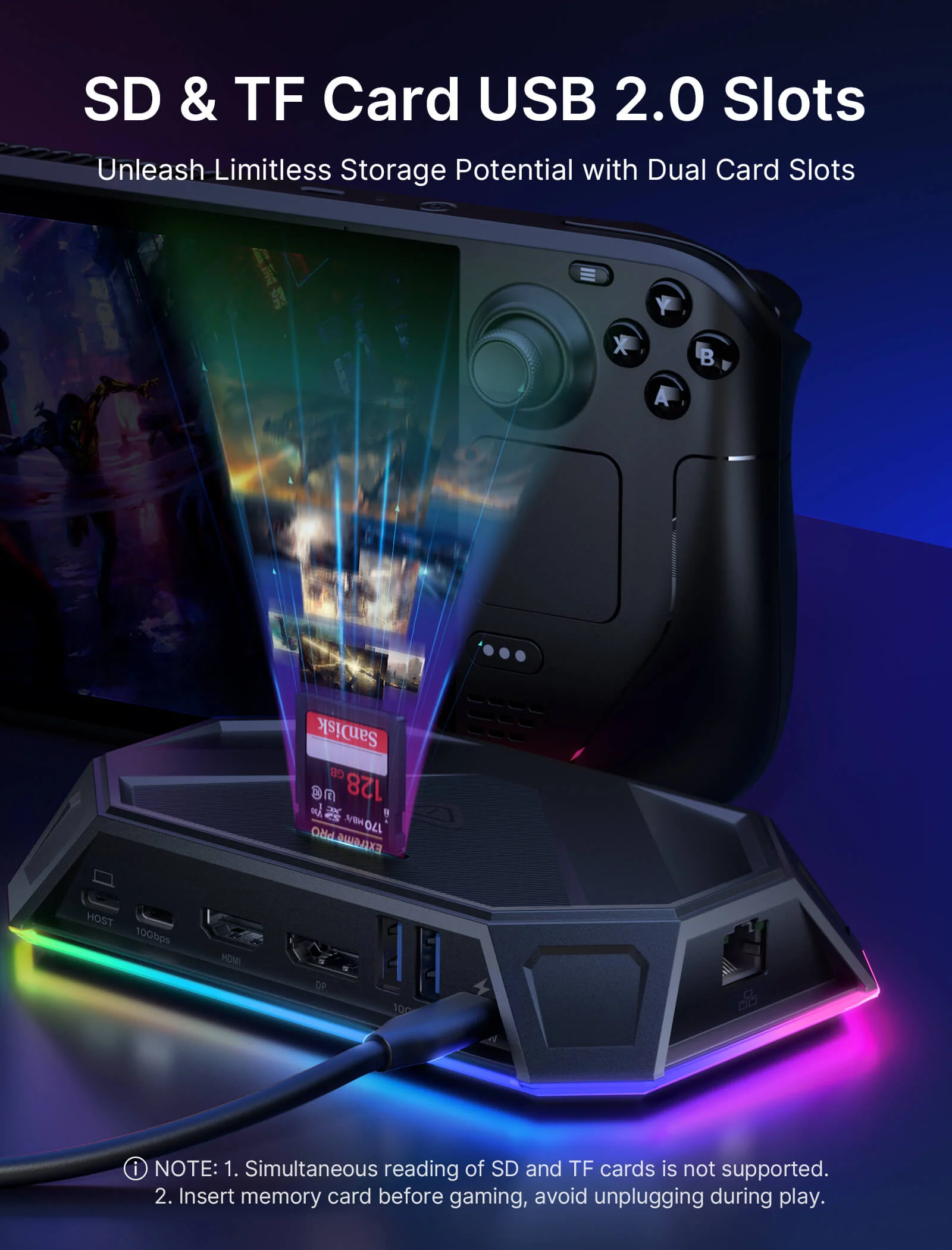
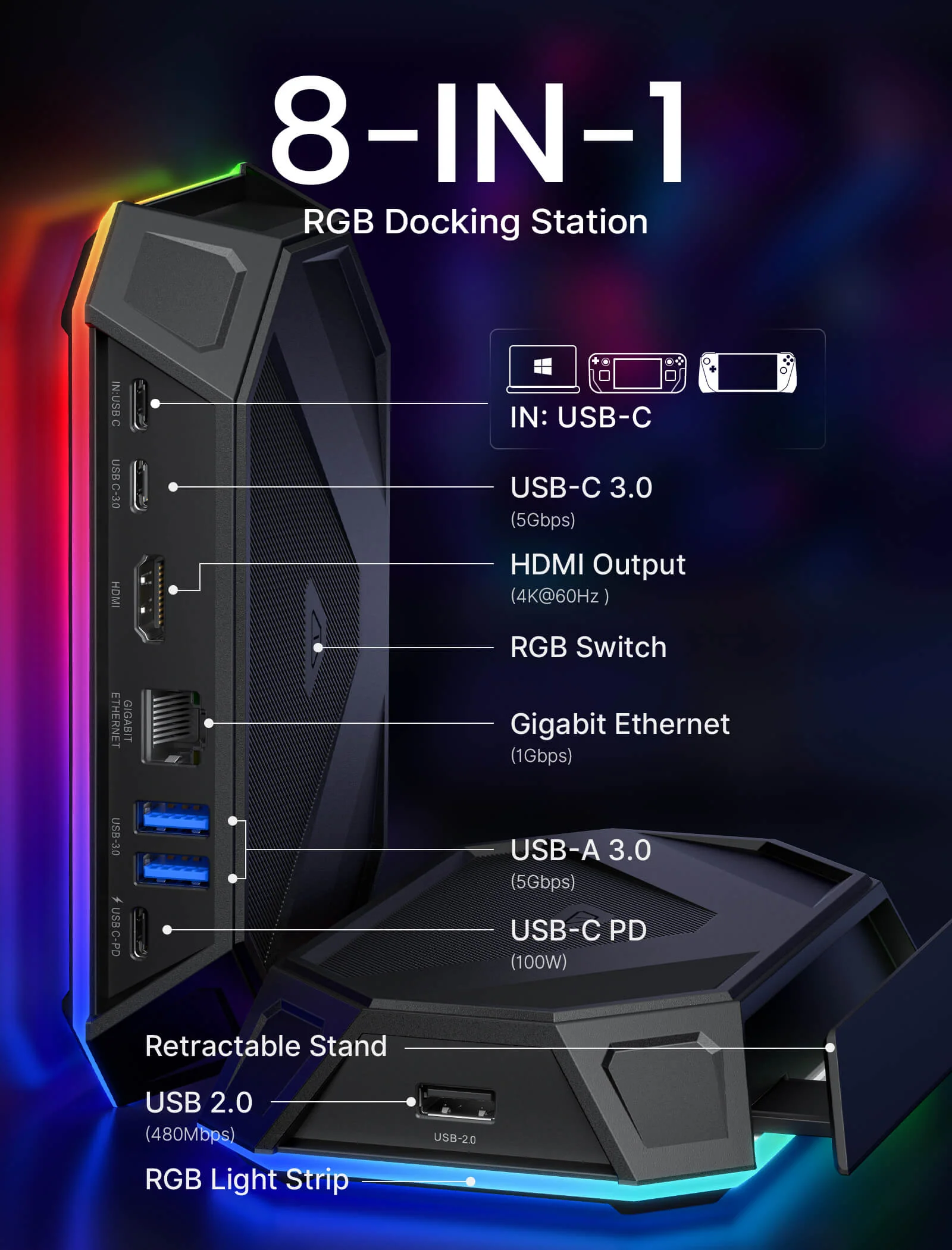
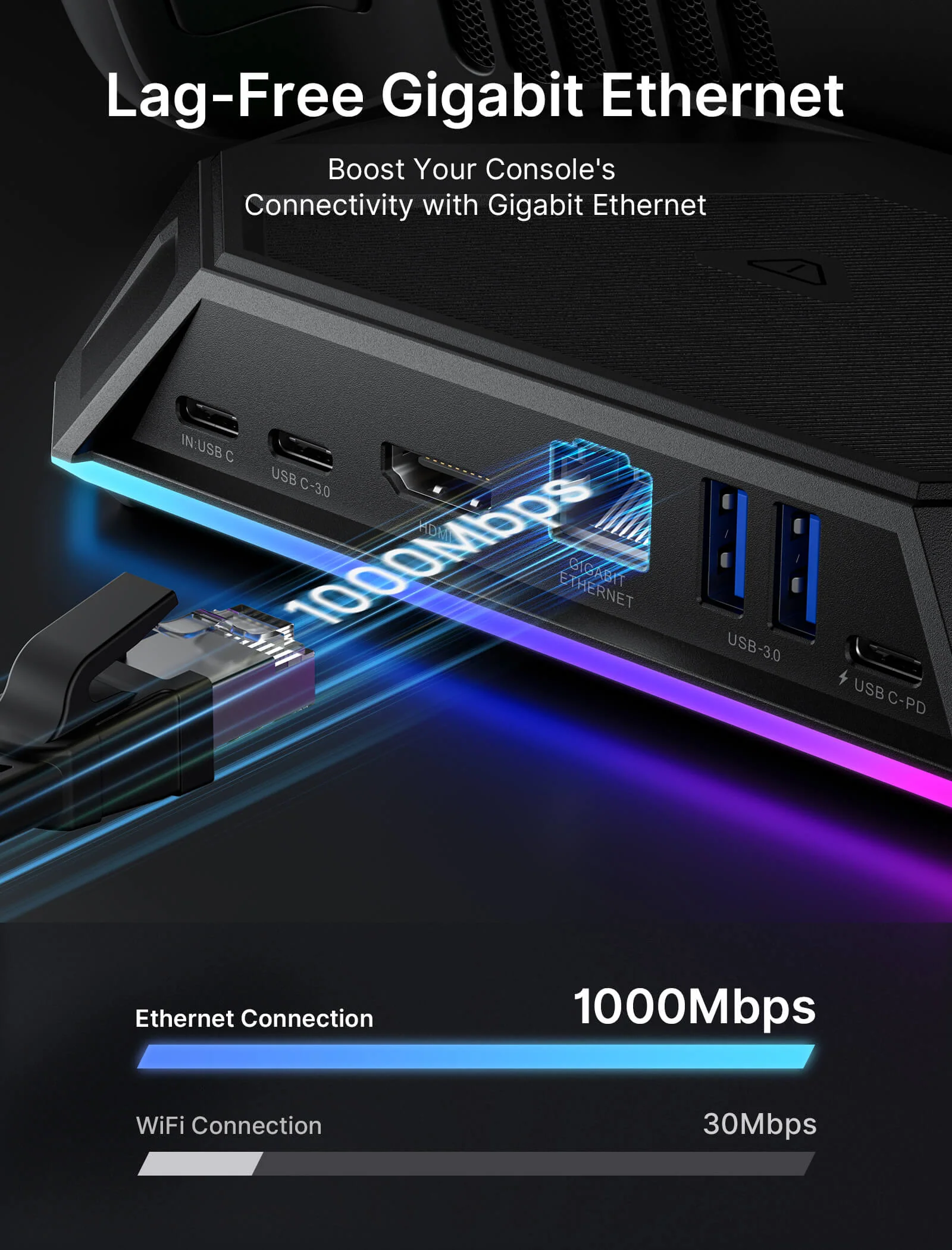
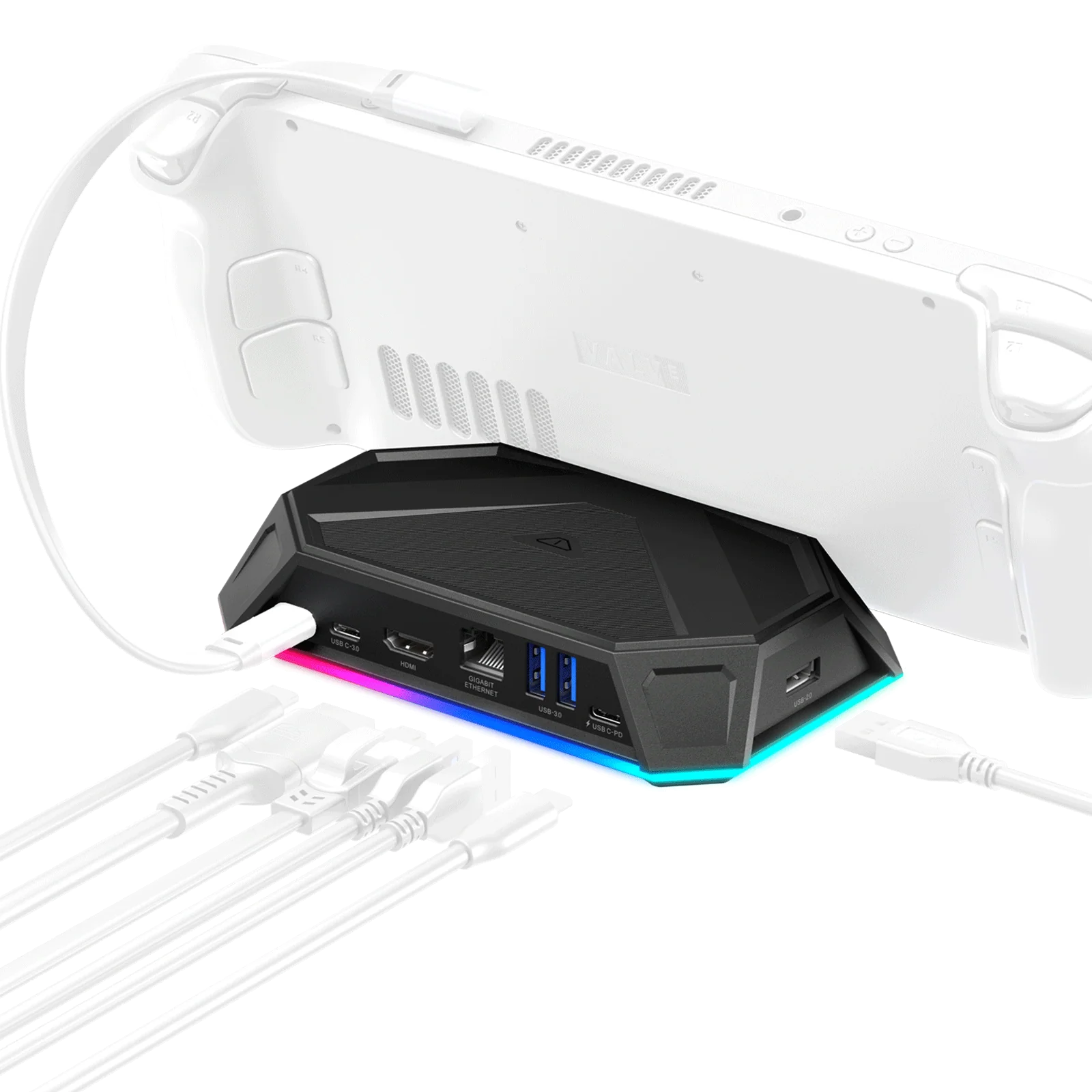
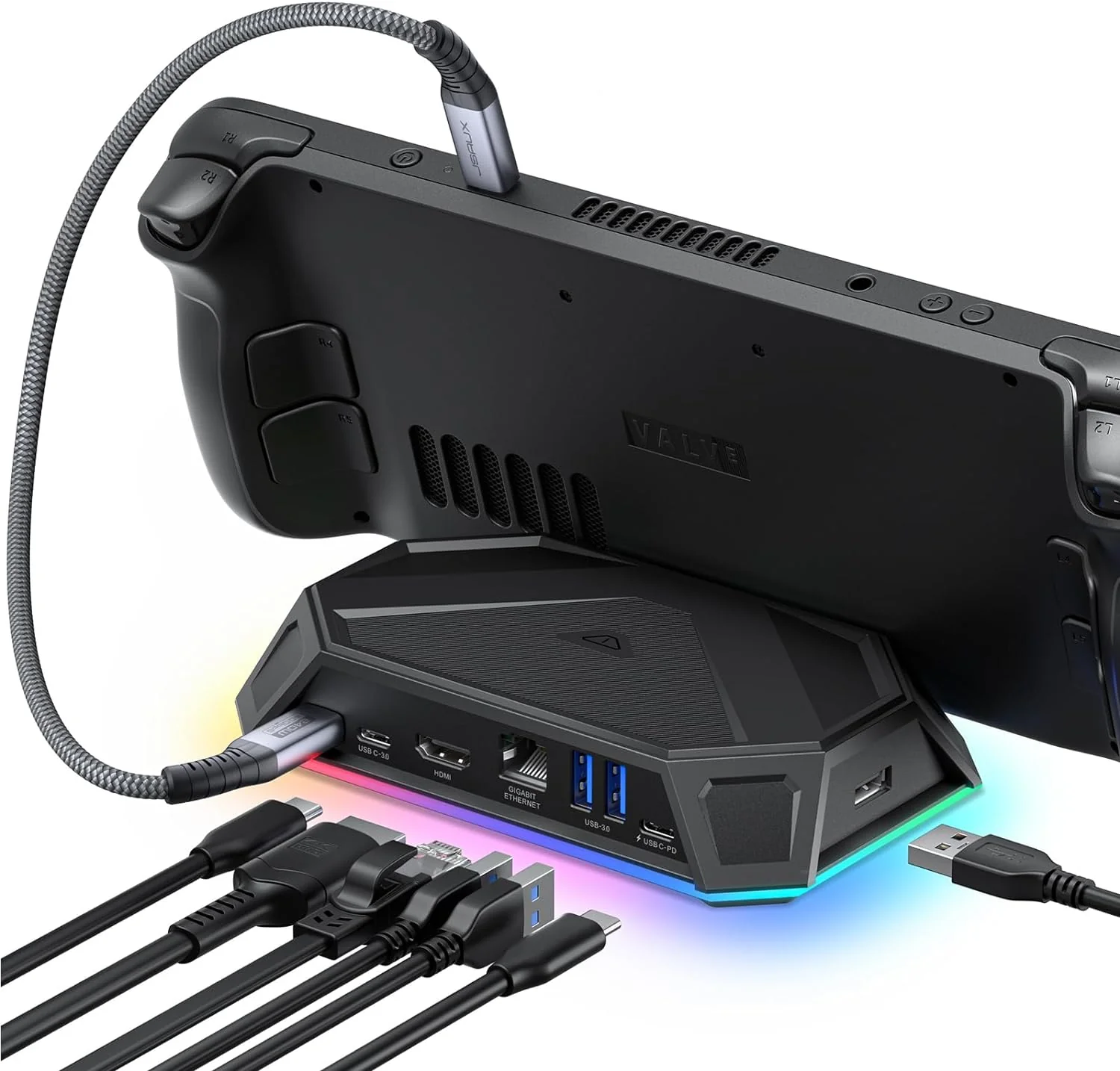
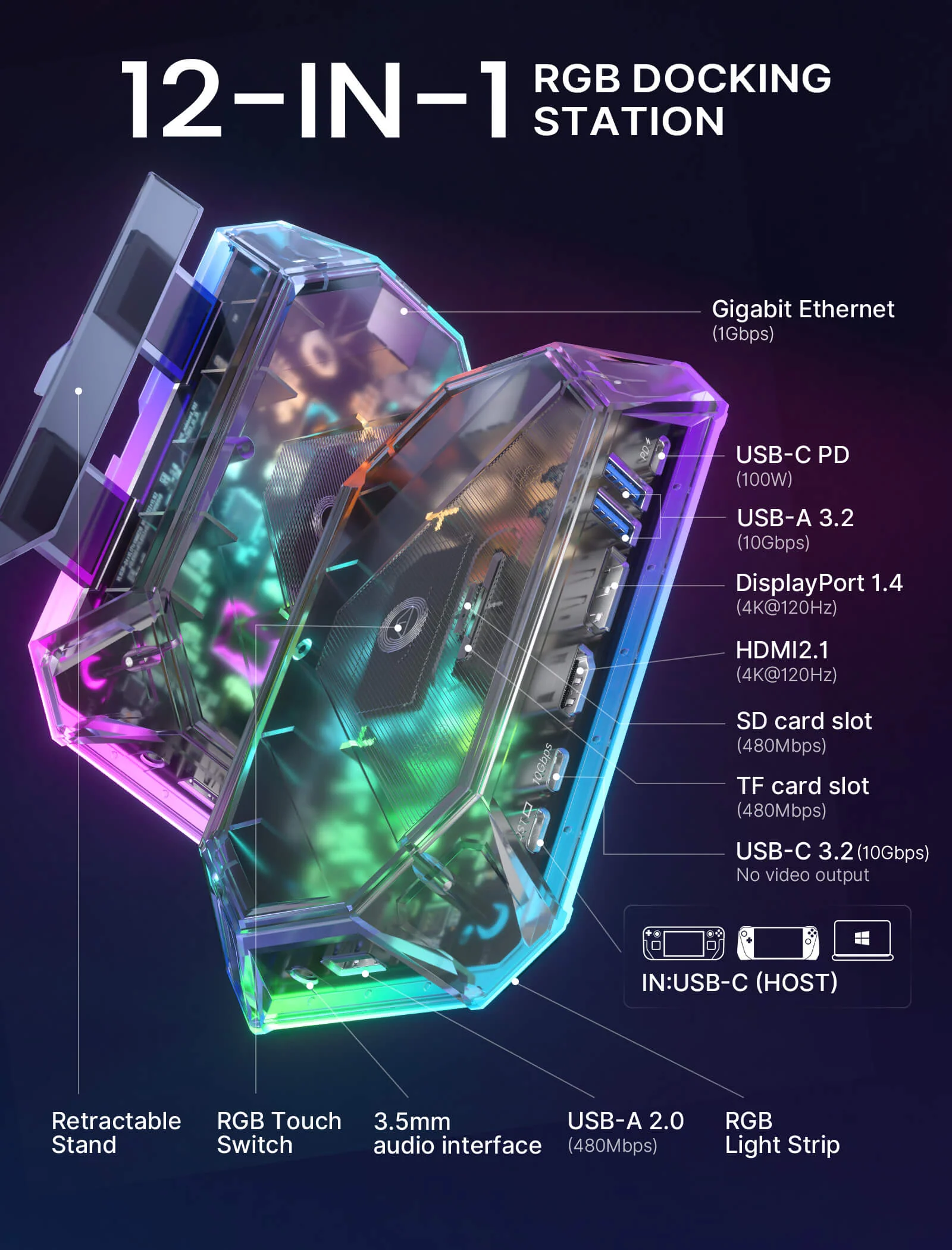
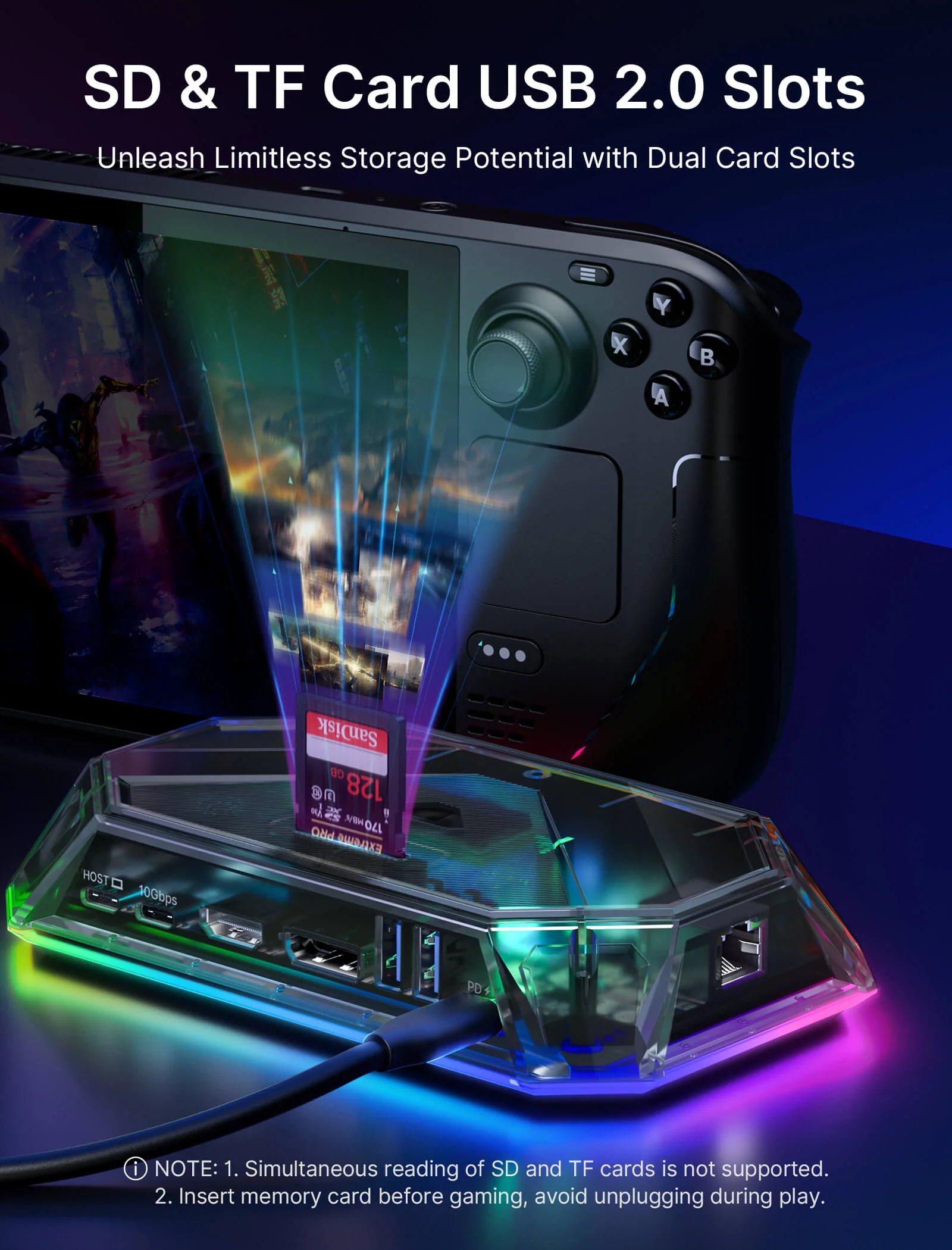
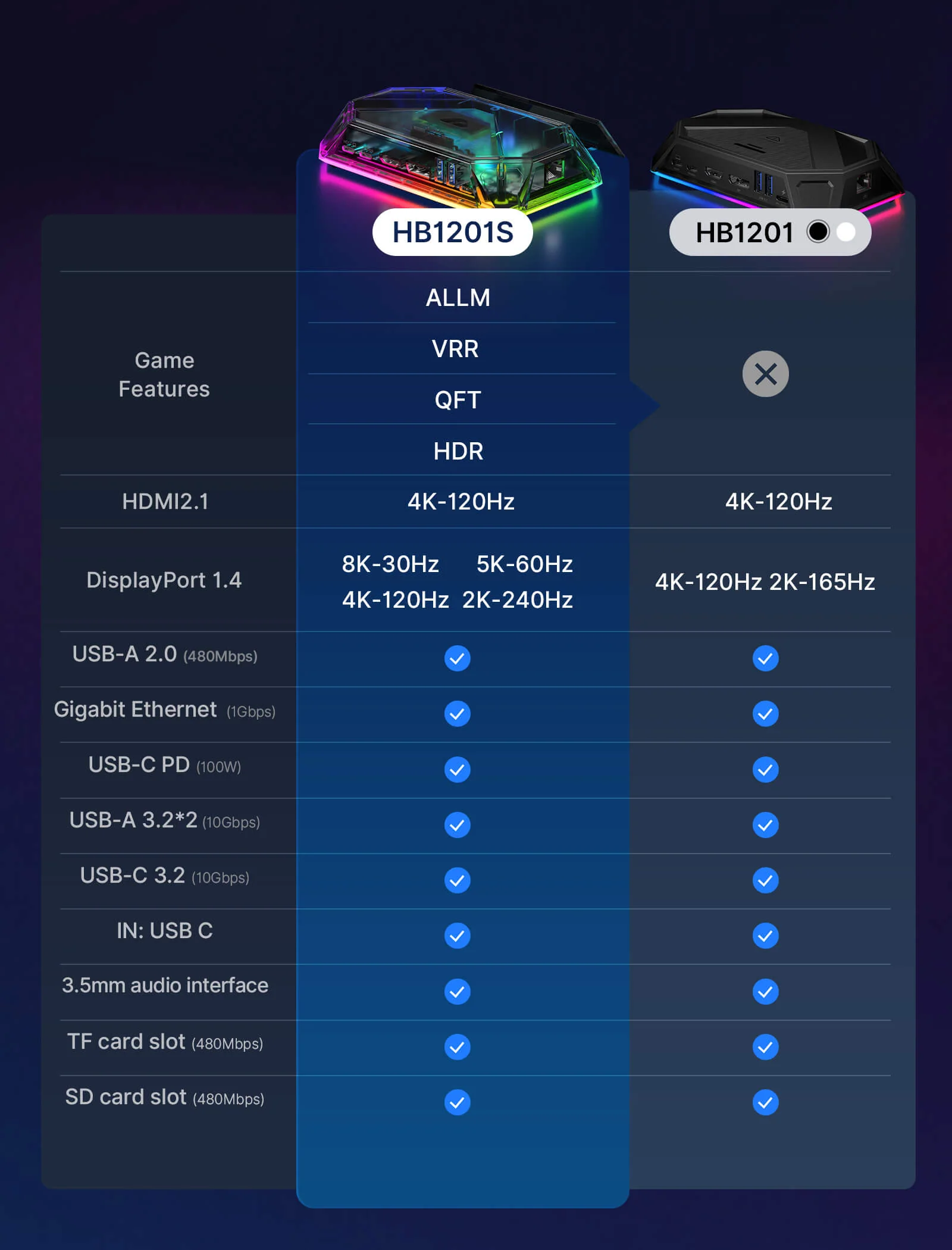
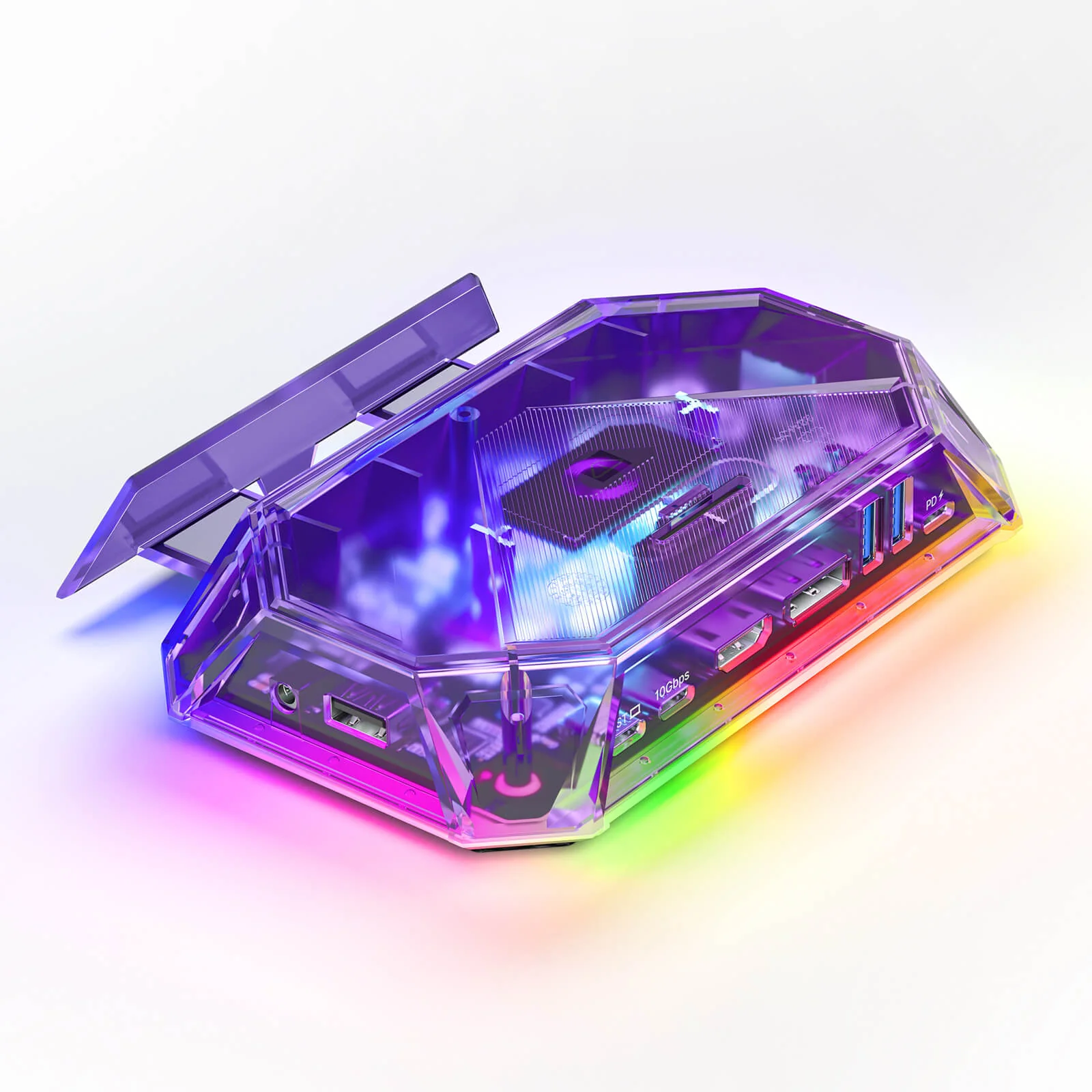
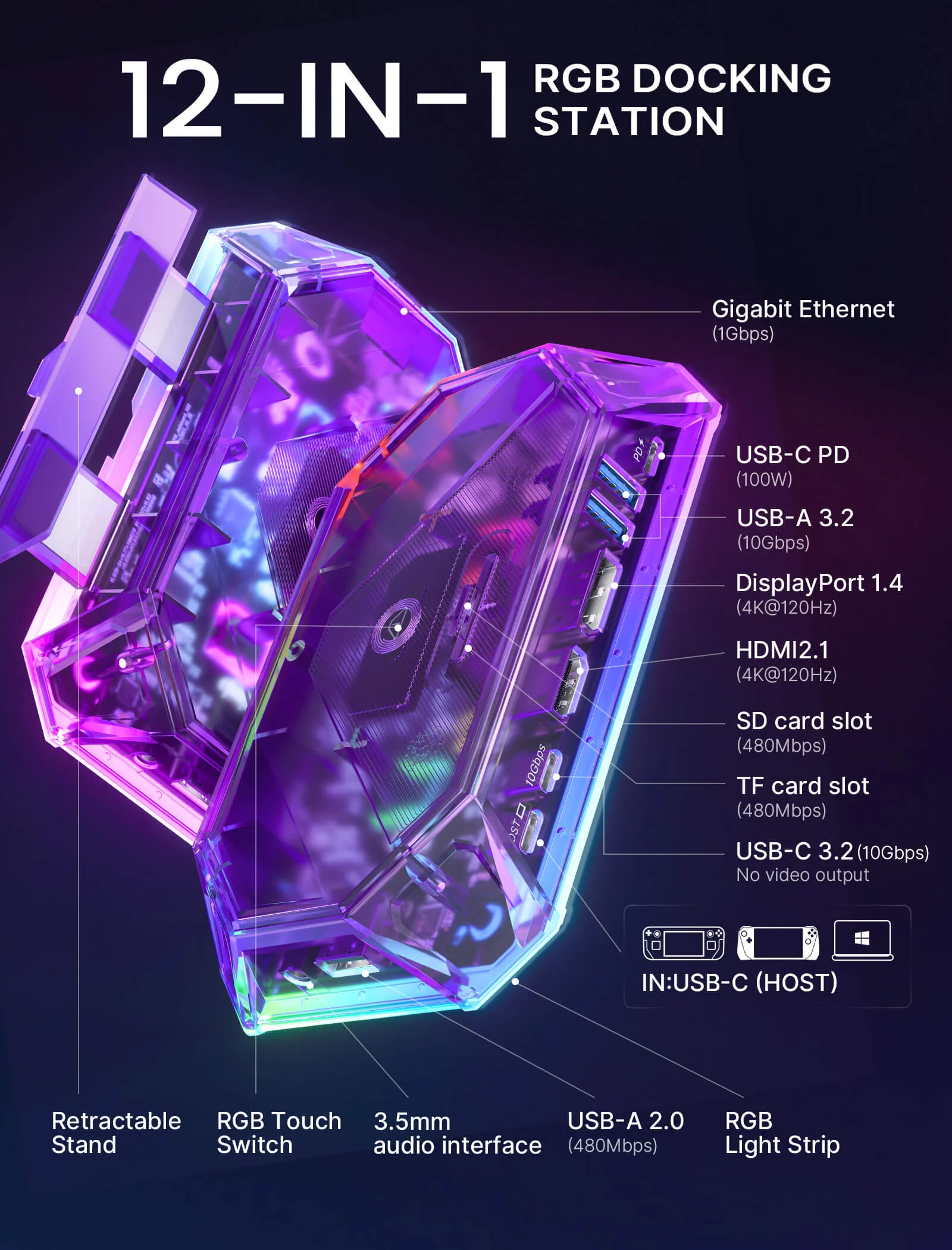
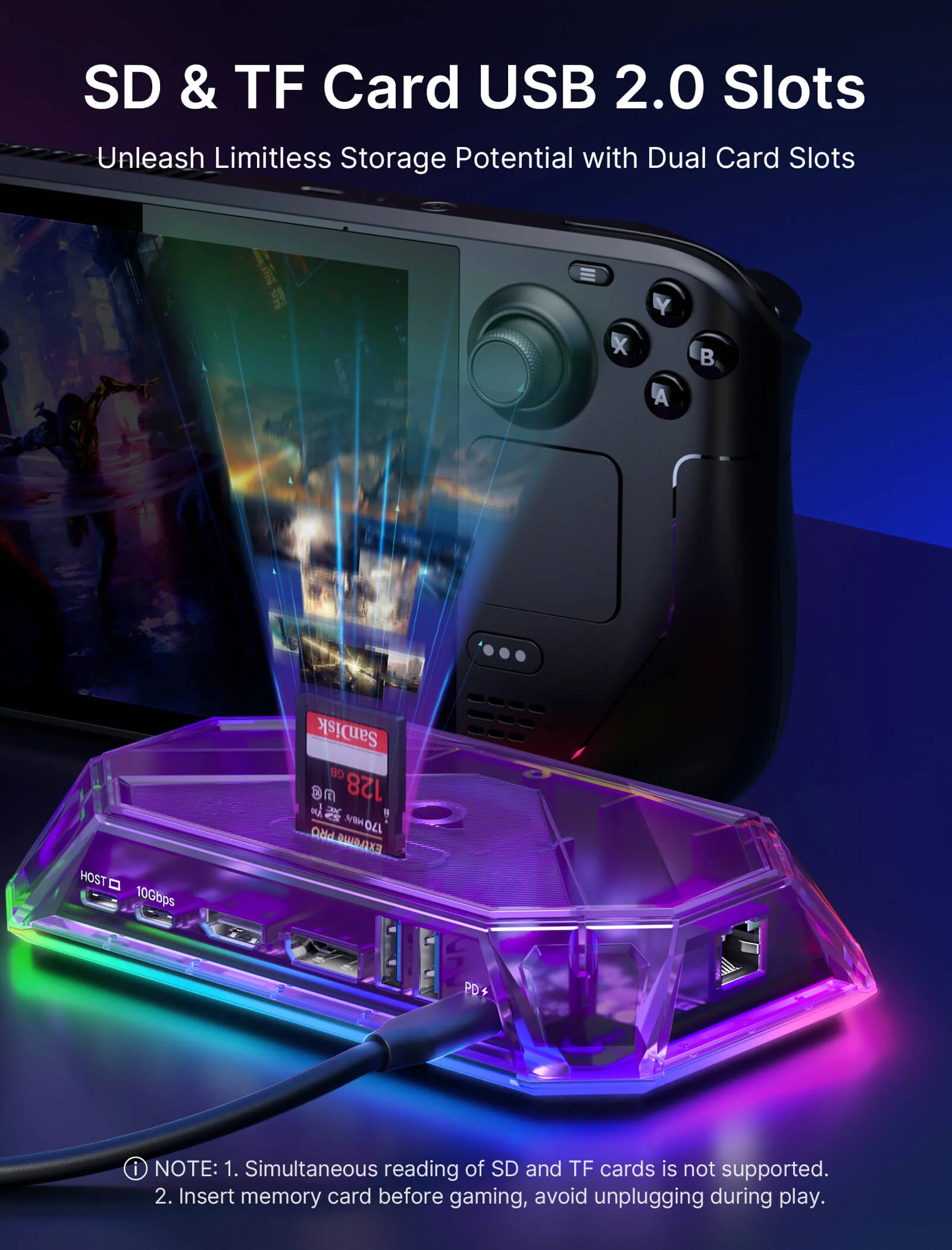
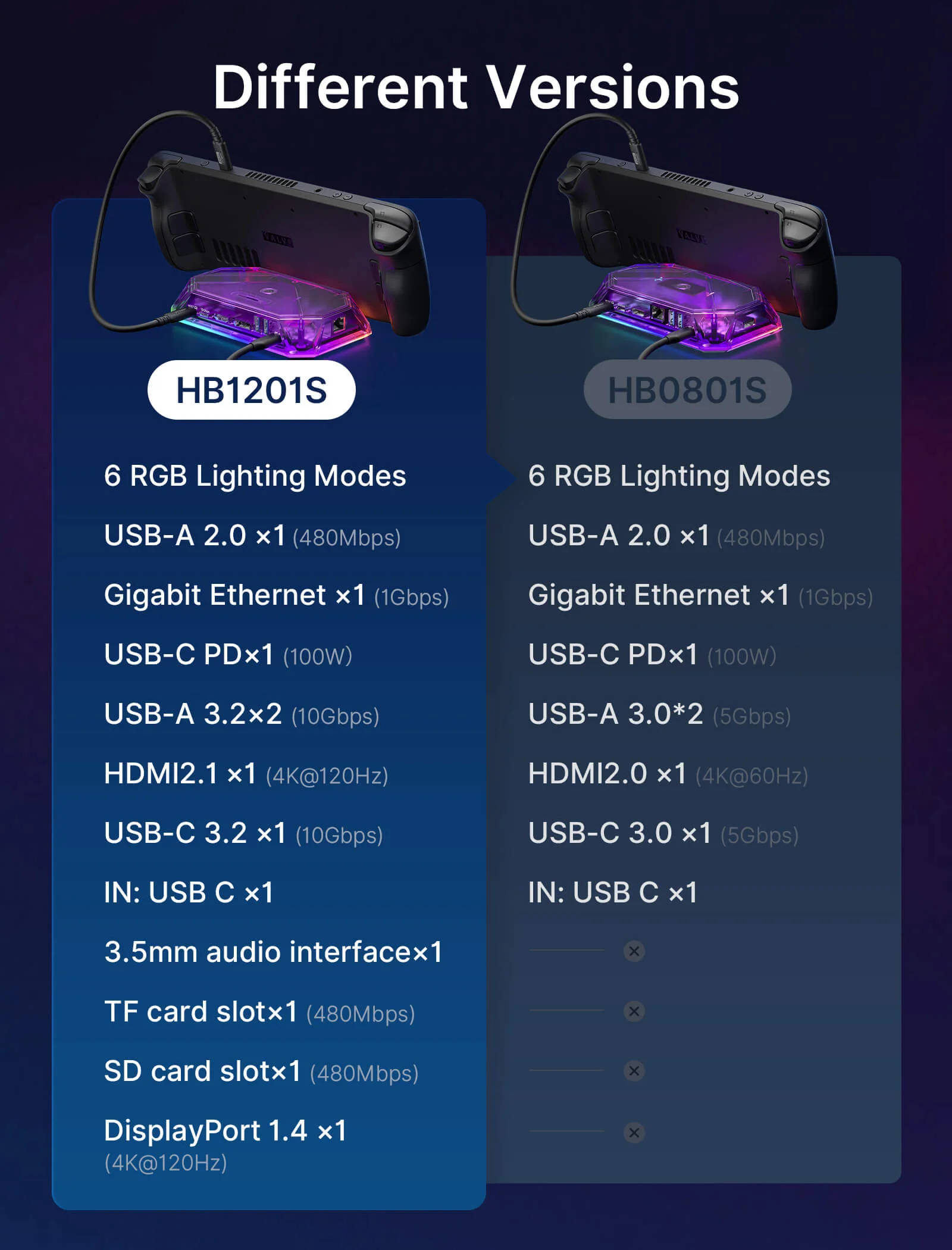
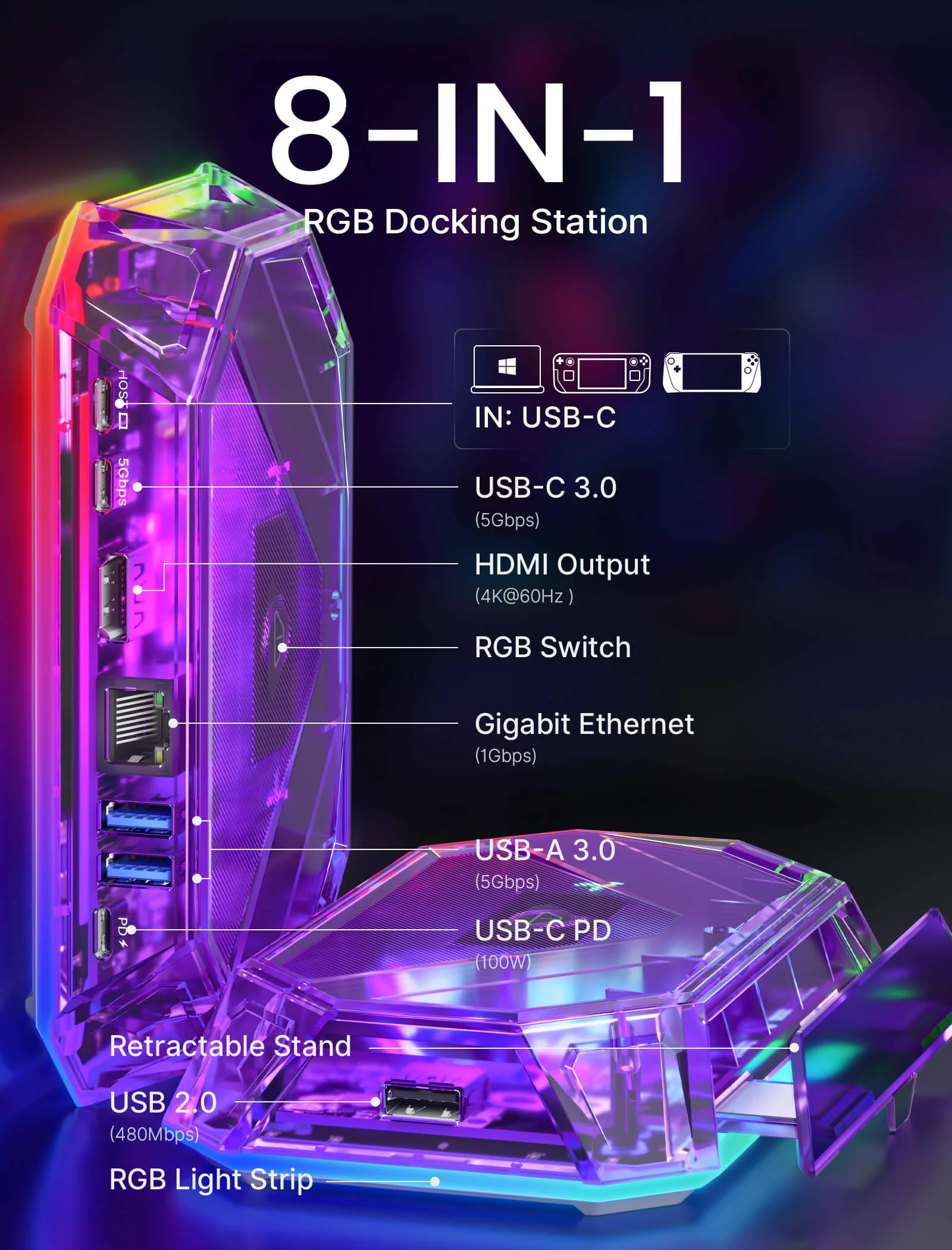
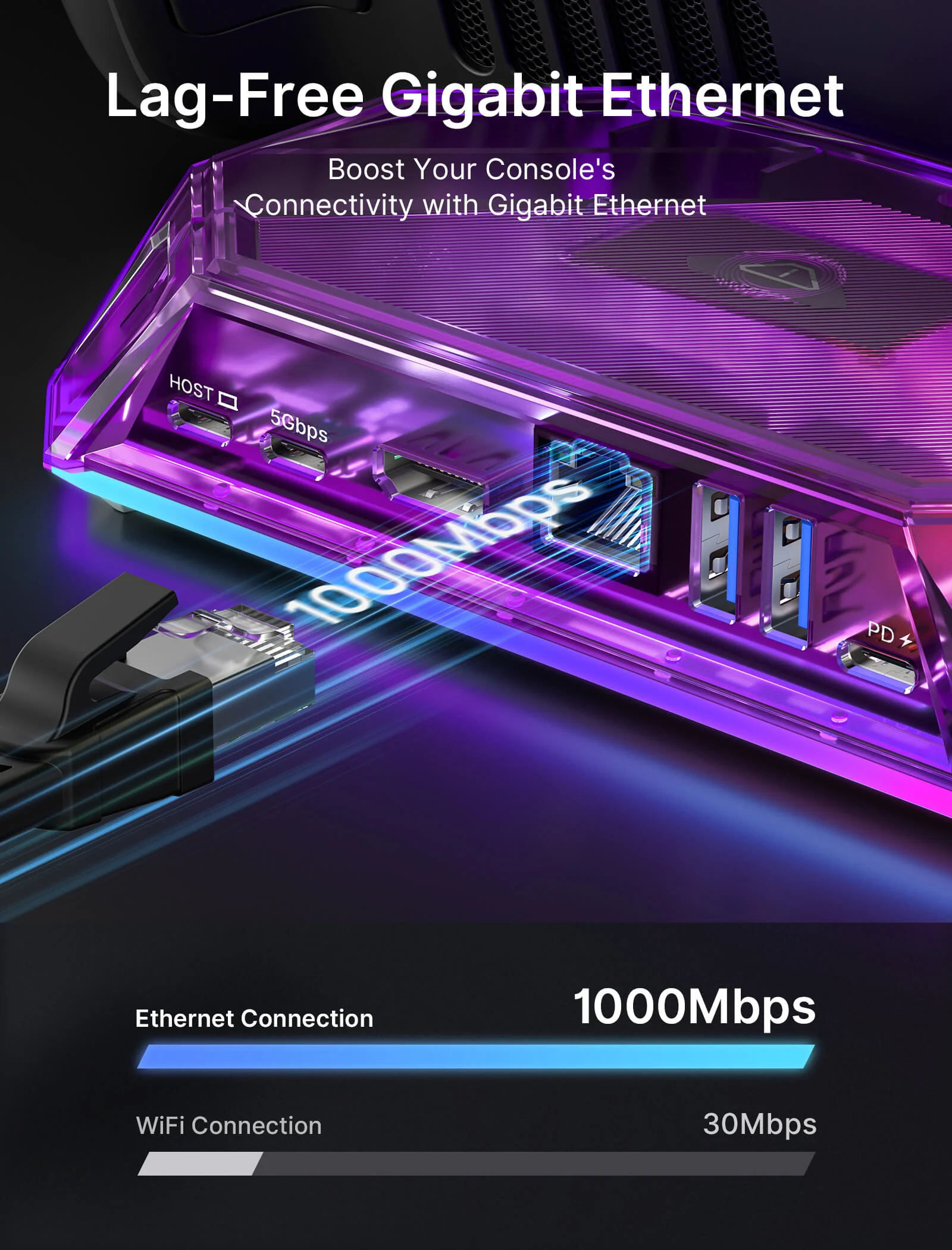
- 【12-In-1 RGB Docking Station】:12-in-1 RGB docking station has 12 functional ports, including 1* HDMI port, 2*USB-A 3.2, 1*USB-A 2.0,1*Gigabit Ethernet port, 1*USB-C PD port, 1*3.5mm audio interface,1*TF card slot, 1*SD card slot,1*IN:USB-C,1*DisplayPort and 1*USB-C 3.2 port.Meet a variety of expansion needs, office, and entertainment are not delayed.(Note: 📢Only HB1201S/HB0801S has gaming features. For detailed comparisons, please see the accompanying images and the 'Comparison Of RGB Docking Station' section.)
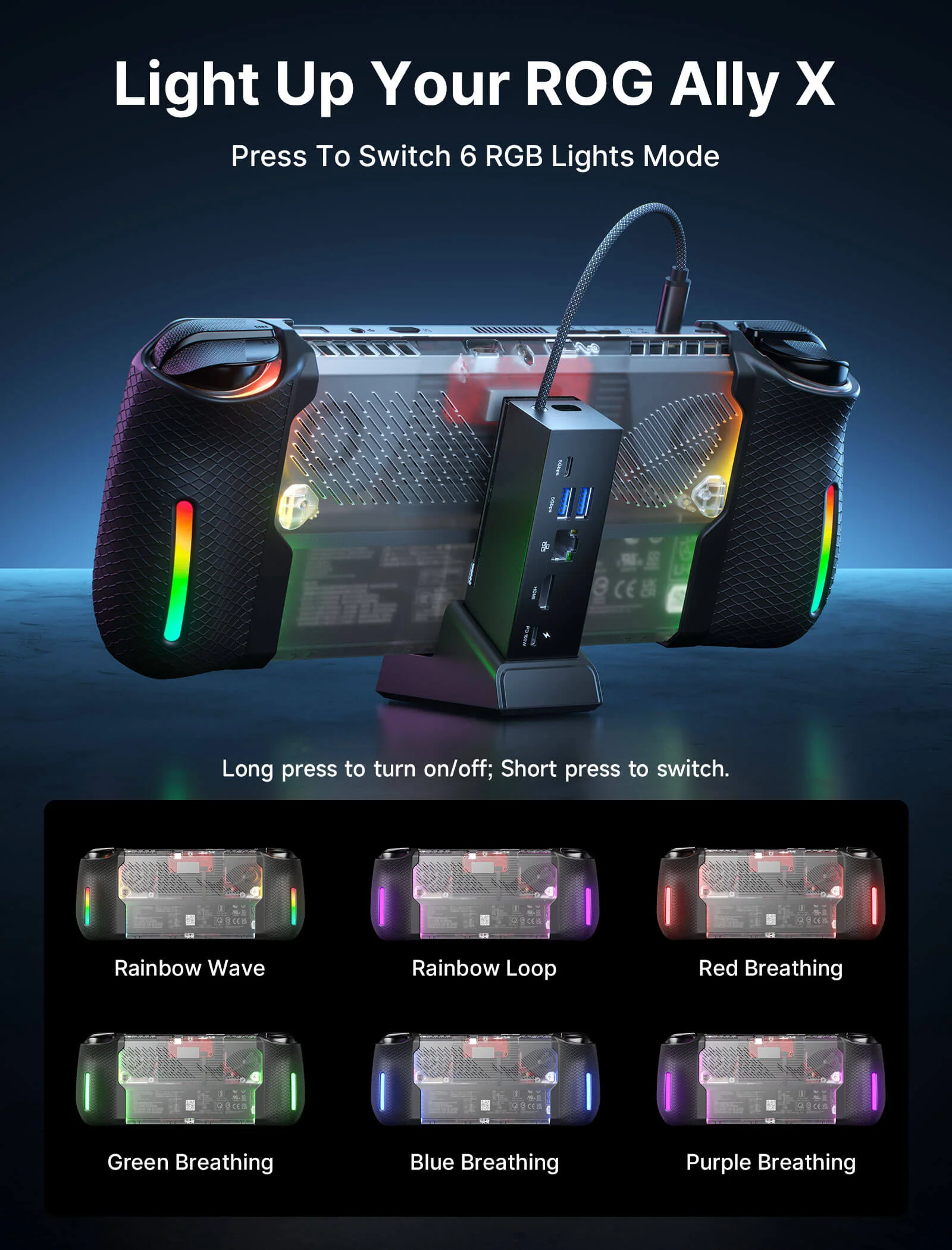
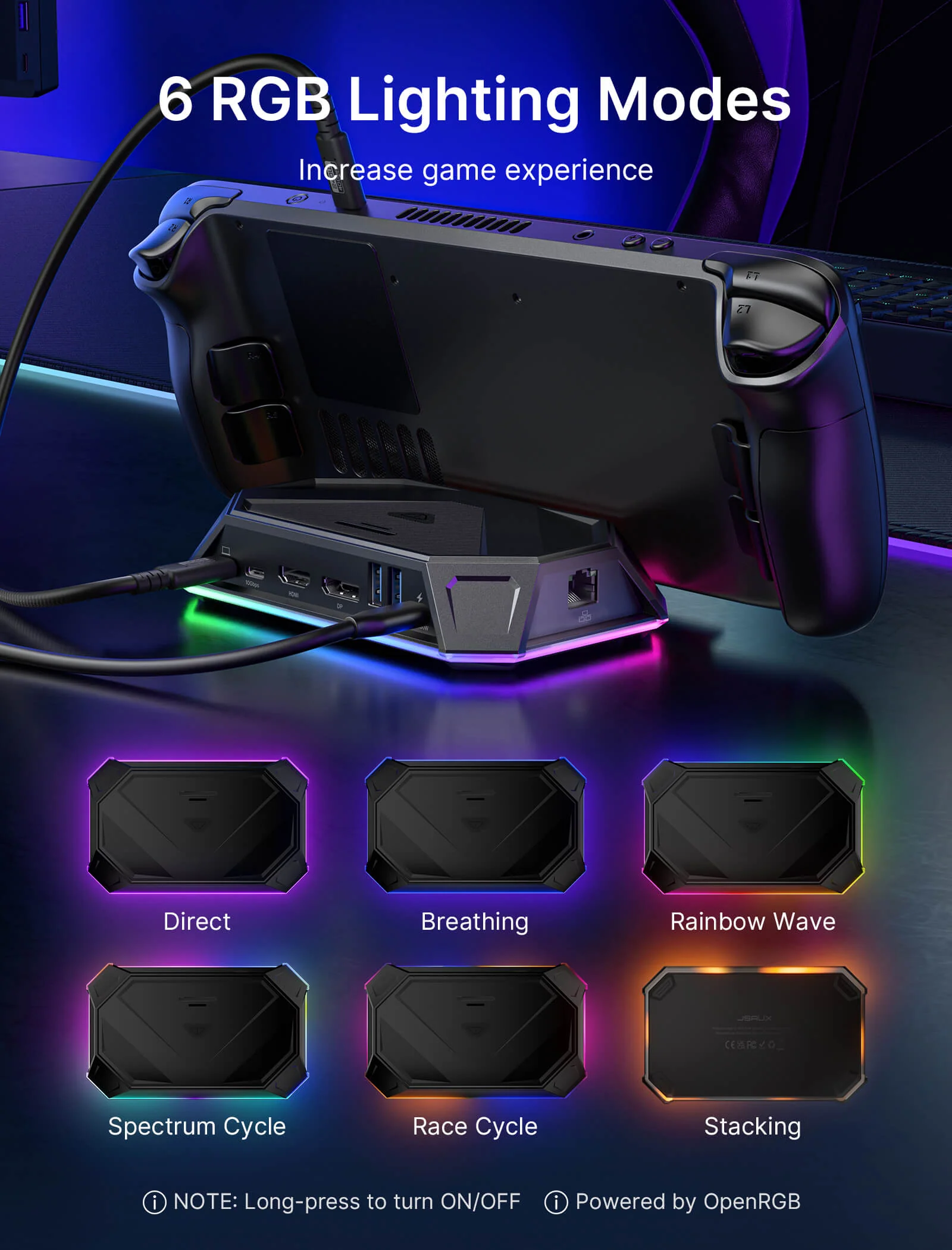
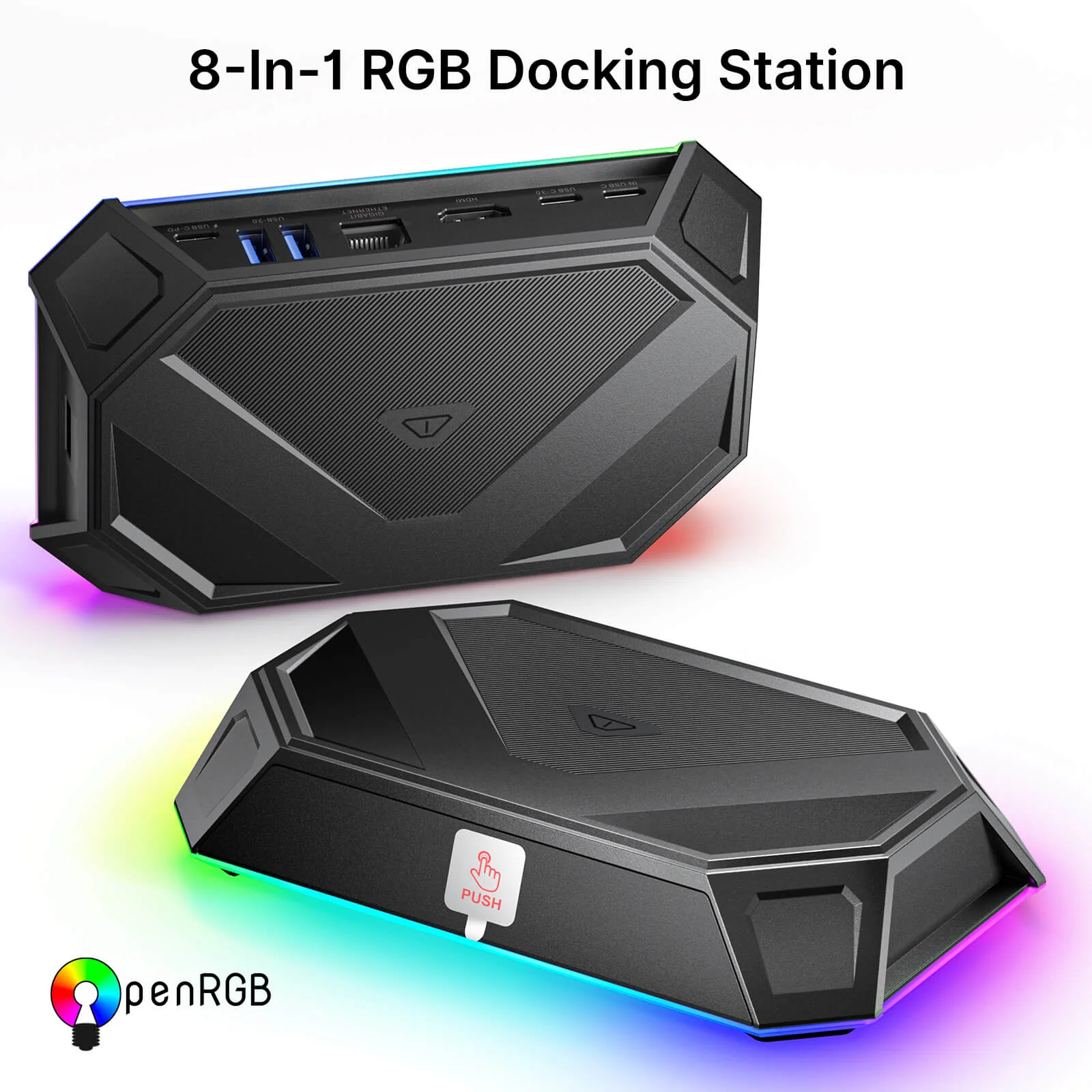
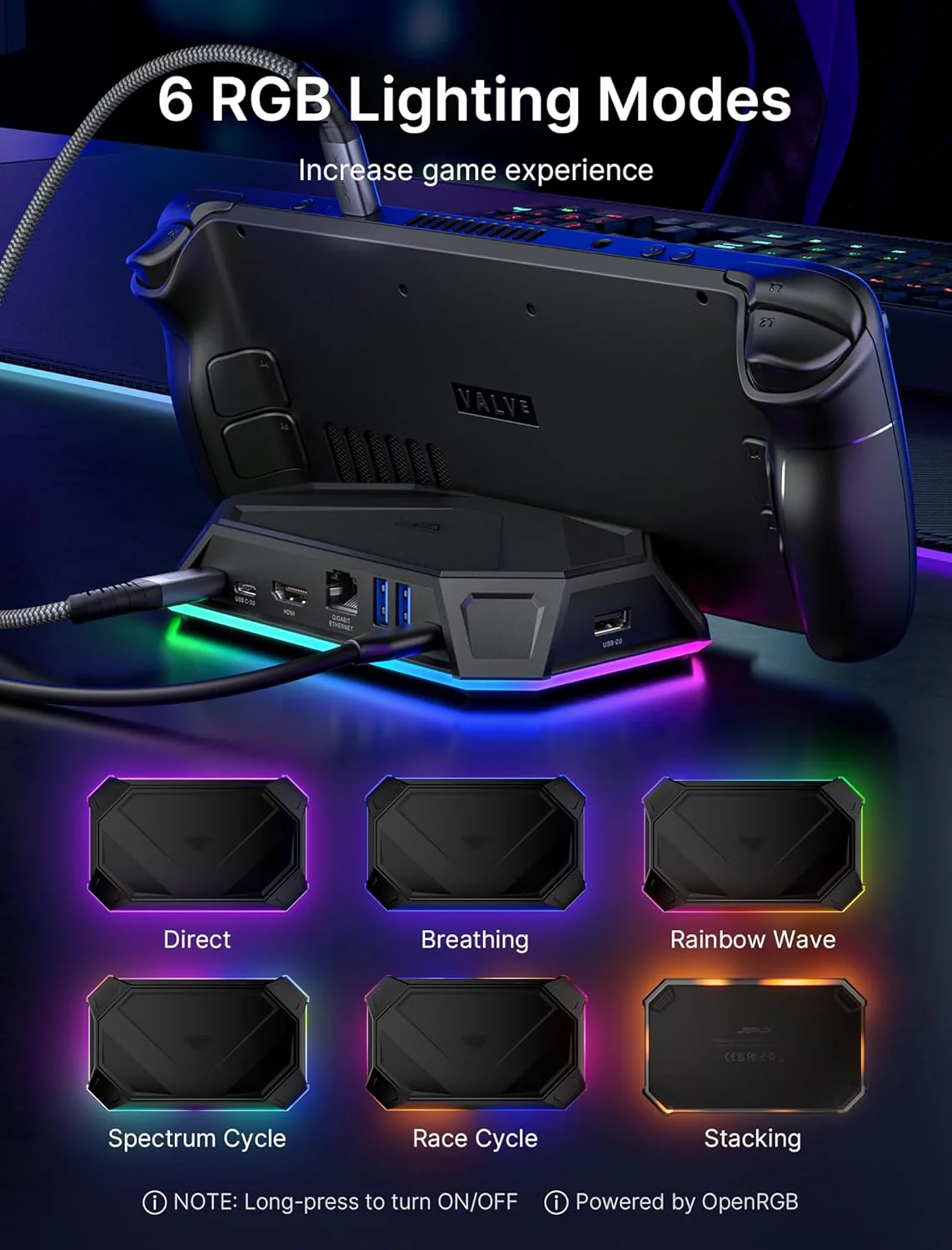
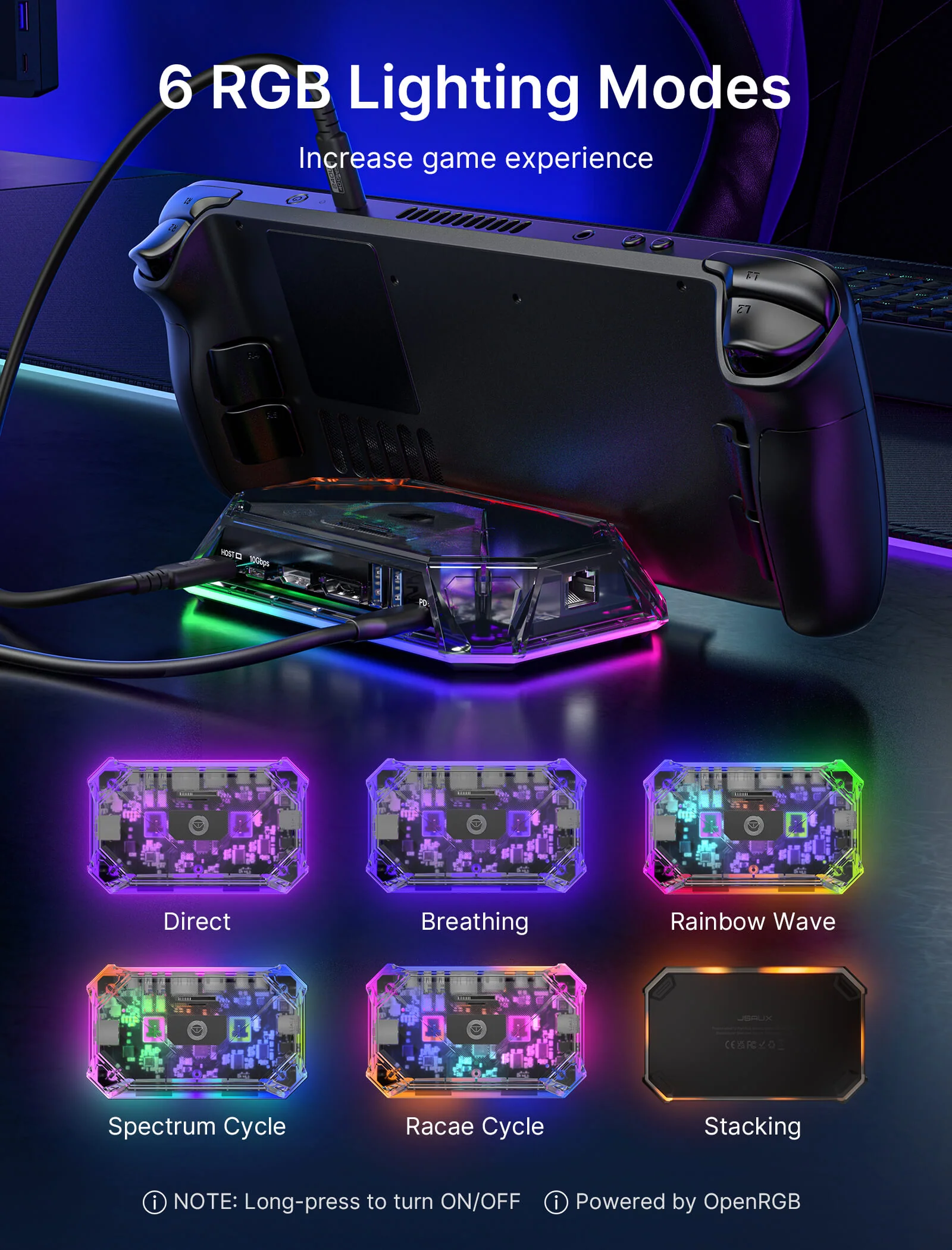
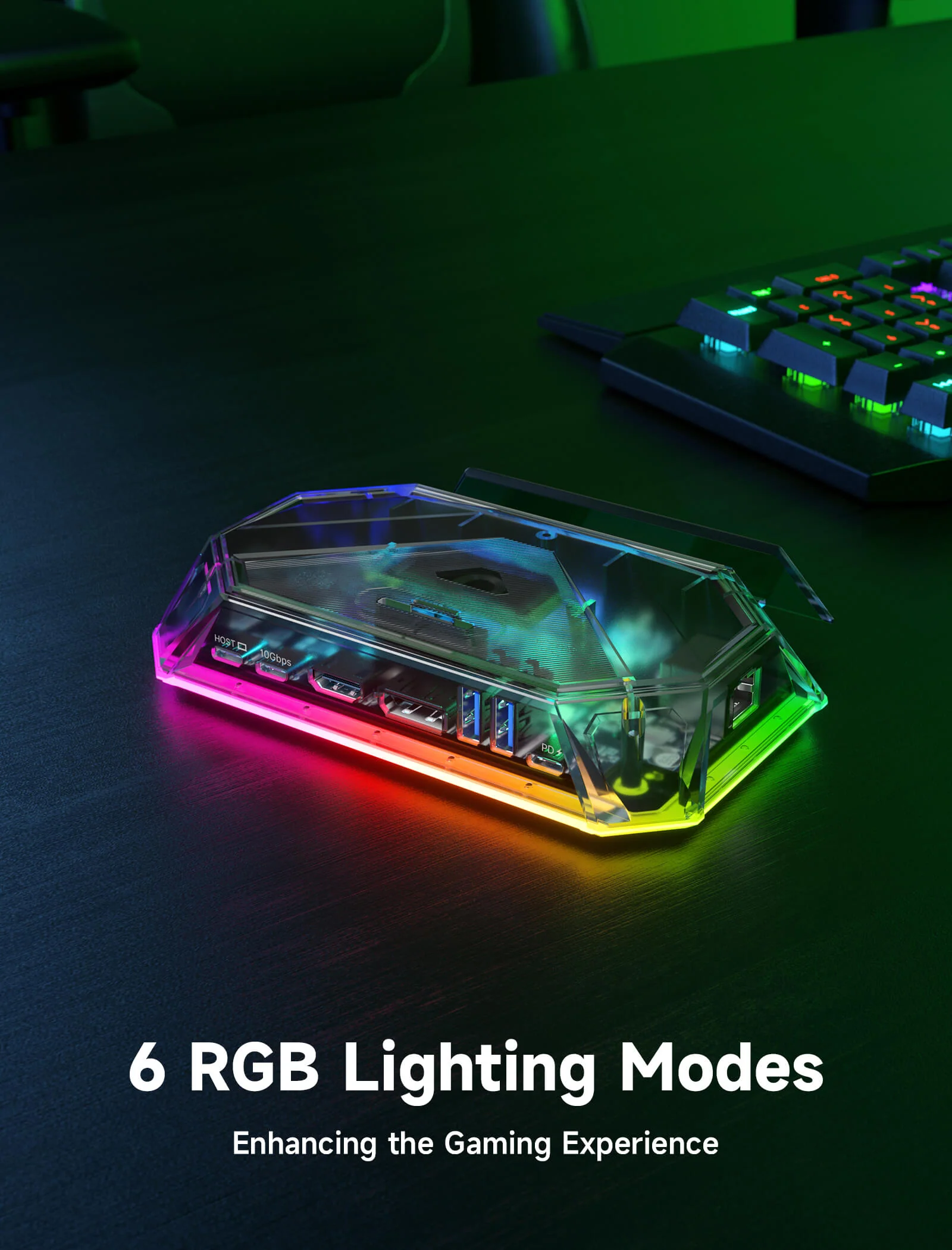
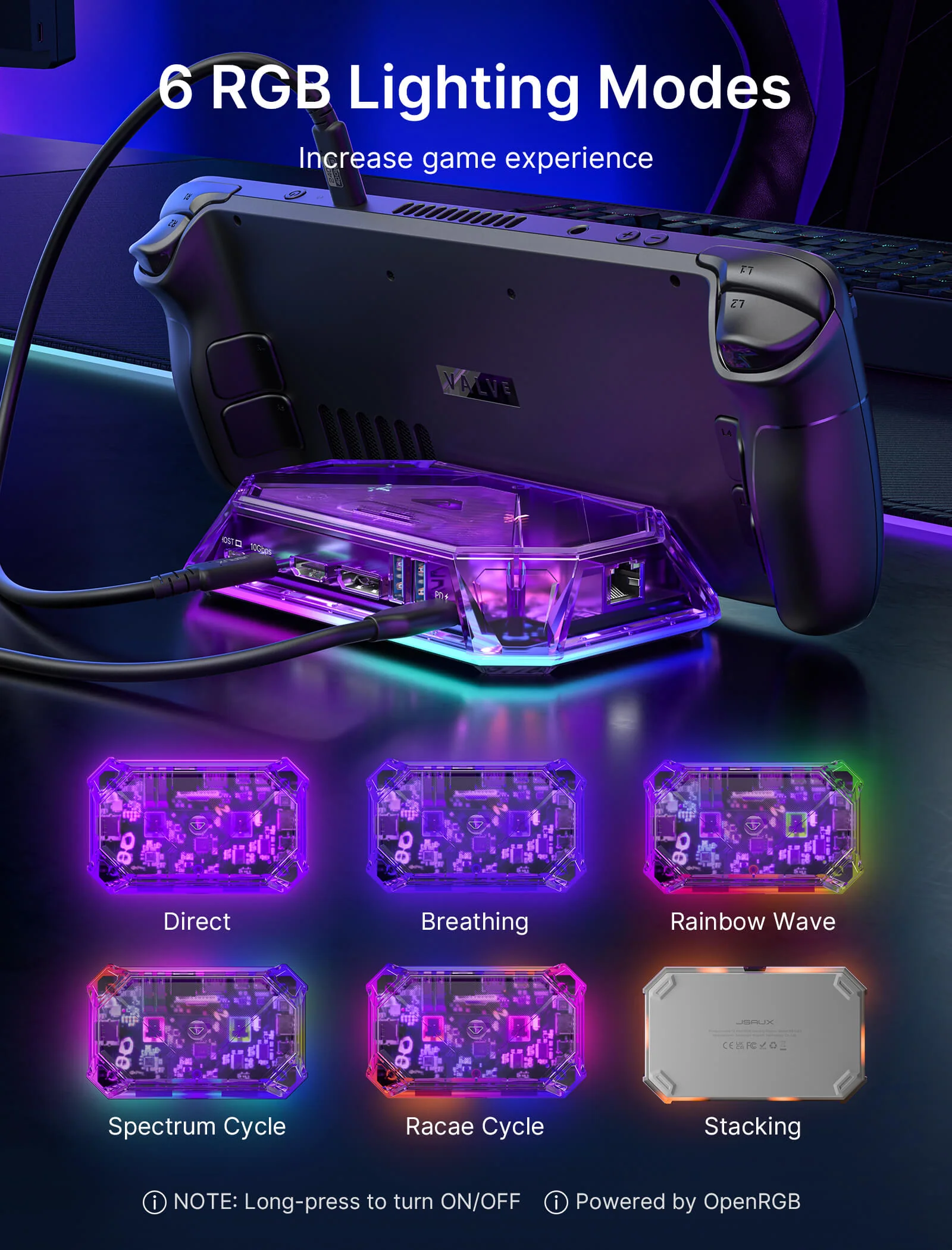
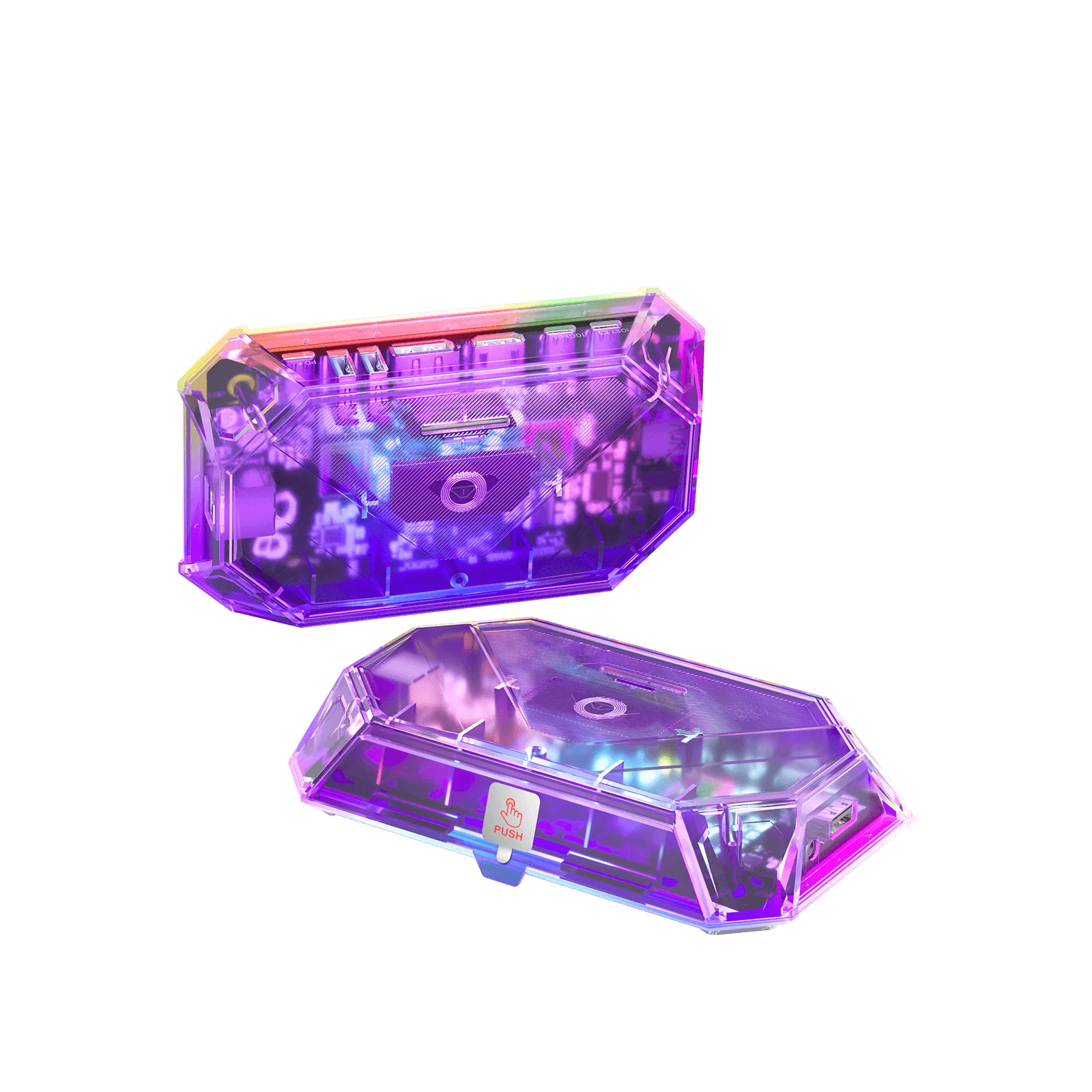
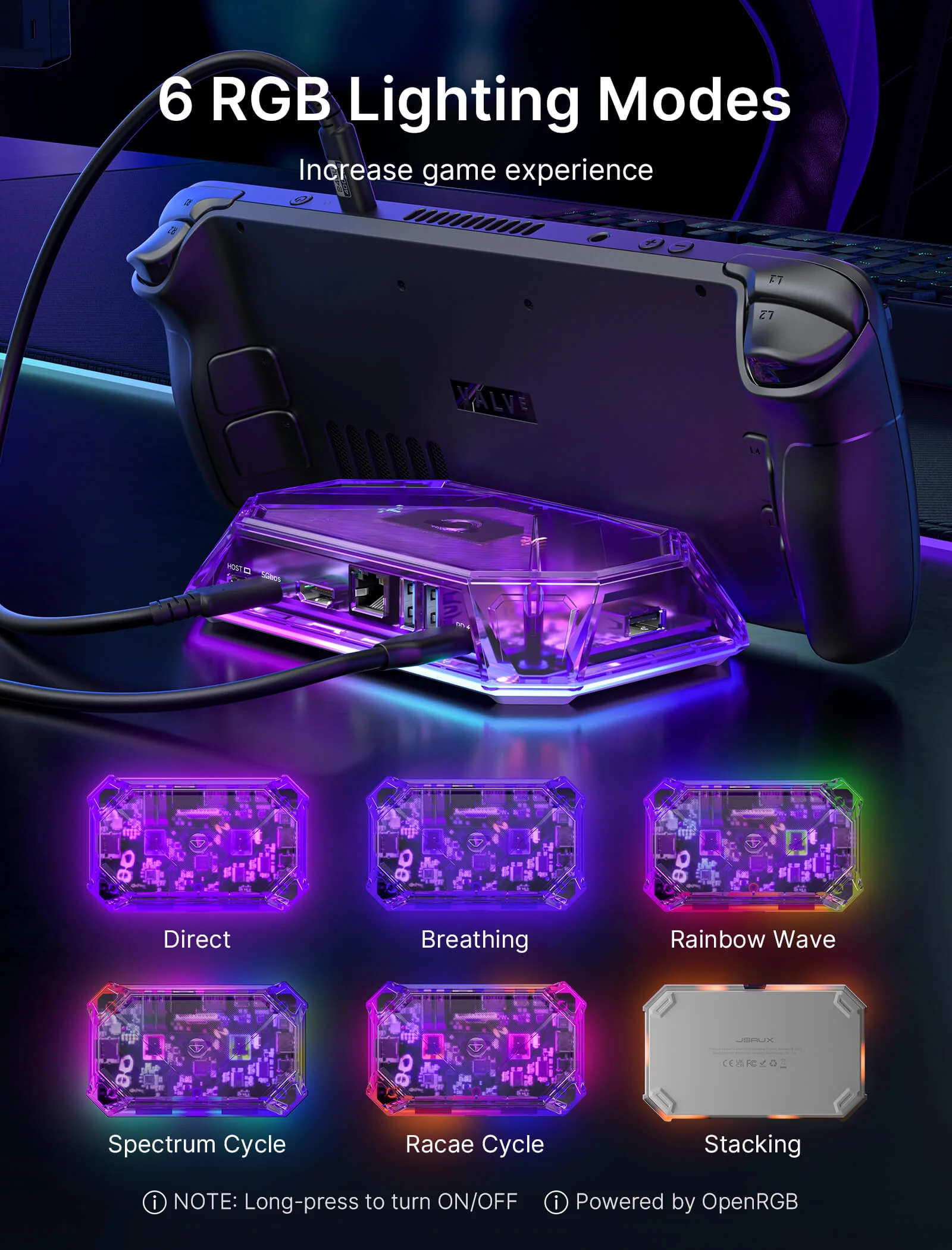
- 【6 RGB Lighting Modes】: The RGB docking station comes with RGB lights, with 6 lighting modes, including Direct, Breathing, Rainbow Wave, Spectrum Cycle, Race Cycle, and Stacking, which can be perfectly matched with your desktop or other RGB mouse, keyboard, etc. Connect to PC device via USB-C upstream port and adjust various RGB lighting effects using OpenRGB software controls.
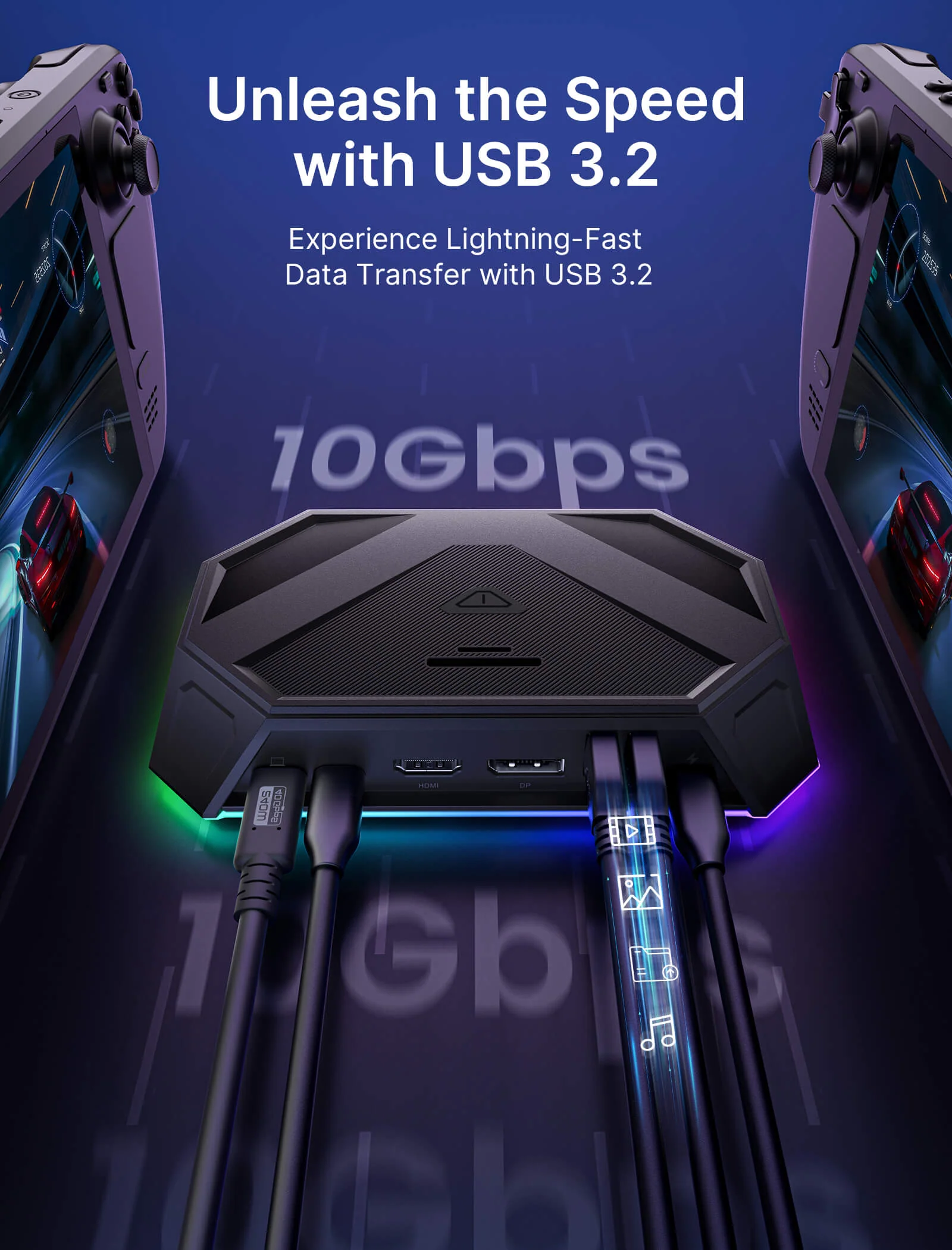
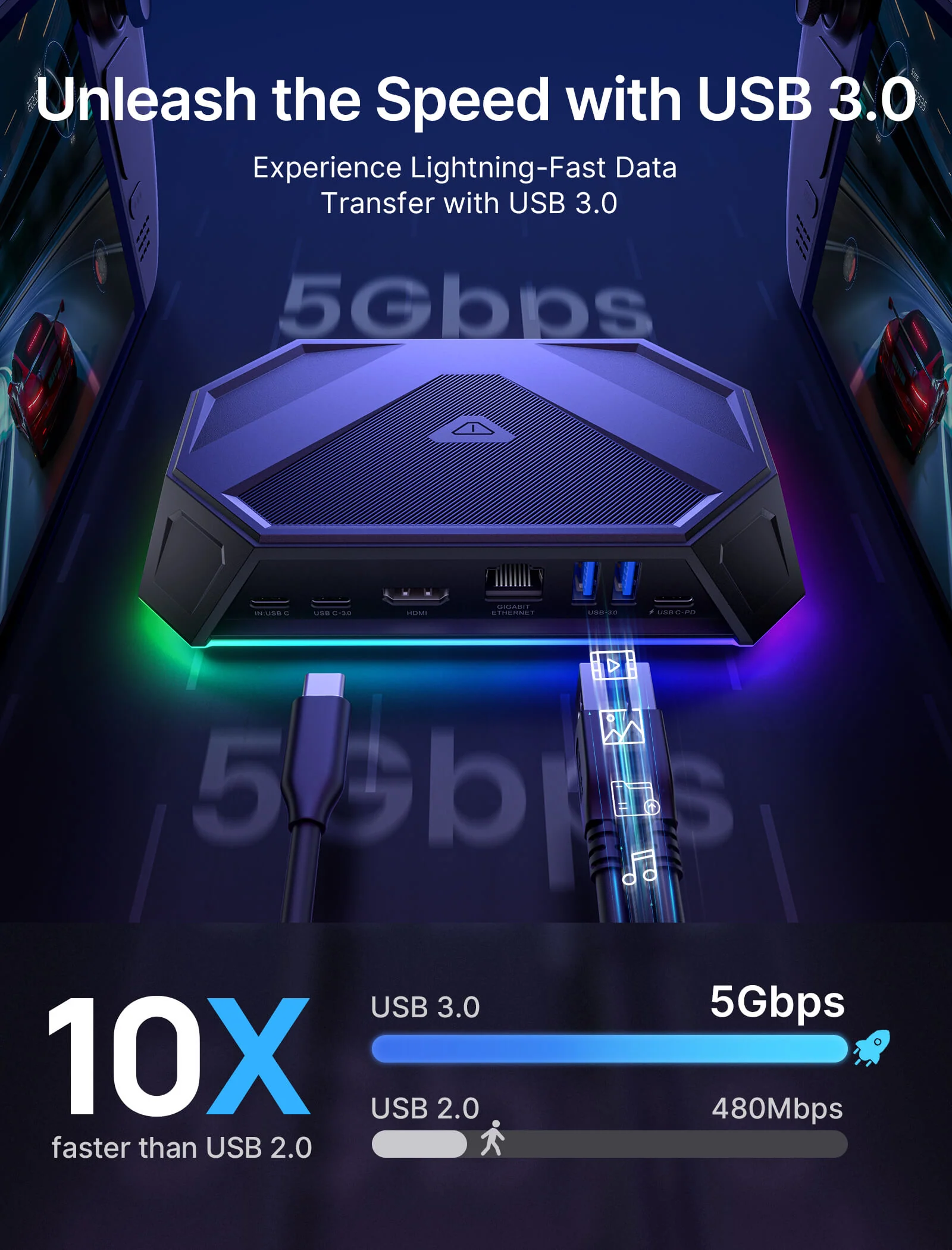
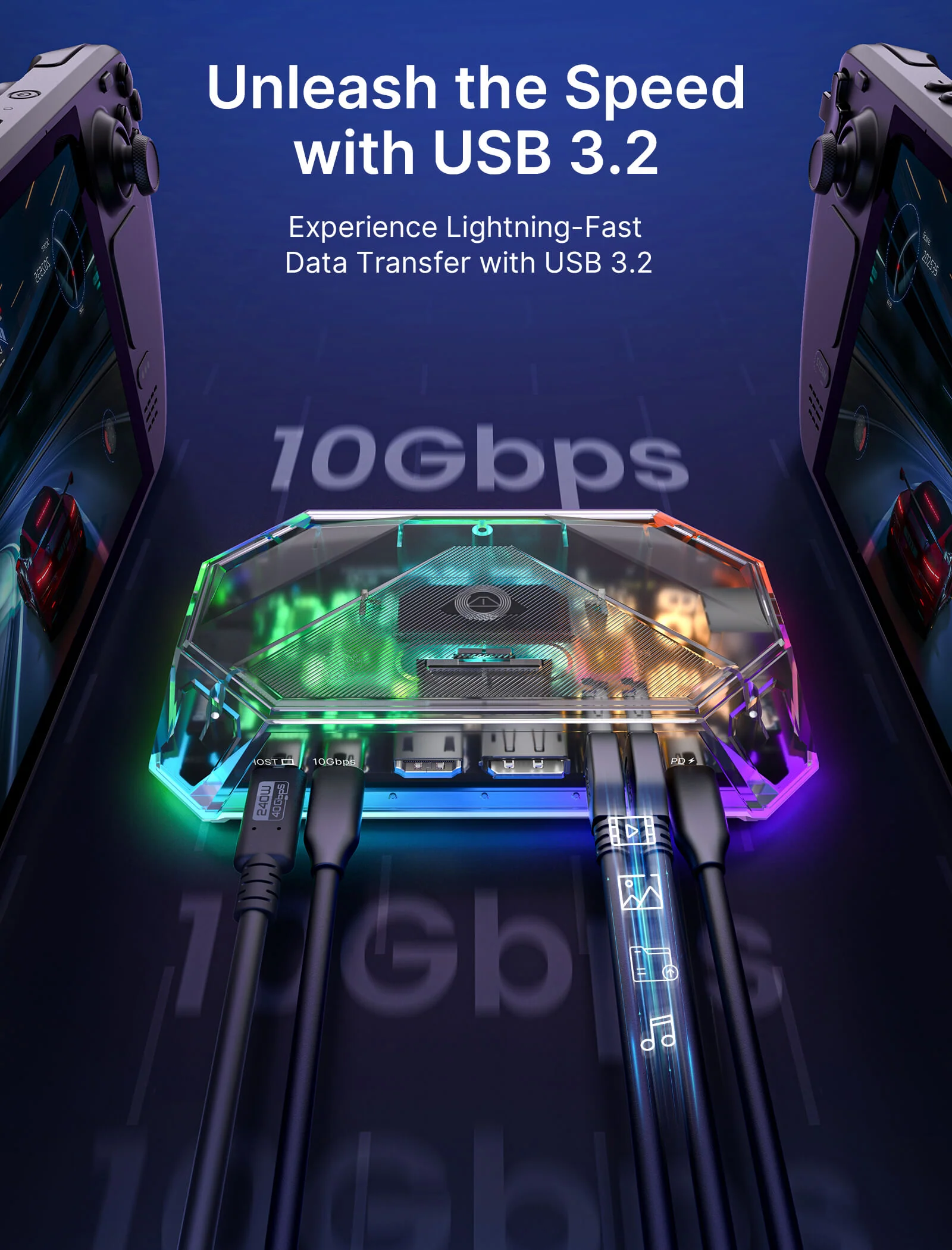
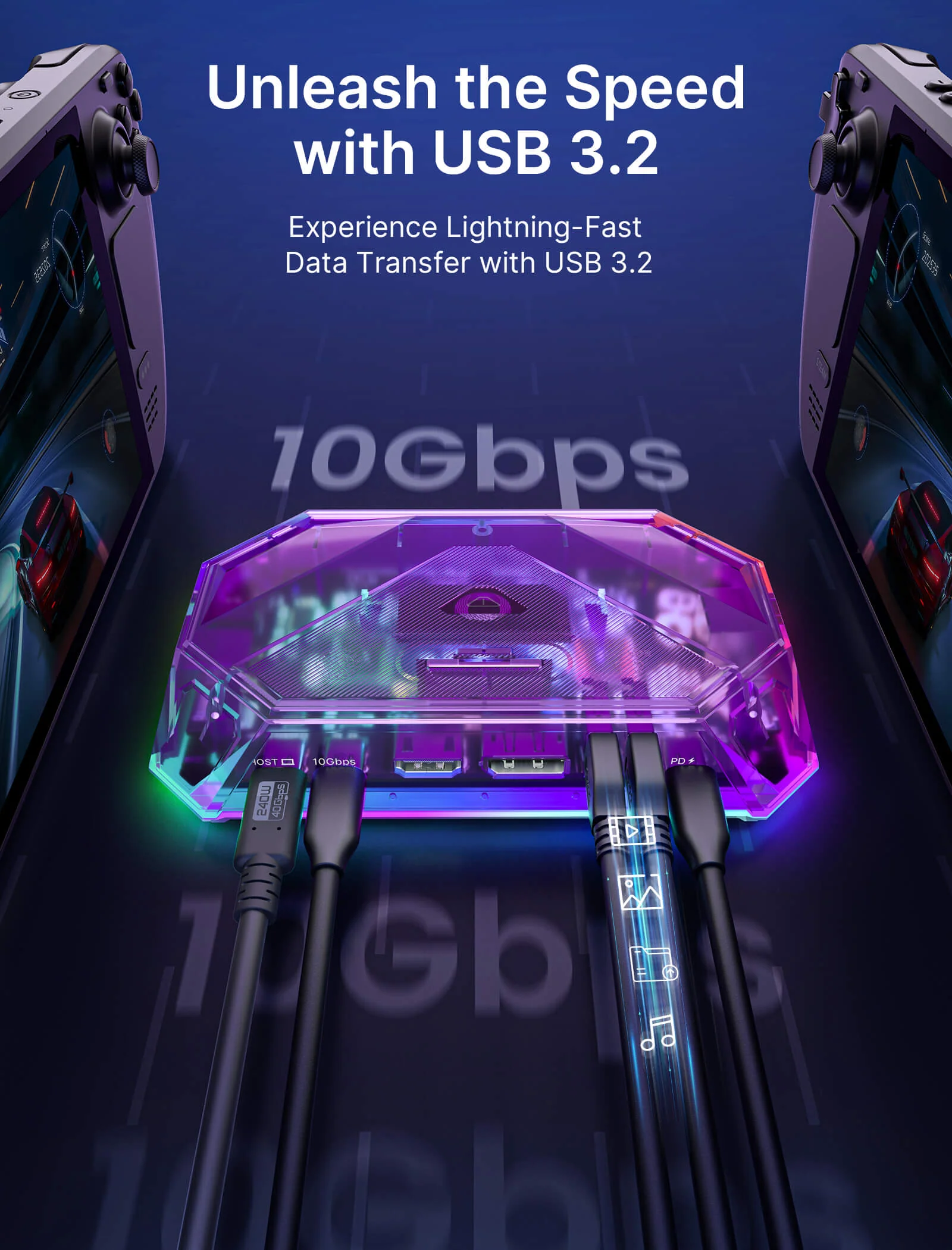
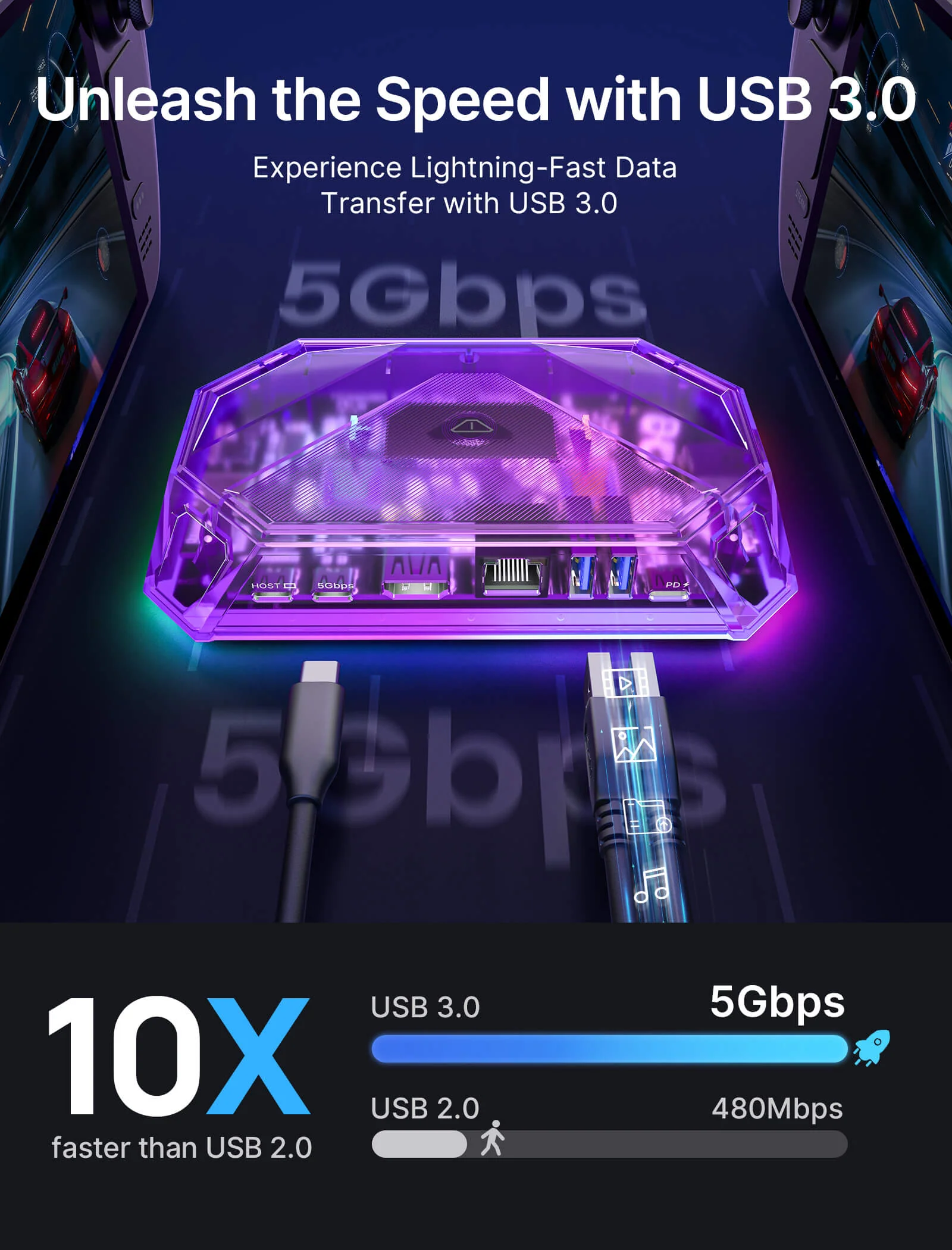
- 【10Gbps Data Transfer & PD100W Charging】:12-In-1 RGB Docking Station offers 2 USB-A 3.2 ports, and 1 USB-C 3.2 port to ensure you get fast data transfer at up to 10Gbps. With a USB-C PD3.0 100W charging port, supports 100W max power input, which can quickly charge your tablets, notebooks, and Steam Deck at full speed, providing a reliable power source for all your devices. (Note: 📢The USB-C 3.2 port only supports data transmission and does not support video output.)
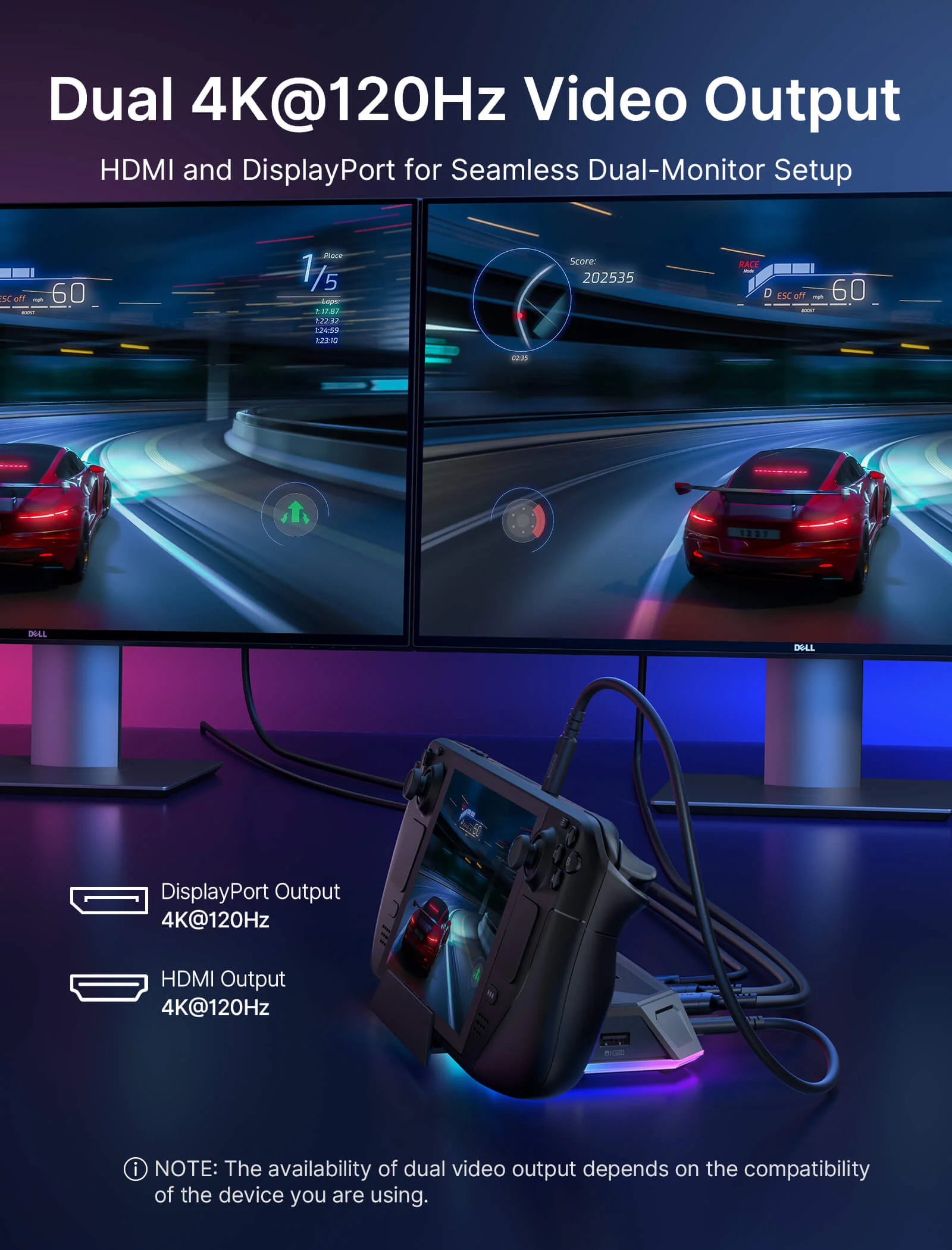
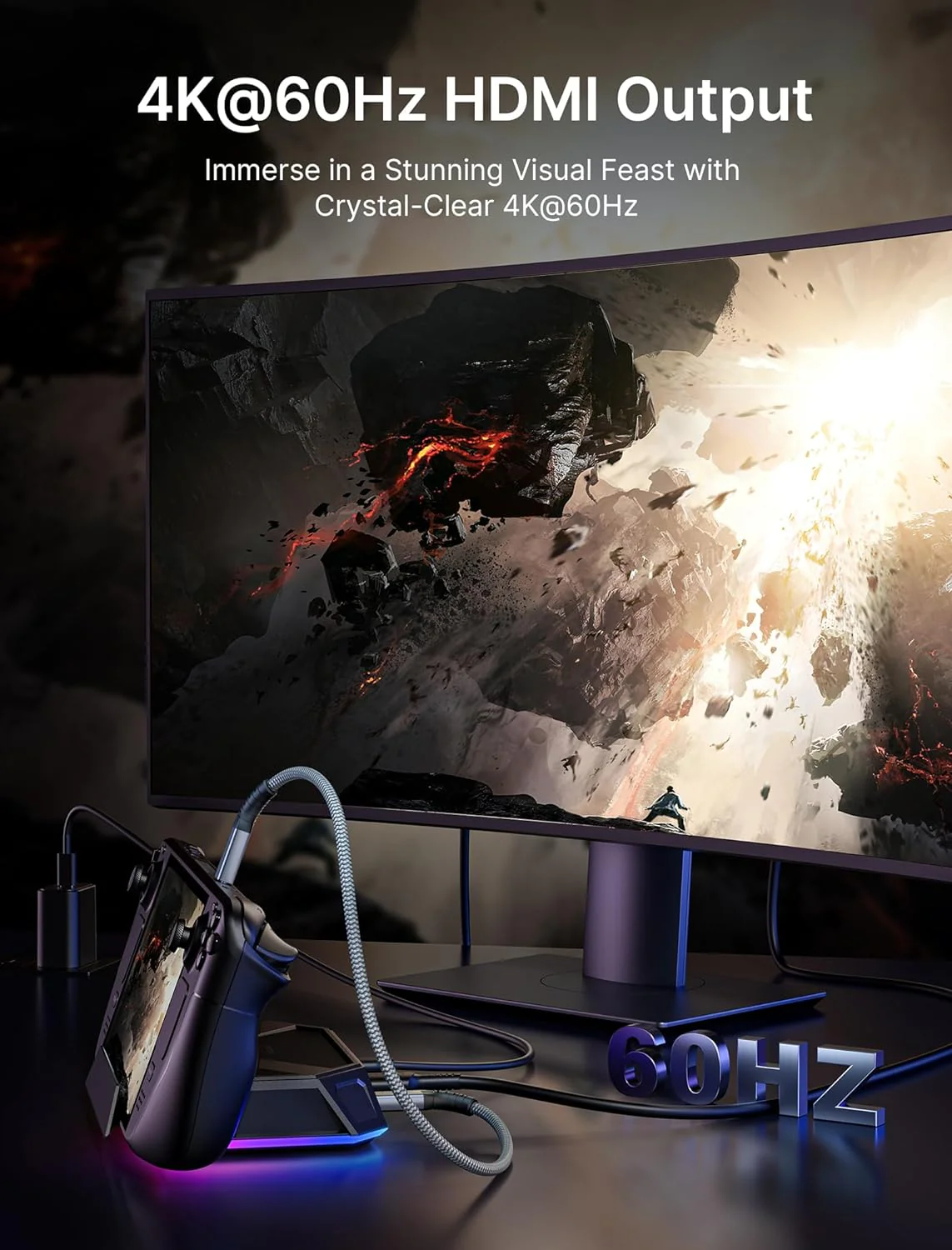
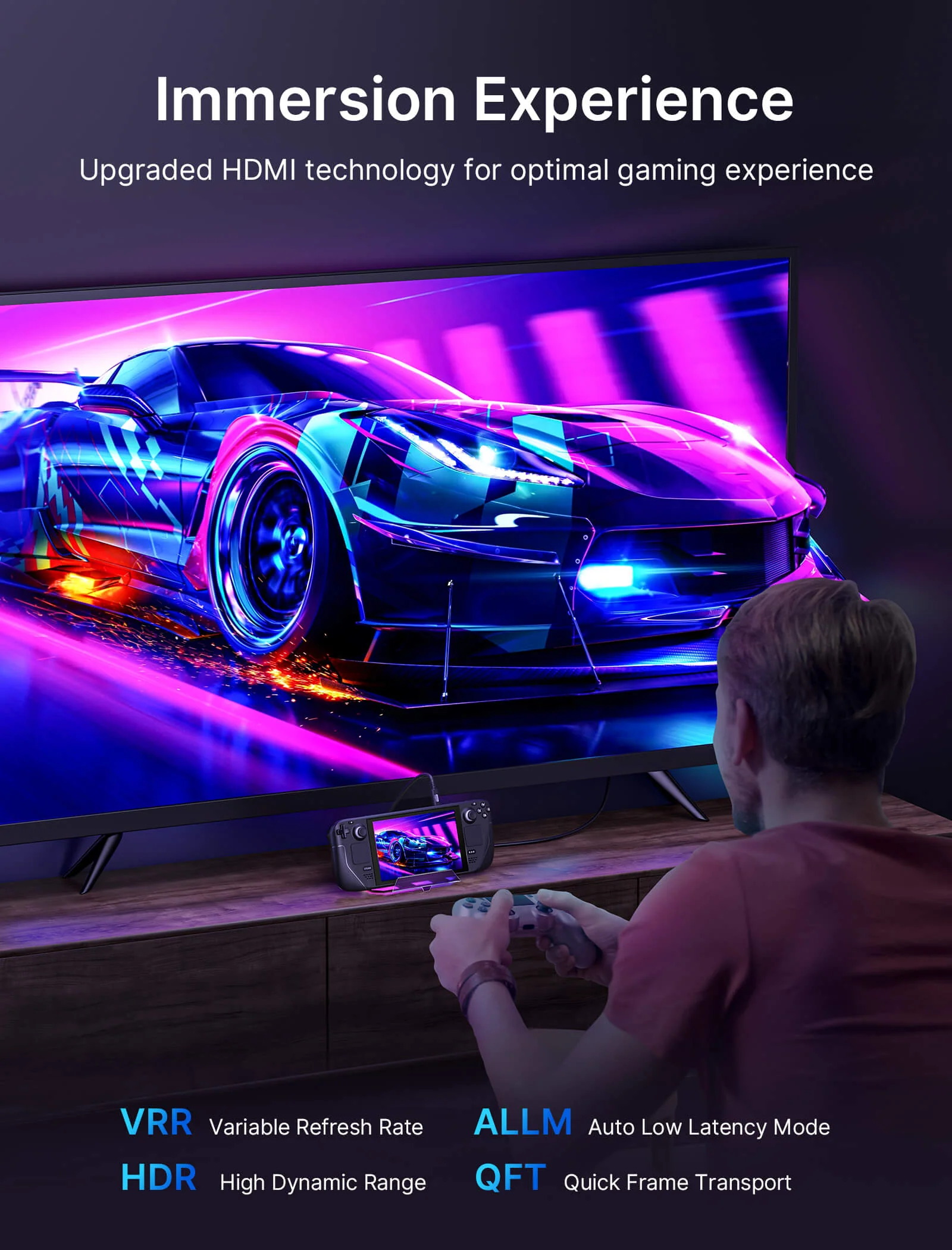
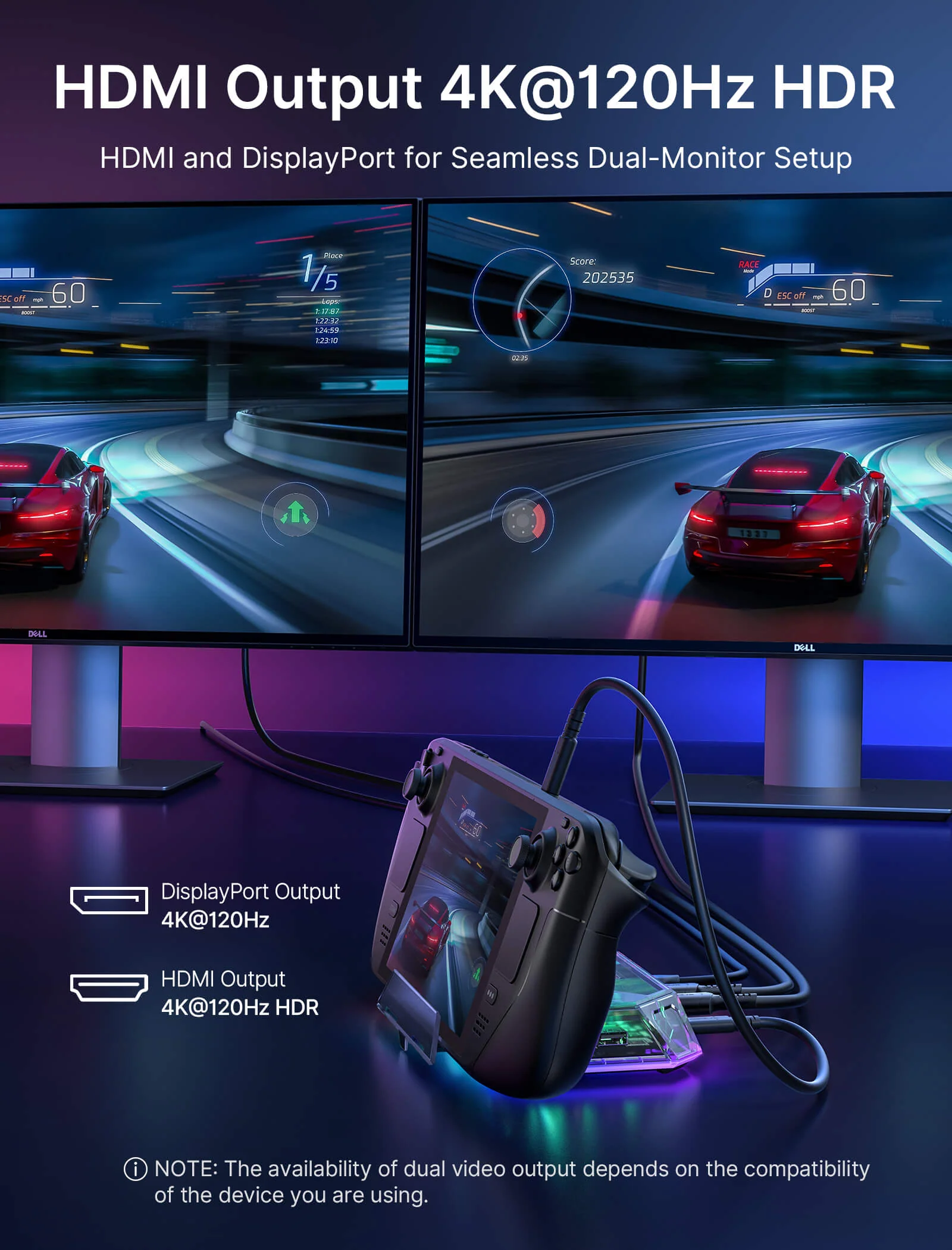
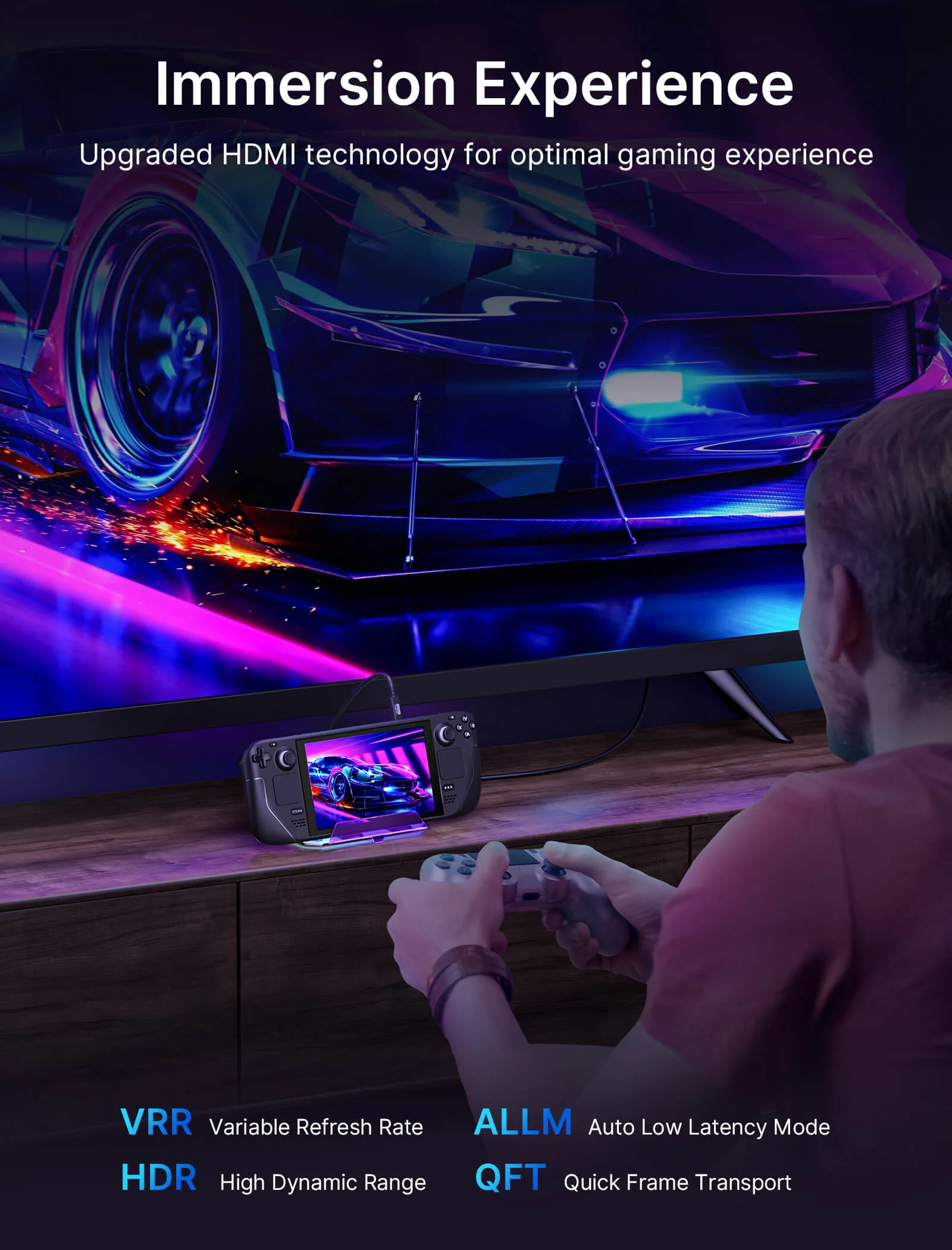
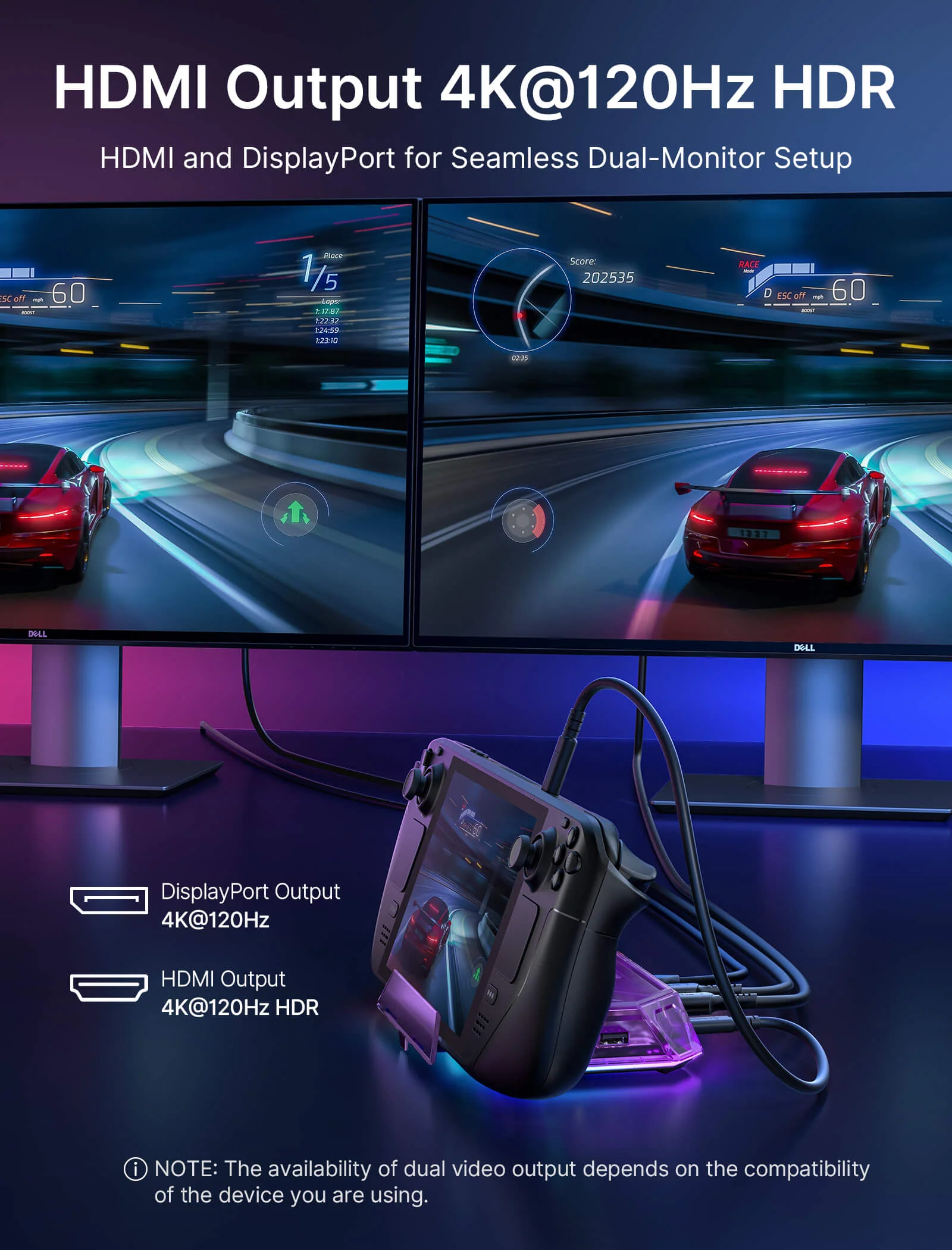
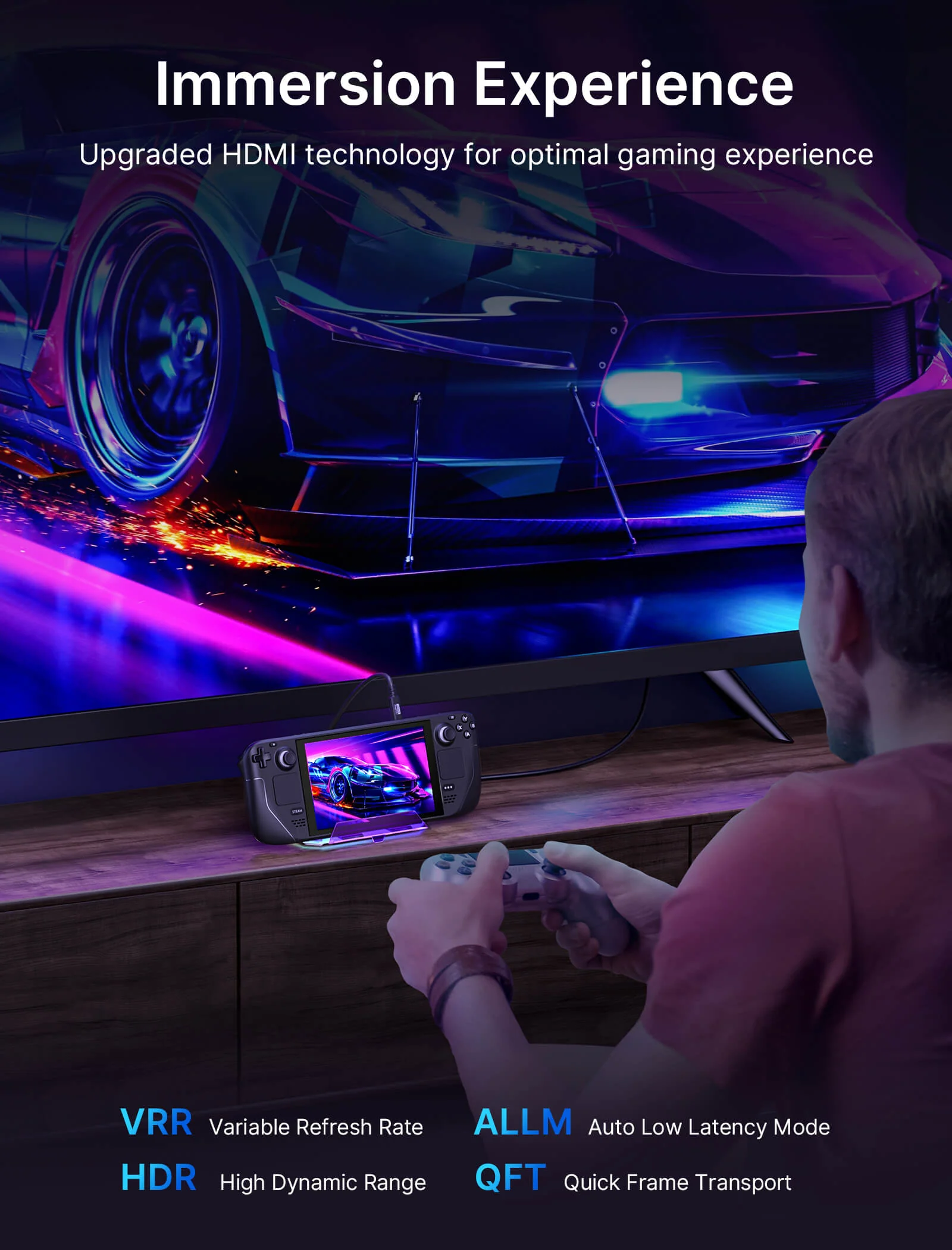
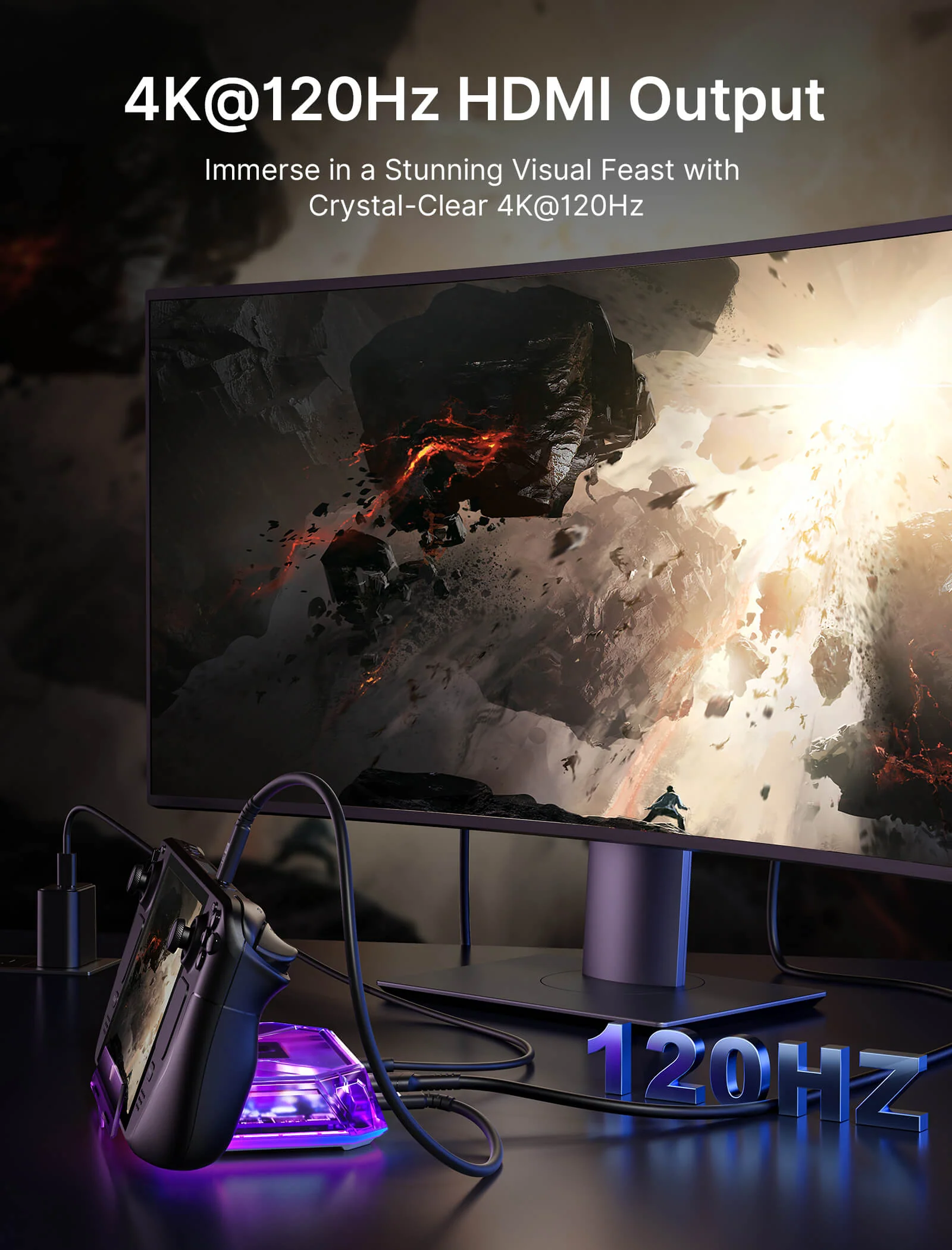
- 【Ultra 4K Output and Dual Screen Display】: 12-In-1 RGB Docking Station HDMI port and DisplayPort outputs up to 4K@120Hz resolution, perfect for mirroring or extending your screen to an HDTV, monitor, or projector to create a cinema-like visual experience. Supports Windows system Dual Screen Display mirror and extend mode(A-AA, A-BB, and A-BC), and can support MAC OS system mirror mode (A-AA and A-BB).
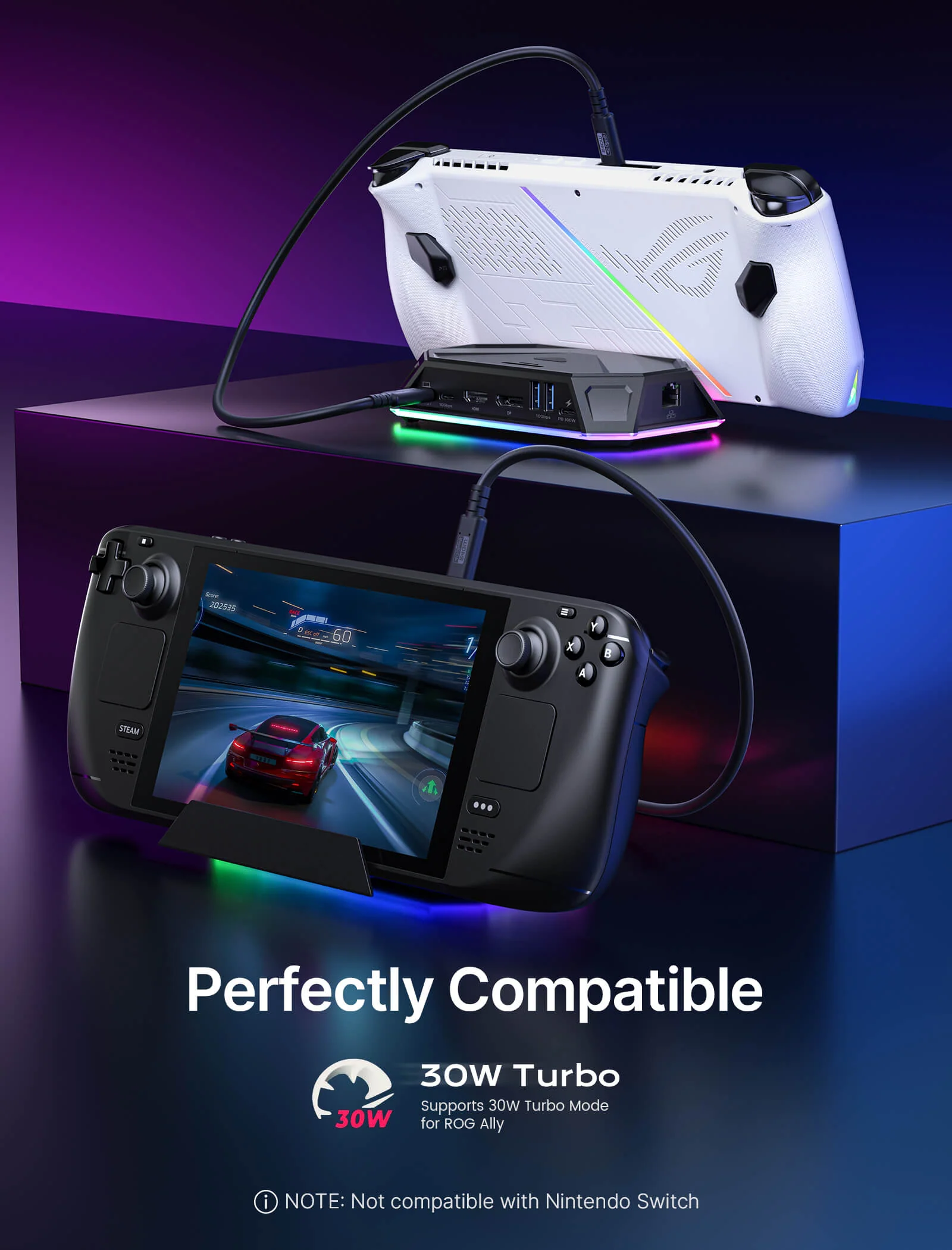
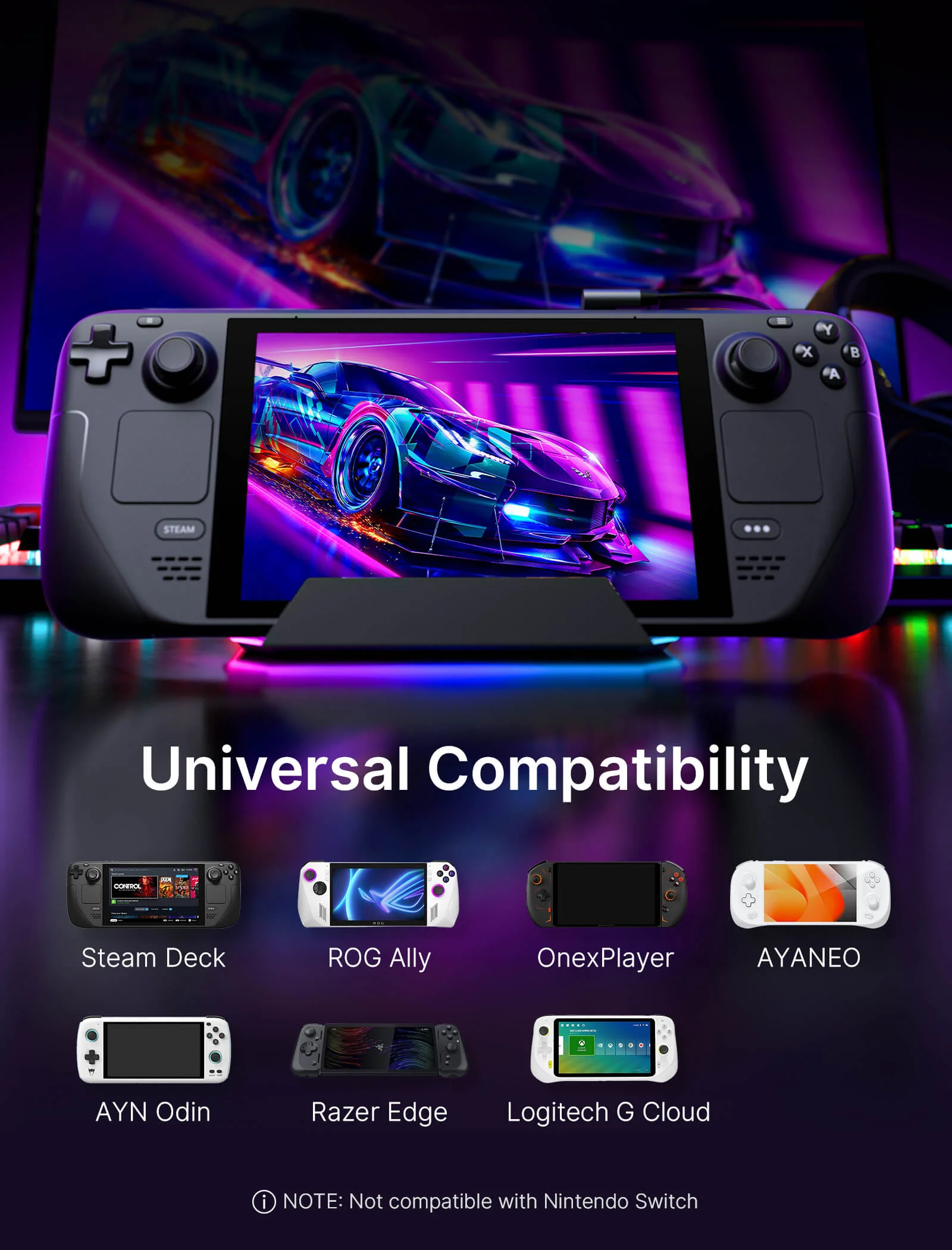
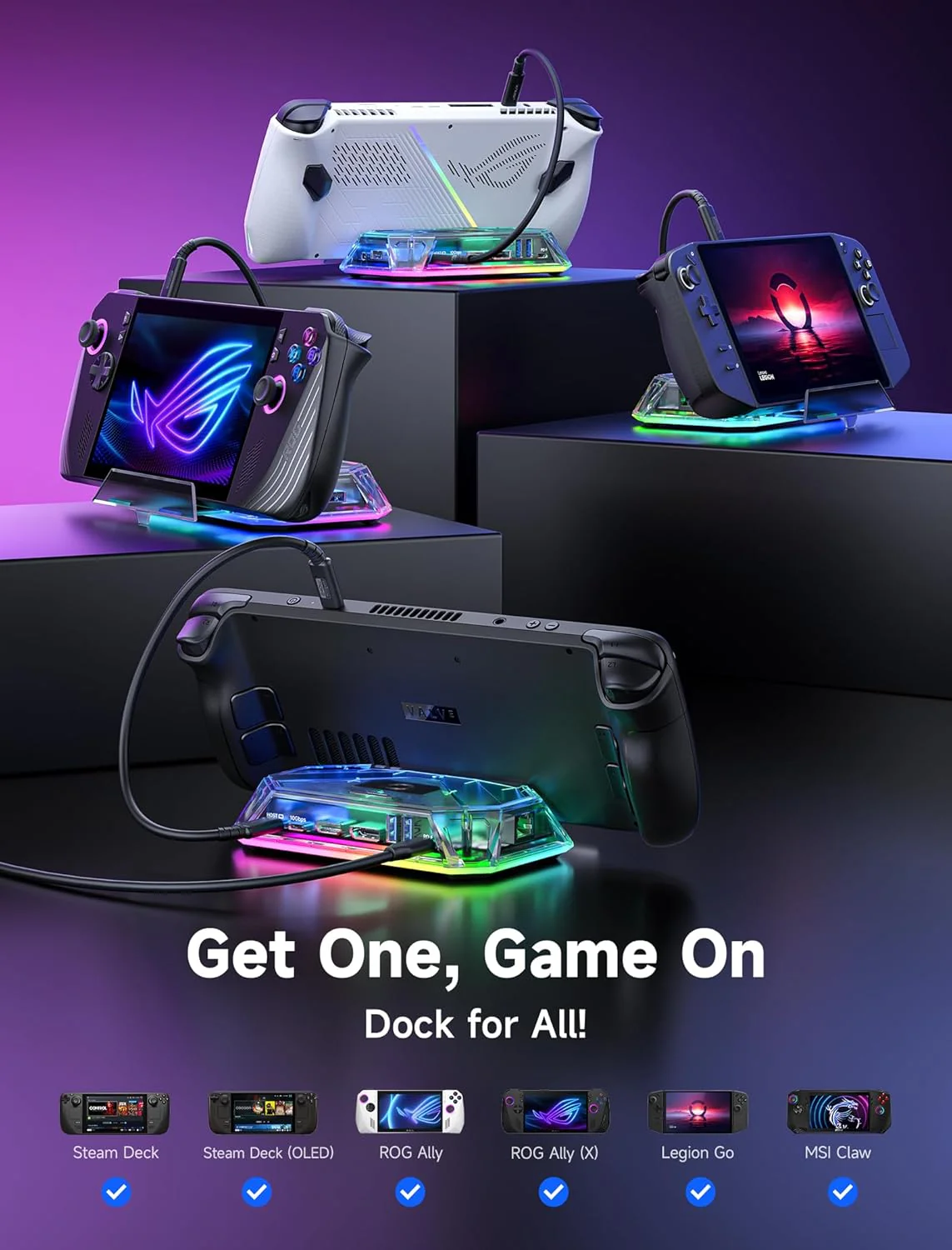
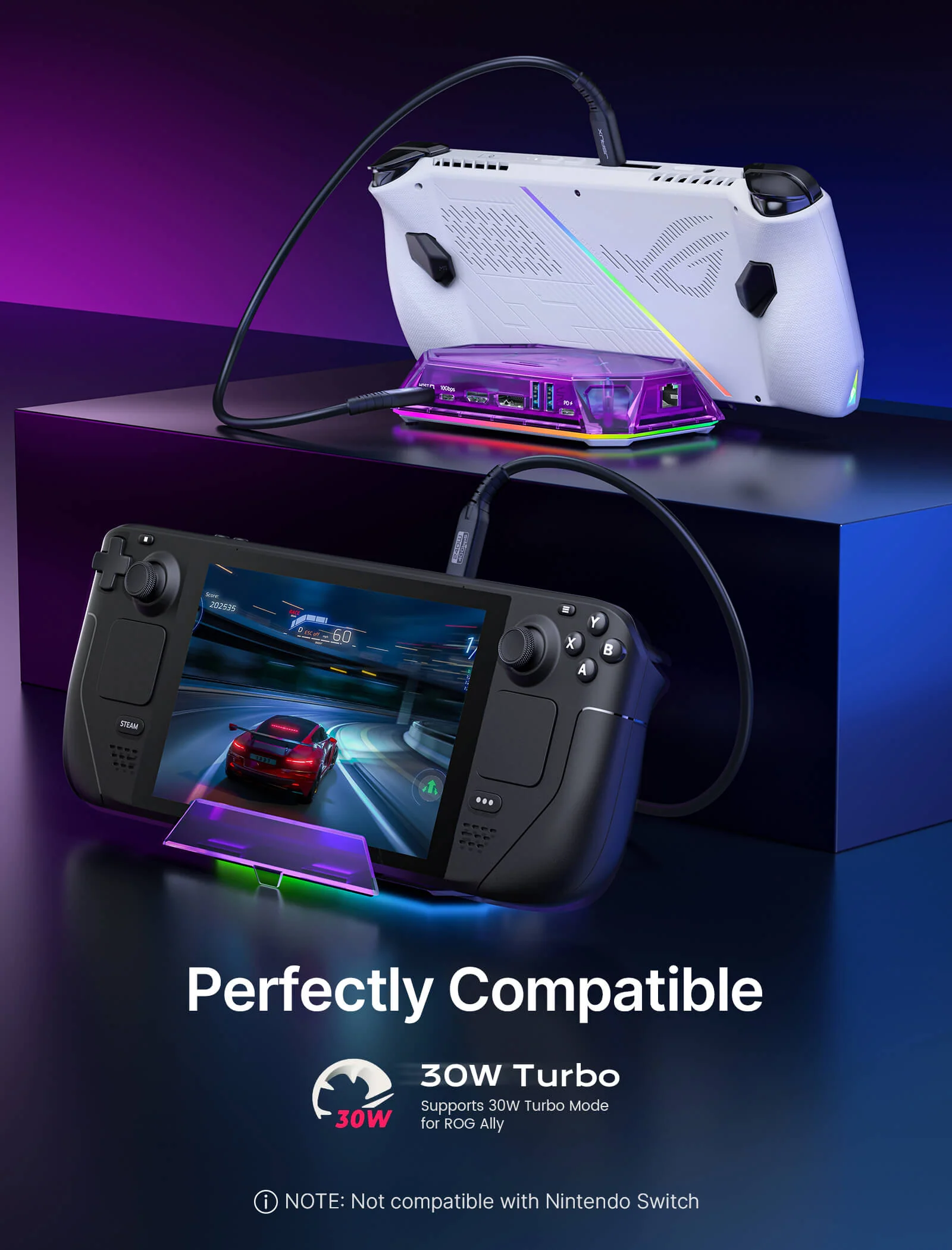
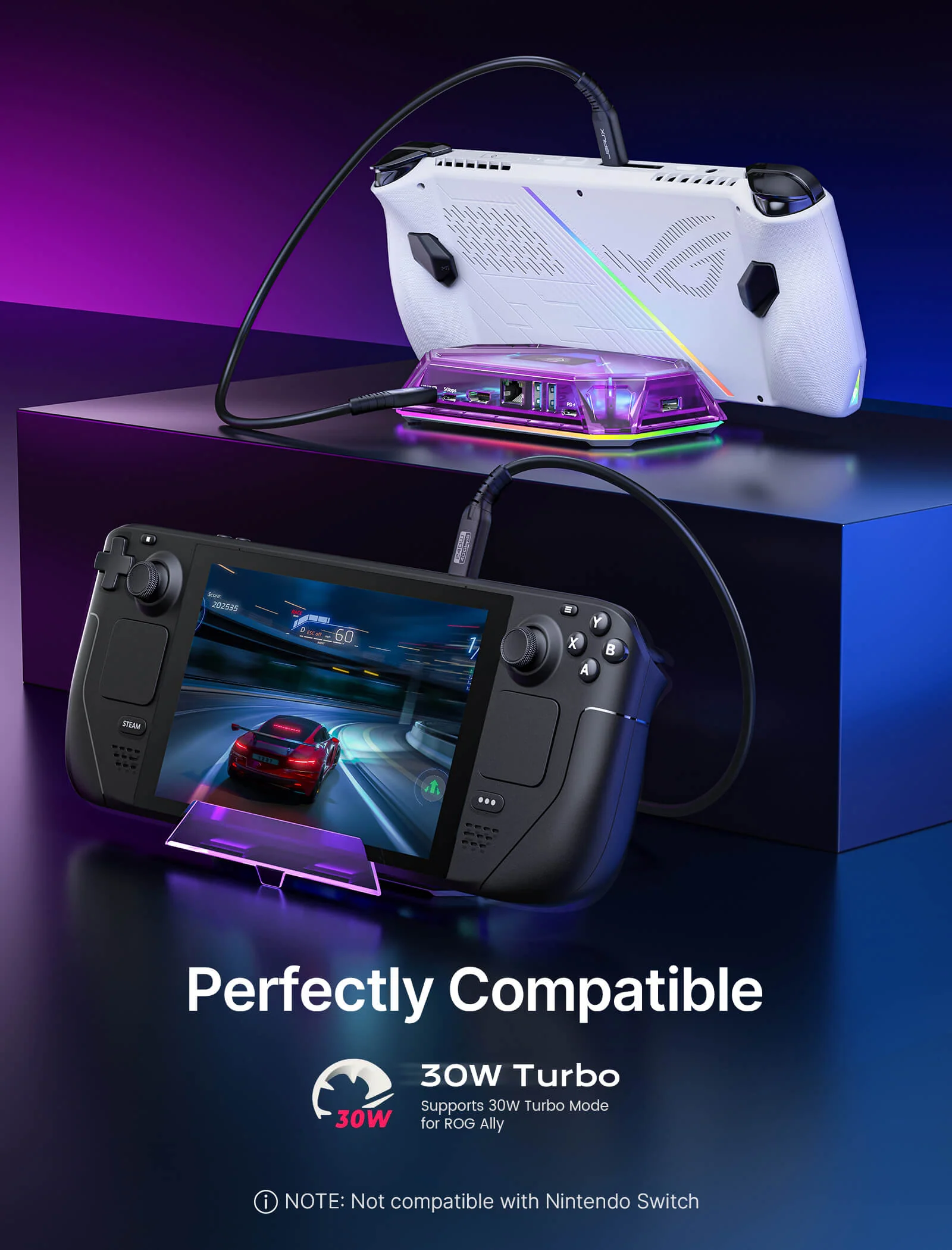
- 【Wide Compatibility】: The RGB Docking Station is compatible with Steam Deck/OLED, ROG Ally/X, Legion Go/2/S, ONE PLAYER, AYN Odin, AYANEO, Razer Edge, Logitech G Cloud,iPad, iPad Pro, phone, etc.📢NOTE: Not compatible with Nintendo Switch.
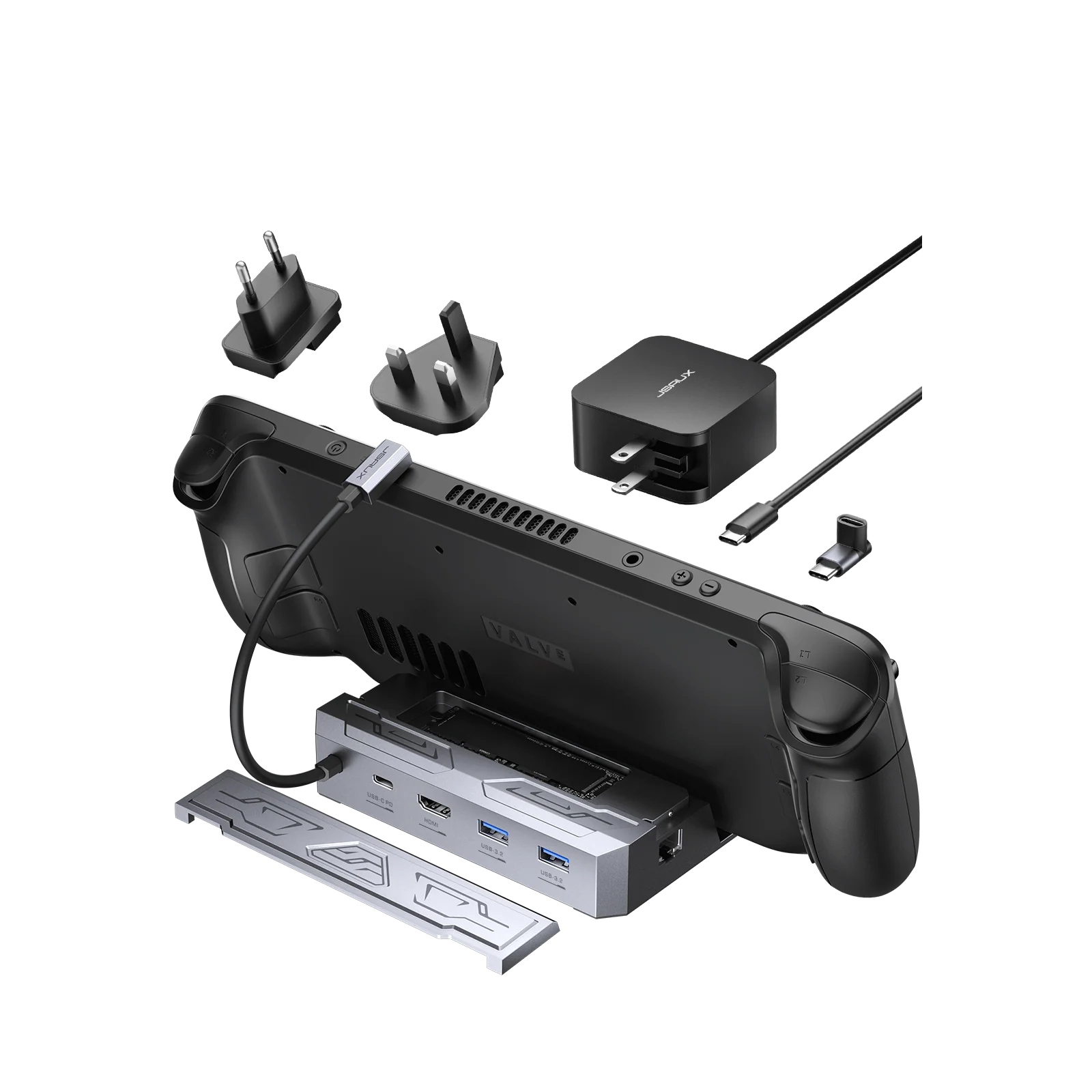
- 【What's in the package】: HB1201 Set Includes HB1201*1, USB-C to USB-C Cable*1, Stickers*1. HB0801 Kit Includes HB0801*1, USB-C to USB-C Cable*1, Stickers*1.HB1201S Set Includes HB1201S*1, USB-C to USB-C Cable*1. HB0801S Kit Includes HB0801S*1, USB-C to USB-C Cable*1.(📢NOTE: The included USB-C cable may vary from the one shown in the picture, but it won't affect its normal functionality.)
If you need to adjust the RGB lighting effect, please go to the OpenRGB official website and download the OpenRGB 0.9
Note: 📢
- It is recommended to use a 100W charger to better experience ROG Ally’s high-performance 30W mode.
- Open the off mode through the OpenRGB software and the entire LED will be turned off, Then turn on other modes to light up the LED; if you press the Hub touch button for 2 seconds, all modes will be turned off (you need to press and hold for two seconds to turn on the Hub light effect switch, Then you can debug other modes through OpenRGB.
- If you encounter any operational issues with your docking station, please ensure that your USB-C cable is correctly connected to the designated 'IN-USB-C' port. We highly recommend using the provided USB-C cable to establish a connection with your device to ensure optimal functionality. If you choose to use an alternative USB-C cable, please ensure that it adheres to the USB-C 3.2 standard.
- The interface labels on the docking station may differ slightly from the image, but their functionality remains the same, so there's no need for concern.
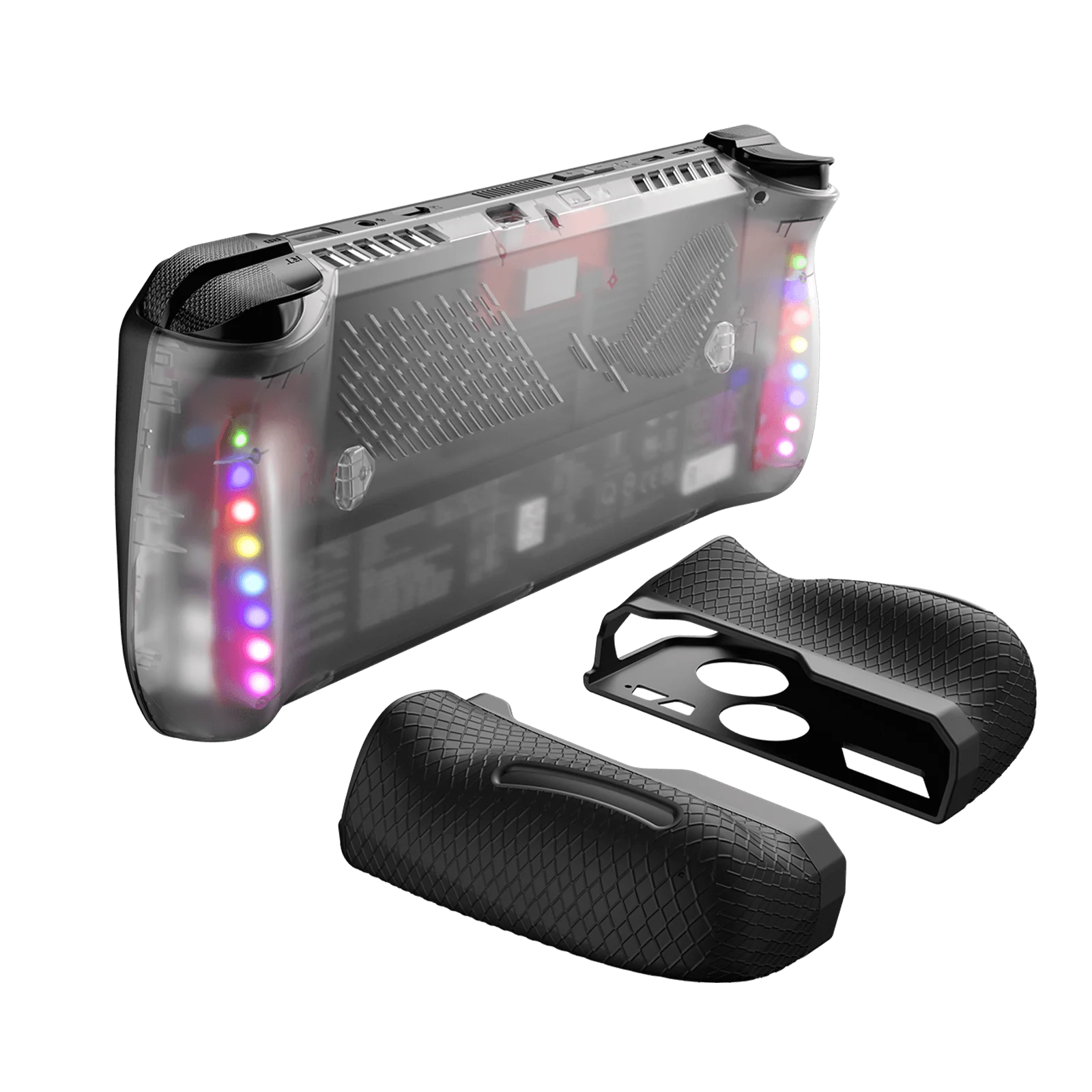
- RGB docking stations are only compatible with the bare ROG Ally X/Legion Go2/Legion Go S unit.
Product Information
Product Information
Shipping & Returns
Shipping & Returns
RGB Docking Station
RGB Docking Station
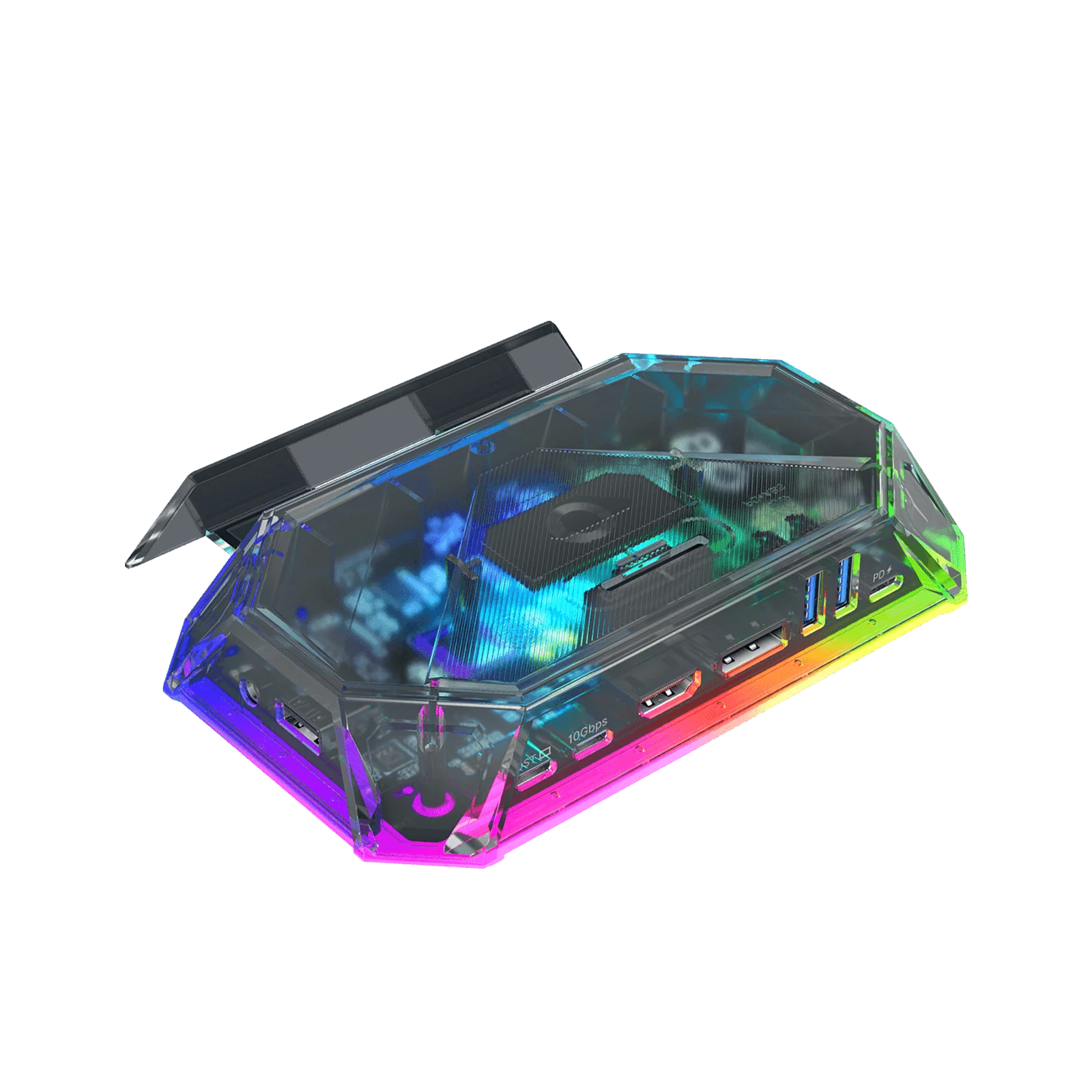
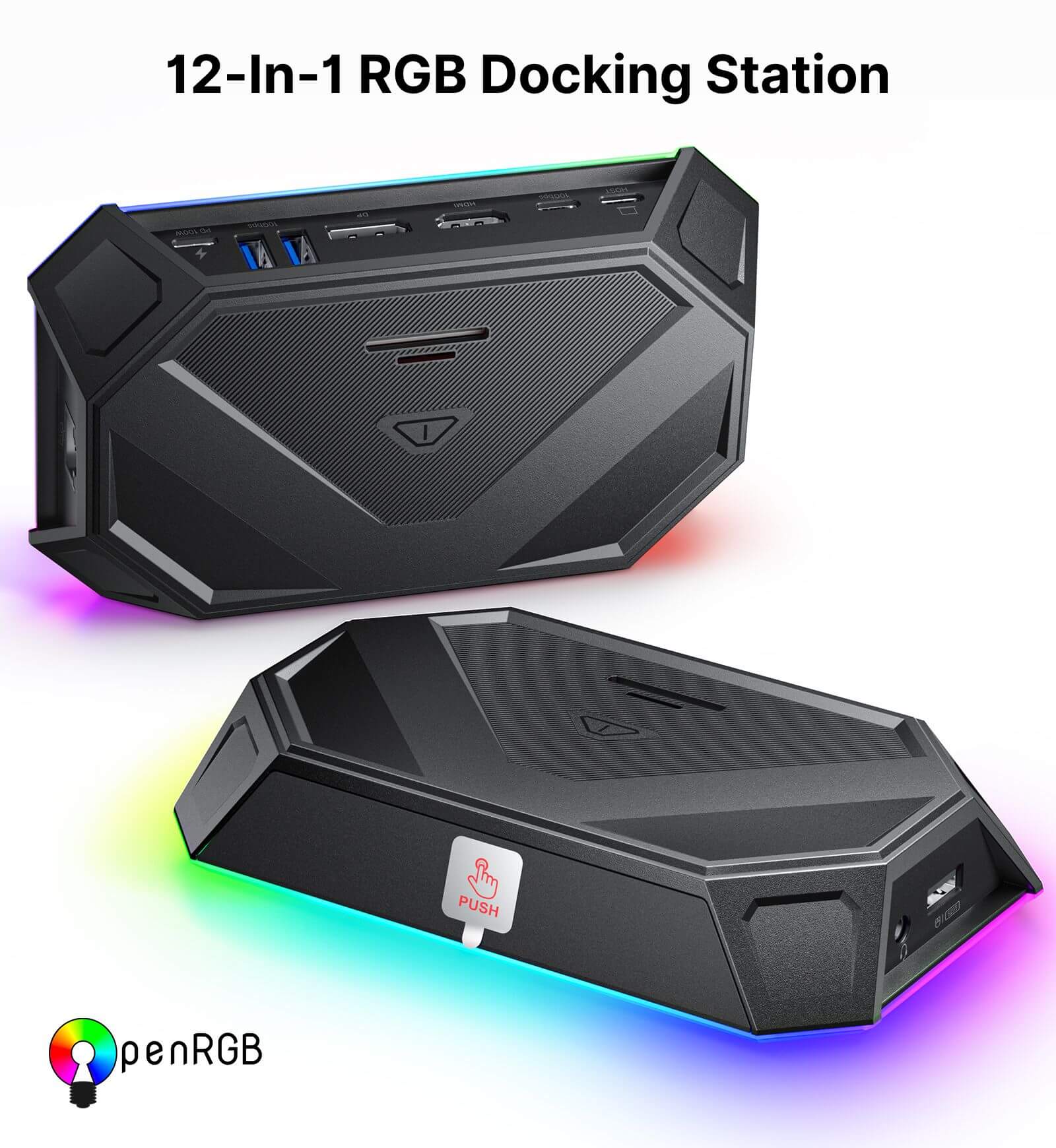
- 【12-In-1 RGB Docking Station】:12-in-1 RGB docking station has 12 functional ports, including 1* HDMI port, 2*USB-A 3.2, 1*USB-A 2.0,1*Gigabit Ethernet port, 1*USB-C PD port, 1*3.5mm audio interface,1*TF card slot, 1*SD card slot,1*IN:USB-C,1*DisplayPort and 1*USB-C 3.2 port.Meet a variety of expansion needs, office, and entertainment are not delayed.(Note: 📢Only HB1201S/HB0801S has gaming features. For detailed comparisons, please see the accompanying images and the 'Comparison Of RGB Docking Station' section.)
- 【6 RGB Lighting Modes】: The RGB docking station comes with RGB lights, with 6 lighting modes, including Direct, Breathing, Rainbow Wave, Spectrum Cycle, Race Cycle, and Stacking, which can be perfectly matched with your desktop or other RGB mouse, keyboard, etc. Connect to PC device via USB-C upstream port and adjust various RGB lighting effects using OpenRGB software controls.
- 【10Gbps Data Transfer & PD100W Charging】:12-In-1 RGB Docking Station offers 2 USB-A 3.2 ports, and 1 USB-C 3.2 port to ensure you get fast data transfer at up to 10Gbps. With a USB-C PD3.0 100W charging port, supports 100W max power input, which can quickly charge your tablets, notebooks, and Steam Deck at full speed, providing a reliable power source for all your devices. (Note: 📢The USB-C 3.2 port only supports data transmission and does not support video output.)
- 【Ultra 4K Output and Dual Screen Display】: 12-In-1 RGB Docking Station HDMI port and DisplayPort outputs up to 4K@120Hz resolution, perfect for mirroring or extending your screen to an HDTV, monitor, or projector to create a cinema-like visual experience. Supports Windows system Dual Screen Display mirror and extend mode(A-AA, A-BB, and A-BC), and can support MAC OS system mirror mode (A-AA and A-BB).
- 【Wide Compatibility】: The RGB Docking Station is compatible with Steam Deck/OLED, ROG Ally/X, Legion Go/2/S, ONE PLAYER, AYN Odin, AYANEO, Razer Edge, Logitech G Cloud,iPad, iPad Pro, phone, etc.📢NOTE: Not compatible with Nintendo Switch.
- 【What's in the package】: HB1201 Set Includes HB1201*1, USB-C to USB-C Cable*1, Stickers*1. HB0801 Kit Includes HB0801*1, USB-C to USB-C Cable*1, Stickers*1.HB1201S Set Includes HB1201S*1, USB-C to USB-C Cable*1. HB0801S Kit Includes HB0801S*1, USB-C to USB-C Cable*1.(📢NOTE: The included USB-C cable may vary from the one shown in the picture, but it won't affect its normal functionality.)
If you need to adjust the RGB lighting effect, please go to the OpenRGB official website and download the OpenRGB 0.9
Note: 📢
- It is recommended to use a 100W charger to better experience ROG Ally’s high-performance 30W mode.
- Open the off mode through the OpenRGB software and the entire LED will be turned off, Then turn on other modes to light up the LED; if you press the Hub touch button for 2 seconds, all modes will be turned off (you need to press and hold for two seconds to turn on the Hub light effect switch, Then you can debug other modes through OpenRGB.
- If you encounter any operational issues with your docking station, please ensure that your USB-C cable is correctly connected to the designated 'IN-USB-C' port. We highly recommend using the provided USB-C cable to establish a connection with your device to ensure optimal functionality. If you choose to use an alternative USB-C cable, please ensure that it adheres to the USB-C 3.2 standard.
- The interface labels on the docking station may differ slightly from the image, but their functionality remains the same, so there's no need for concern.
- RGB docking stations are only compatible with the bare ROG Ally X/Legion Go2/Legion Go S unit.
Select Size
Select Color
From $16.10
Original: $45.99
-65%RGB Docking Station—
$45.99
$16.10Product Information
Product Information
Shipping & Returns
Shipping & Returns
Description
- 【12-In-1 RGB Docking Station】:12-in-1 RGB docking station has 12 functional ports, including 1* HDMI port, 2*USB-A 3.2, 1*USB-A 2.0,1*Gigabit Ethernet port, 1*USB-C PD port, 1*3.5mm audio interface,1*TF card slot, 1*SD card slot,1*IN:USB-C,1*DisplayPort and 1*USB-C 3.2 port.Meet a variety of expansion needs, office, and entertainment are not delayed.(Note: 📢Only HB1201S/HB0801S has gaming features. For detailed comparisons, please see the accompanying images and the 'Comparison Of RGB Docking Station' section.)
- 【6 RGB Lighting Modes】: The RGB docking station comes with RGB lights, with 6 lighting modes, including Direct, Breathing, Rainbow Wave, Spectrum Cycle, Race Cycle, and Stacking, which can be perfectly matched with your desktop or other RGB mouse, keyboard, etc. Connect to PC device via USB-C upstream port and adjust various RGB lighting effects using OpenRGB software controls.
- 【10Gbps Data Transfer & PD100W Charging】:12-In-1 RGB Docking Station offers 2 USB-A 3.2 ports, and 1 USB-C 3.2 port to ensure you get fast data transfer at up to 10Gbps. With a USB-C PD3.0 100W charging port, supports 100W max power input, which can quickly charge your tablets, notebooks, and Steam Deck at full speed, providing a reliable power source for all your devices. (Note: 📢The USB-C 3.2 port only supports data transmission and does not support video output.)
- 【Ultra 4K Output and Dual Screen Display】: 12-In-1 RGB Docking Station HDMI port and DisplayPort outputs up to 4K@120Hz resolution, perfect for mirroring or extending your screen to an HDTV, monitor, or projector to create a cinema-like visual experience. Supports Windows system Dual Screen Display mirror and extend mode(A-AA, A-BB, and A-BC), and can support MAC OS system mirror mode (A-AA and A-BB).
- 【Wide Compatibility】: The RGB Docking Station is compatible with Steam Deck/OLED, ROG Ally/X, Legion Go/2/S, ONE PLAYER, AYN Odin, AYANEO, Razer Edge, Logitech G Cloud,iPad, iPad Pro, phone, etc.📢NOTE: Not compatible with Nintendo Switch.
- 【What's in the package】: HB1201 Set Includes HB1201*1, USB-C to USB-C Cable*1, Stickers*1. HB0801 Kit Includes HB0801*1, USB-C to USB-C Cable*1, Stickers*1.HB1201S Set Includes HB1201S*1, USB-C to USB-C Cable*1. HB0801S Kit Includes HB0801S*1, USB-C to USB-C Cable*1.(📢NOTE: The included USB-C cable may vary from the one shown in the picture, but it won't affect its normal functionality.)
If you need to adjust the RGB lighting effect, please go to the OpenRGB official website and download the OpenRGB 0.9
Note: 📢
- It is recommended to use a 100W charger to better experience ROG Ally’s high-performance 30W mode.
- Open the off mode through the OpenRGB software and the entire LED will be turned off, Then turn on other modes to light up the LED; if you press the Hub touch button for 2 seconds, all modes will be turned off (you need to press and hold for two seconds to turn on the Hub light effect switch, Then you can debug other modes through OpenRGB.
- If you encounter any operational issues with your docking station, please ensure that your USB-C cable is correctly connected to the designated 'IN-USB-C' port. We highly recommend using the provided USB-C cable to establish a connection with your device to ensure optimal functionality. If you choose to use an alternative USB-C cable, please ensure that it adheres to the USB-C 3.2 standard.
- The interface labels on the docking station may differ slightly from the image, but their functionality remains the same, so there's no need for concern.
- RGB docking stations are only compatible with the bare ROG Ally X/Legion Go2/Legion Go S unit.