✨ New Arrivals Just Dropped!Explore
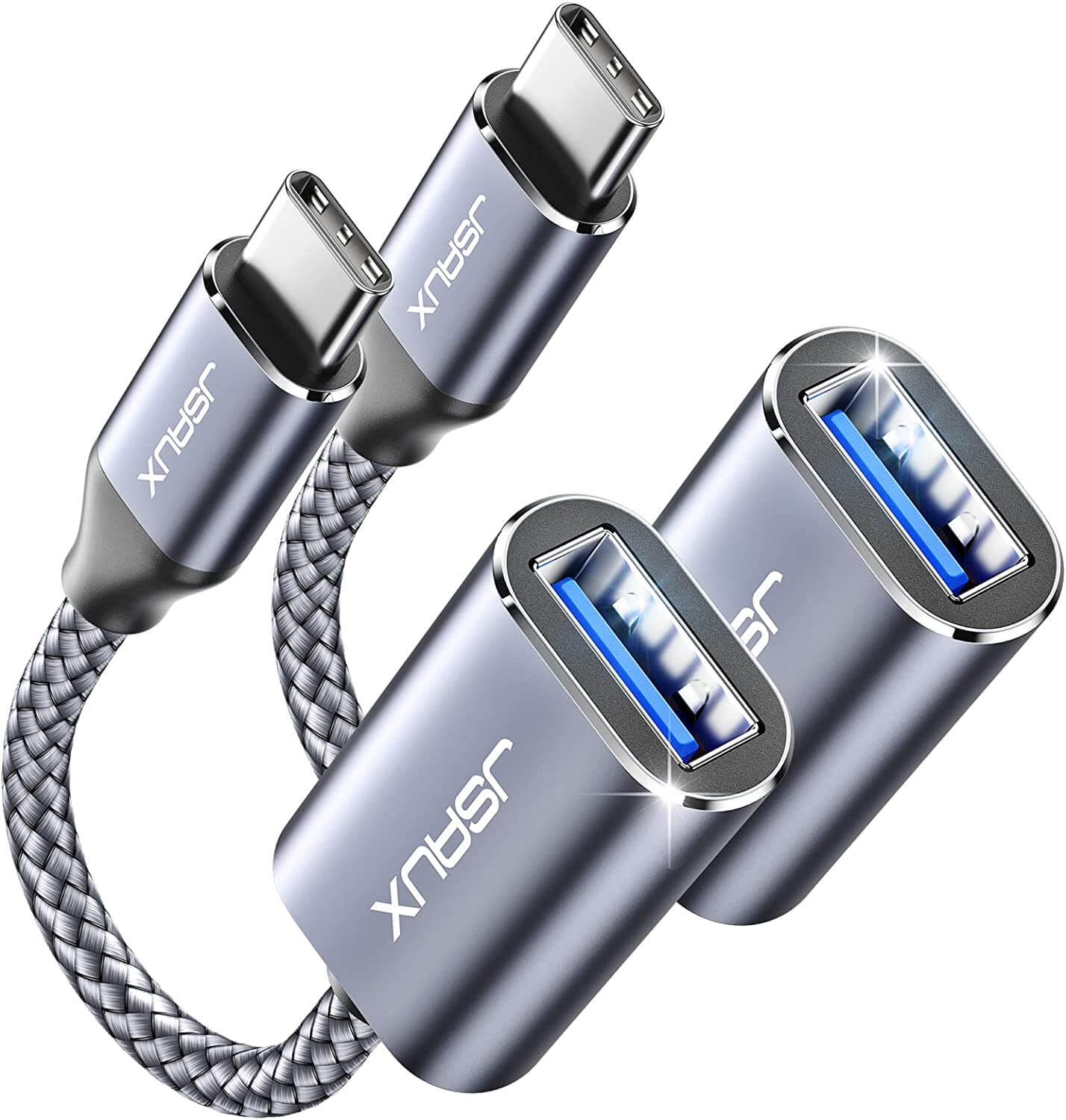
USB-C to USB 3.0 OTG Cable
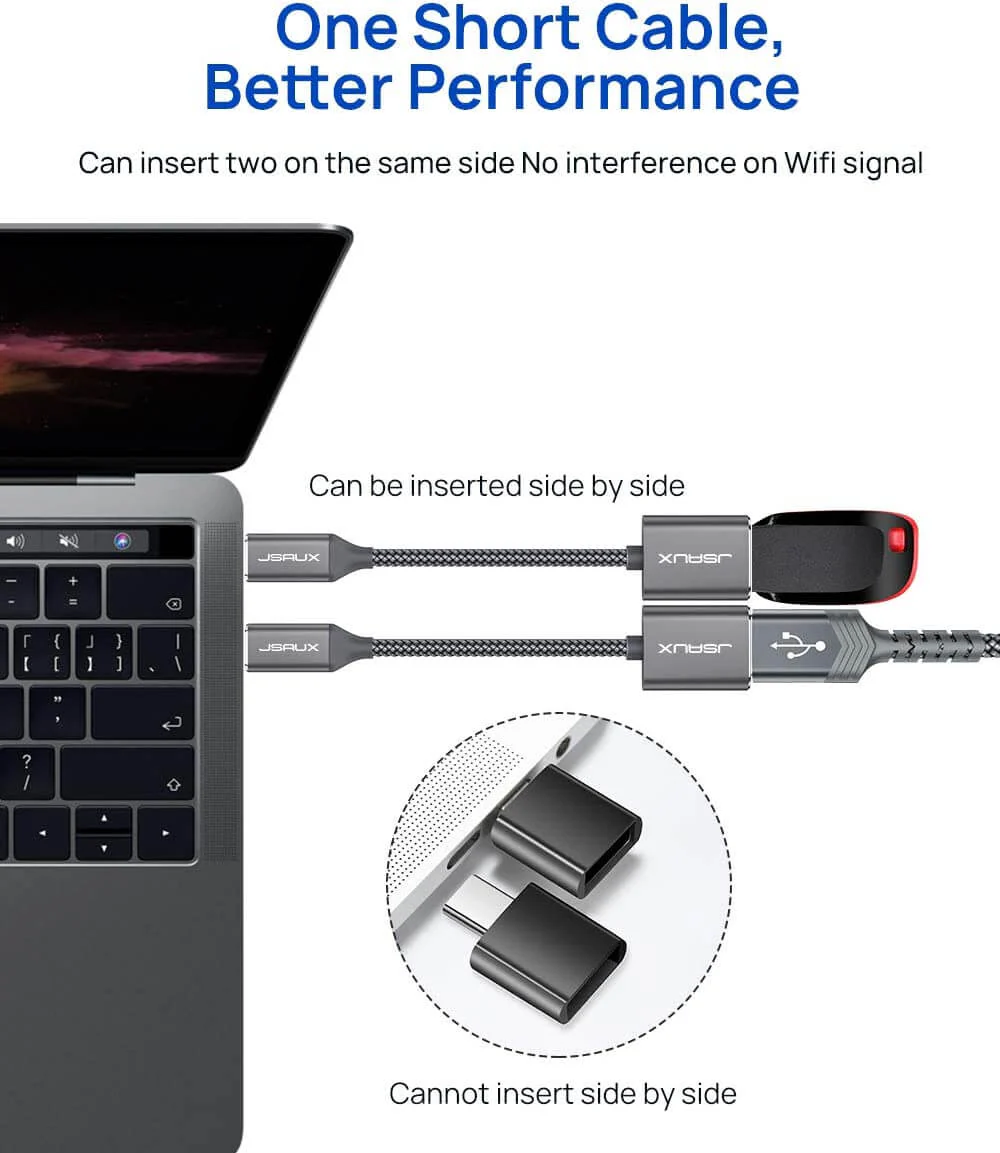
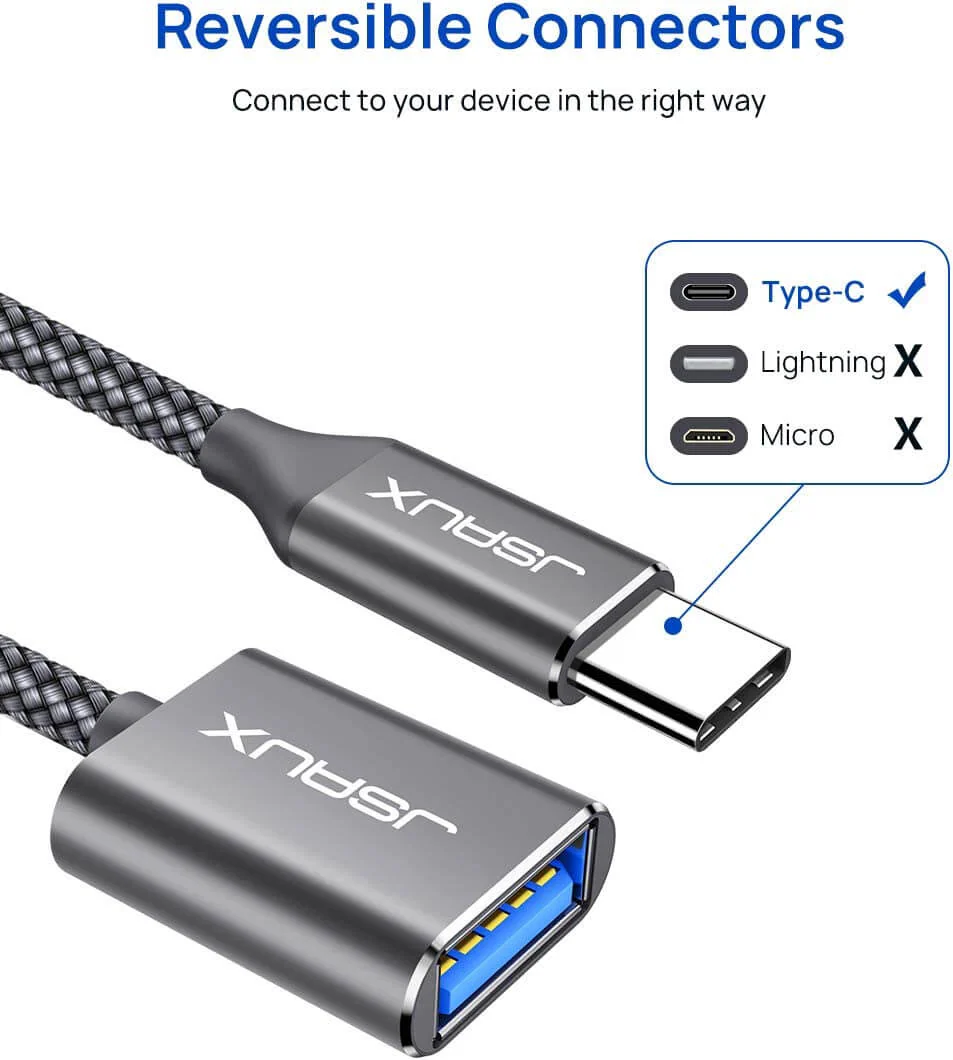
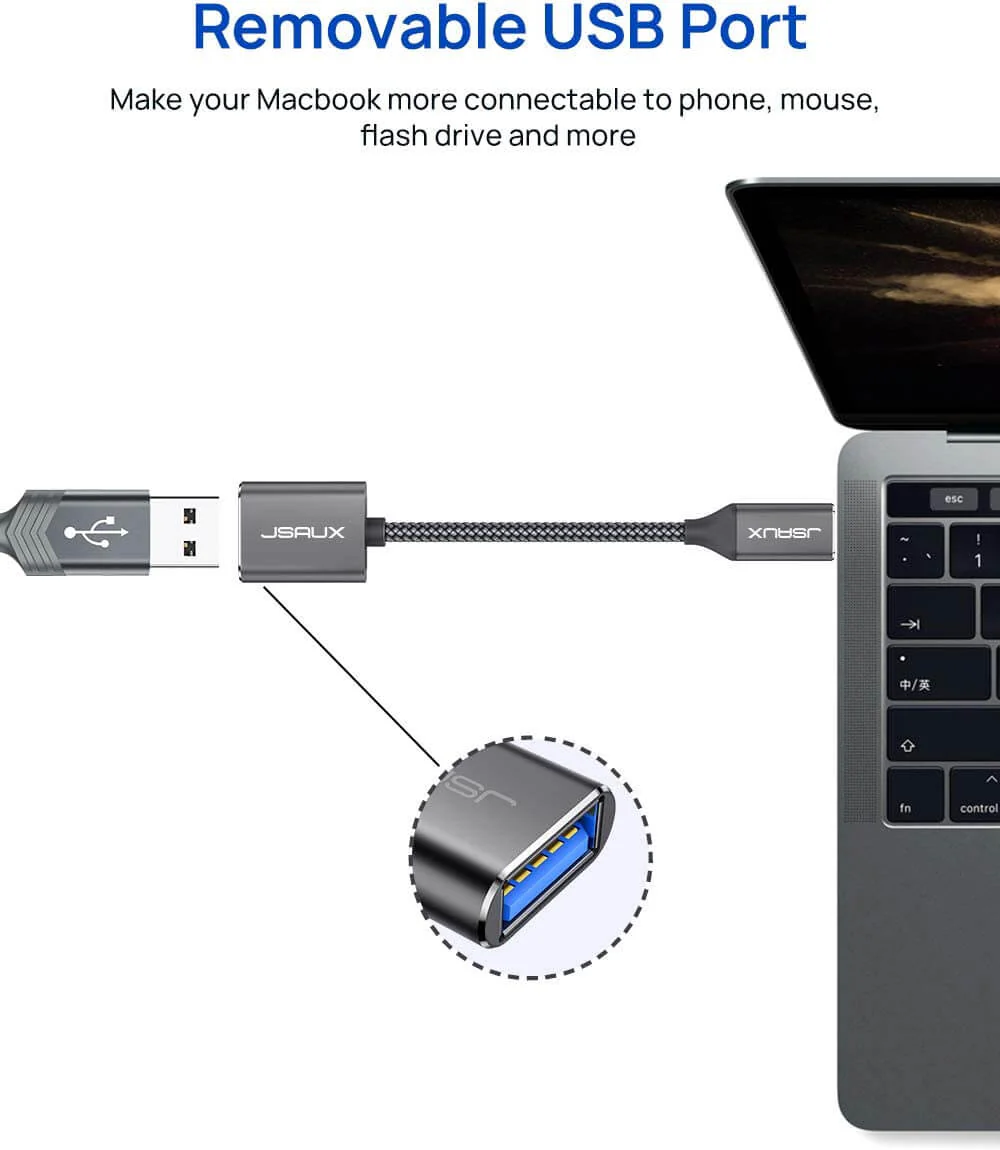
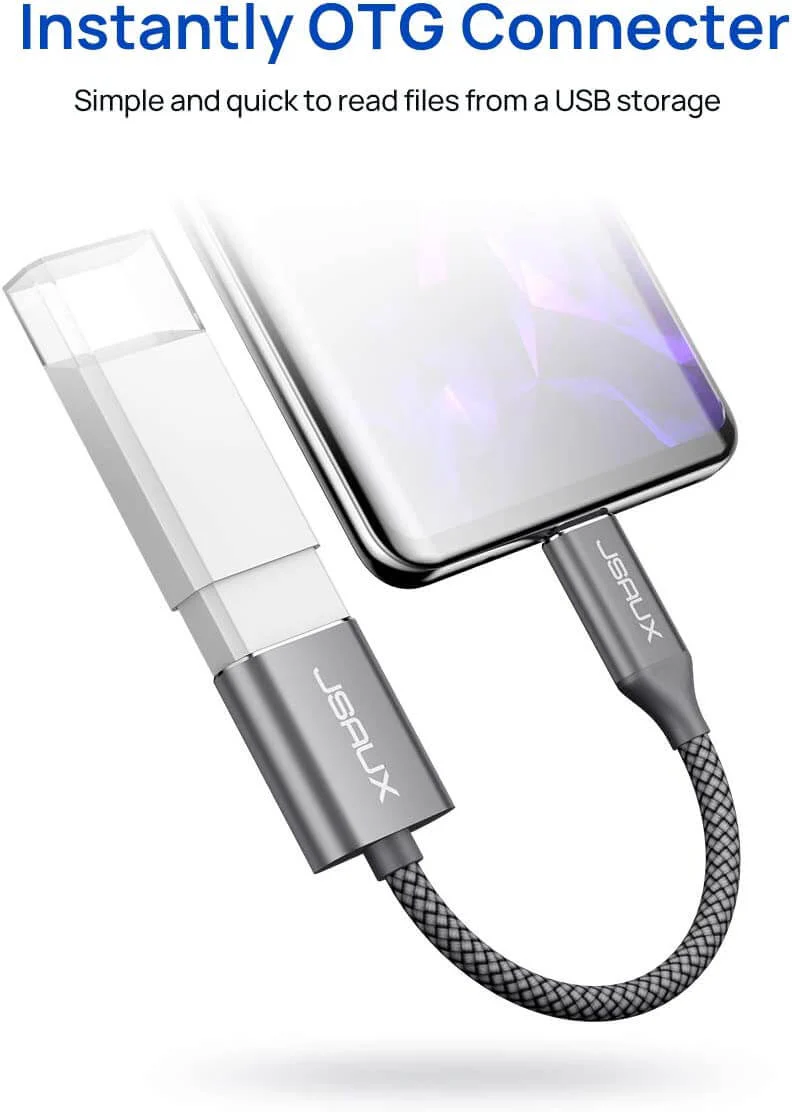
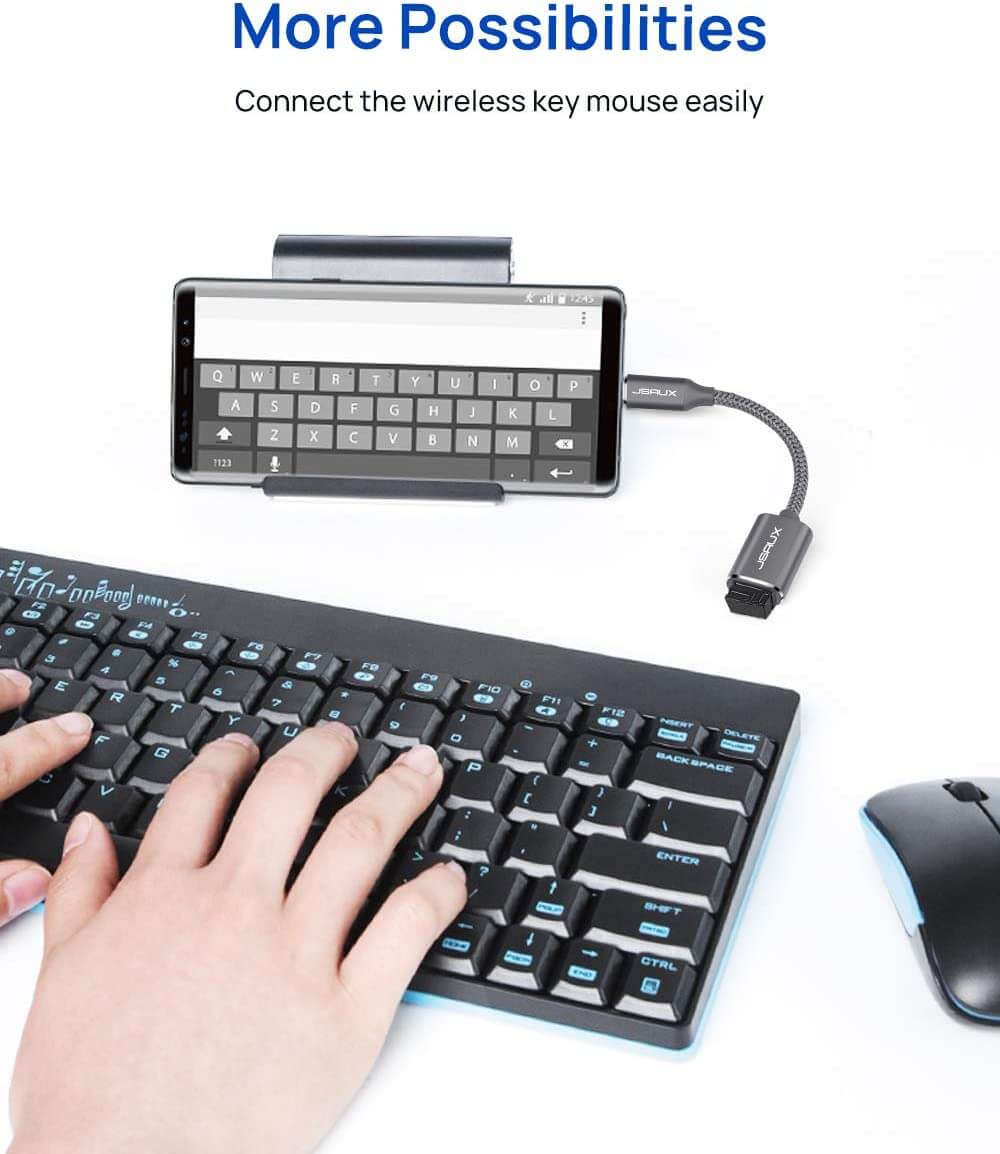
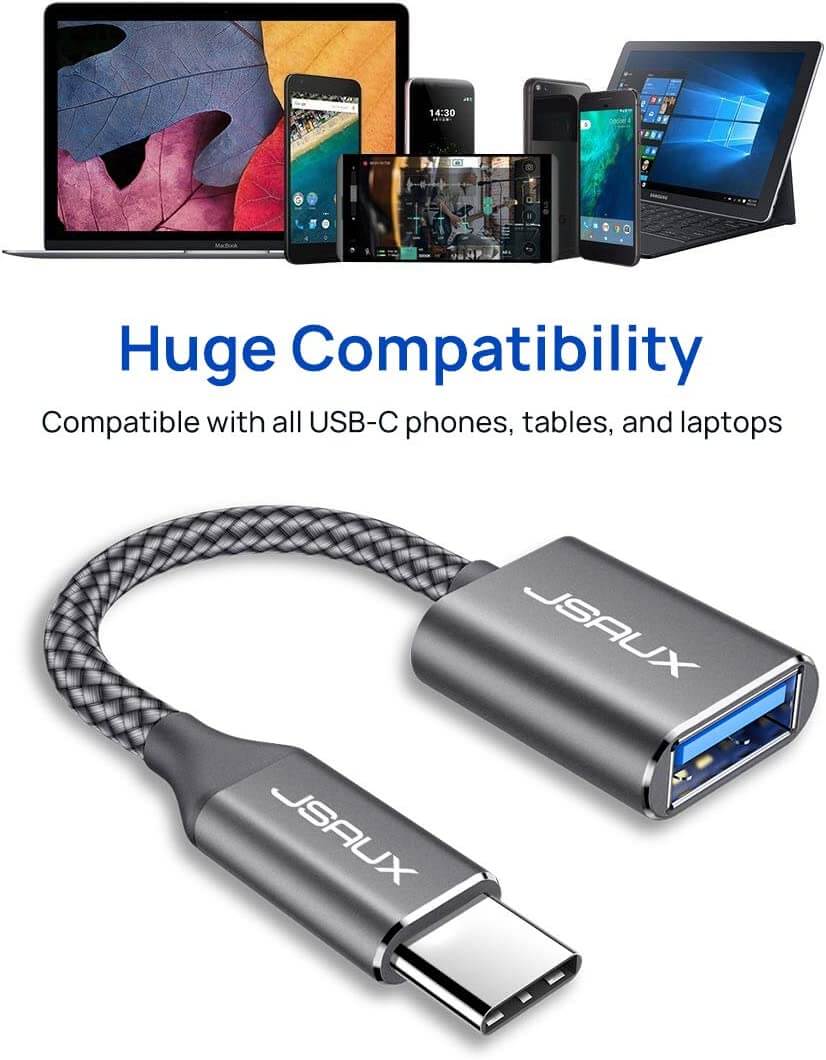
- USB On-The-Go: Plug in and use computer peripherals, such as flash drive, keyboard, hub, mouse, and more, which makes your USB-C devices compatible with USB drives and any other USB devices that support USB On-The-Go.
- USB 3.0 Super Speed Transfer: Full USB 3.0 super speed data transfer up to 5Gbps, 10x faster than USB 2.0. Transfer files, HD movies, and songs to your USB-C devices in seconds.
- Nylon Tangle-free Design: Tangle-free Nylon Braided Design, this USB 3.0 Cord is far more dependable than others in its price range. Premium nylon braided cable adds additional durability and tangles free.
- Durable Aluminum Body: Made out of durable aluminum alloy, innovative engineering ensures durability and a long life span.
NOTE:-iPhone 15 needs to turn on assistive touch when connecting to the mouse (Settings-Assistive Functions-Touch-Assistive Touch-Enabled).
Product Information
Product Information
Shipping & Returns
Shipping & Returns
USB-C to USB 3.0 OTG Cable
USB-C to USB 3.0 OTG Cable
- USB On-The-Go: Plug in and use computer peripherals, such as flash drive, keyboard, hub, mouse, and more, which makes your USB-C devices compatible with USB drives and any other USB devices that support USB On-The-Go.
- USB 3.0 Super Speed Transfer: Full USB 3.0 super speed data transfer up to 5Gbps, 10x faster than USB 2.0. Transfer files, HD movies, and songs to your USB-C devices in seconds.
- Nylon Tangle-free Design: Tangle-free Nylon Braided Design, this USB 3.0 Cord is far more dependable than others in its price range. Premium nylon braided cable adds additional durability and tangles free.
- Durable Aluminum Body: Made out of durable aluminum alloy, innovative engineering ensures durability and a long life span.
NOTE:-iPhone 15 needs to turn on assistive touch when connecting to the mouse (Settings-Assistive Functions-Touch-Assistive Touch-Enabled).
$3.15
Original: $8.99
-65%USB-C to USB 3.0 OTG Cable—
$8.99
$3.15Product Information
Product Information
Shipping & Returns
Shipping & Returns
Description
- USB On-The-Go: Plug in and use computer peripherals, such as flash drive, keyboard, hub, mouse, and more, which makes your USB-C devices compatible with USB drives and any other USB devices that support USB On-The-Go.
- USB 3.0 Super Speed Transfer: Full USB 3.0 super speed data transfer up to 5Gbps, 10x faster than USB 2.0. Transfer files, HD movies, and songs to your USB-C devices in seconds.
- Nylon Tangle-free Design: Tangle-free Nylon Braided Design, this USB 3.0 Cord is far more dependable than others in its price range. Premium nylon braided cable adds additional durability and tangles free.
- Durable Aluminum Body: Made out of durable aluminum alloy, innovative engineering ensures durability and a long life span.
NOTE:-iPhone 15 needs to turn on assistive touch when connecting to the mouse (Settings-Assistive Functions-Touch-Assistive Touch-Enabled).